17
OPERATION
My Cycle
Used to define and save your favourite programme, which is used frequently.
1.Select the desired programme and other drying functions.
2.Press and hold the【Intensity】button for 3 seconds until the beep sounds and the desired programme has been saved.
3. Turn the programme selector to the 【My Cycle】position, then you can start your favorite programme.
If you want to change the 【My Cycle】settings, repeat the steps 1 and 2.
My Cycle
Child Lock
1.This machine incorporates a special child safety lock, which can prevent children from carelessly pressing
buttons or making faulty operation.
2.When the drying cycle is running, press the【Time】and【Anti-Crease】buttons for 3seconds to activate the
child lock function.
3.When child lock function is set, the display will show the child lock icon and all button are deactivated, except
【On/Off】button.
4.To deactivate the child lock function, the【Time】and【Anti-Crease】buttons shall be pressed for 3 seconds.
Child Lock
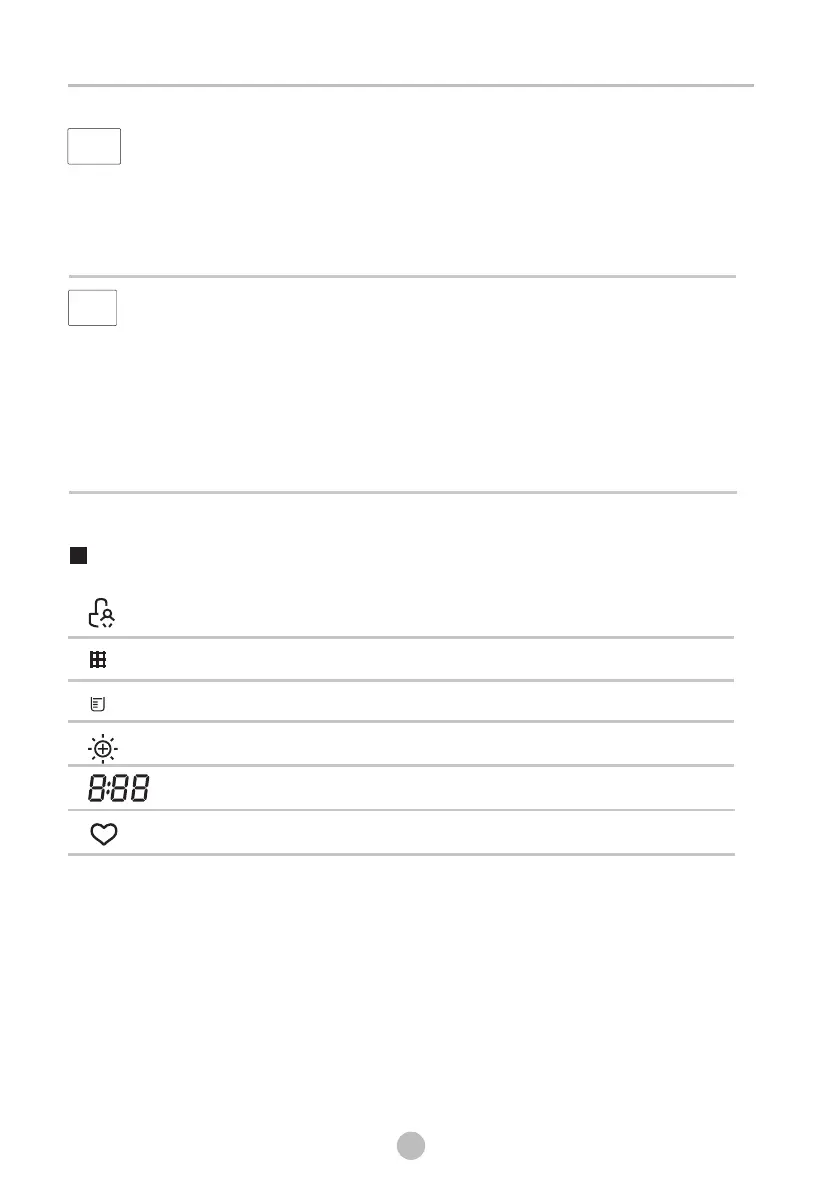
Display
Remaining Time indicator/Error message
Clean filter (warning)
Empty water container (warning)
Intensity
My cycle
Child lock



 To Next Page