ON/OFF
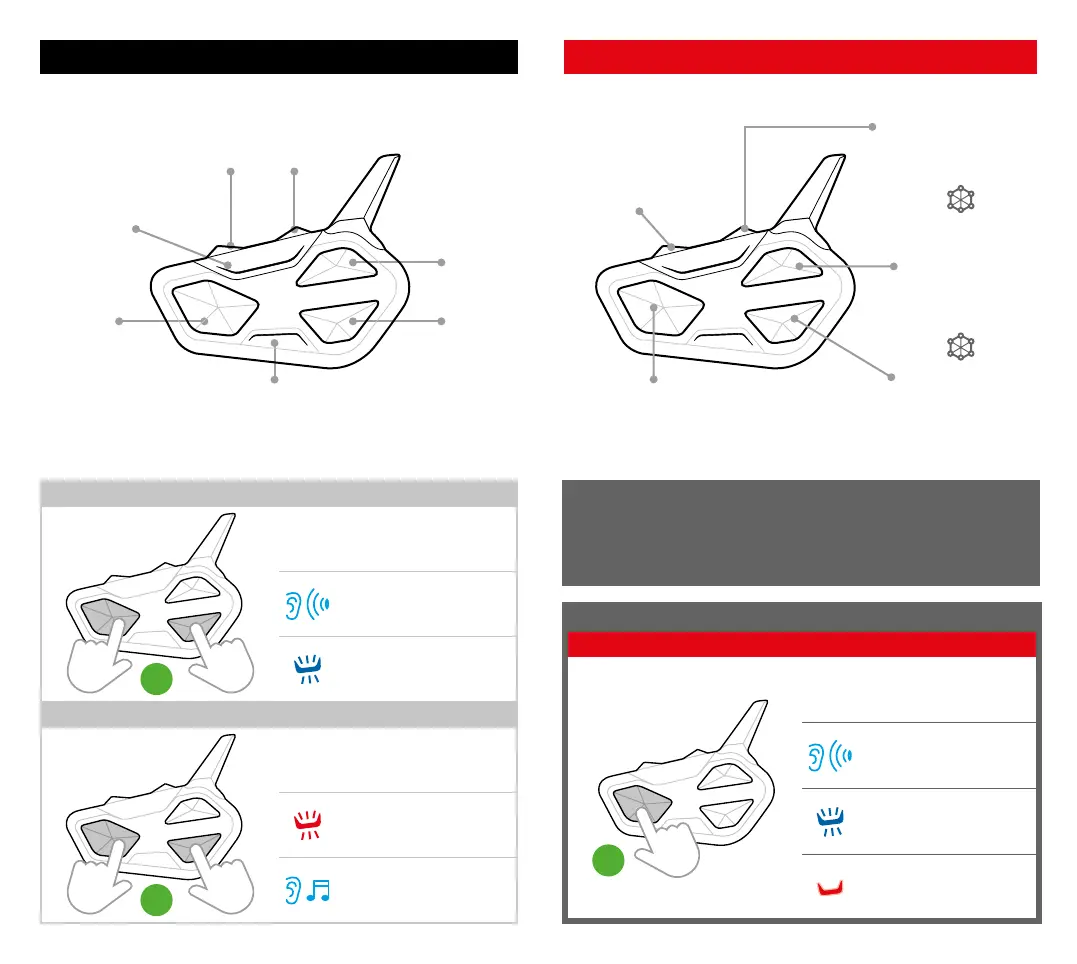
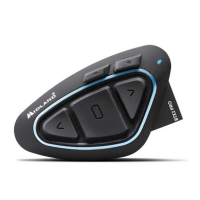
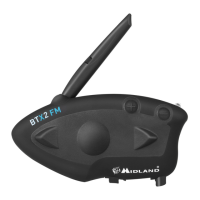
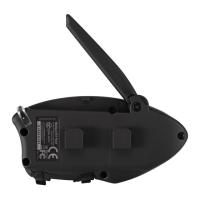
DESCRIPTION OF BUTTONS
Vol +
Vol -
Led
Led
SWITCH ON
3”
Press for 3 seconds
Beep
Flashes
SWITCH OFF
3”
Press together for 3 sec.
Flashes
Notification jingle
DESCRIPTION OF BUTTONS
Main pairing:
Phone, TFT, GPS
(Mono/Stereo)
Secondary pairing wih:
GPS, 2nd phone
(Mono)
Pairing with:
MIdland Intercom, OBI,
Universal Intercom
Pairing with:
MIdland Intercom, OBI,
Universal Intercom
PAIRINGS
ACCESS SETTINGS
Status: device oStatus: device o
7”
Press 7 seconds
Beep
Flashes
Steady
To carry out any pairing, you need to access Settings. If the Control
button is pressed less than 7 seconds, the device will turn on instead of
accessing Settings. Should this happen, repeat the procedure.
Pairing with:
MIdland Intercom, OBI,
Universal Intercom
(VOX, Music share)
CONFERENCE
CONFERENCE
Control
Button
Up
Button
Down
Button



 To Next Page