OPERATING MODES
A. Intercom Mode: to communicate with another device.
B. Phone Mode: for phone calls or for managing music.
C. FM Radio Mode: to listen to radio, search and store stations.
Note: Phone mode and Intercom mode are enabled only when your intercom
is paired to other devices.
SELECT THE OPERATING MODE
Status: unit on
3”
INTERCOM MODE --> CONFERENCE
PHONE MODE FM RADIO MODE
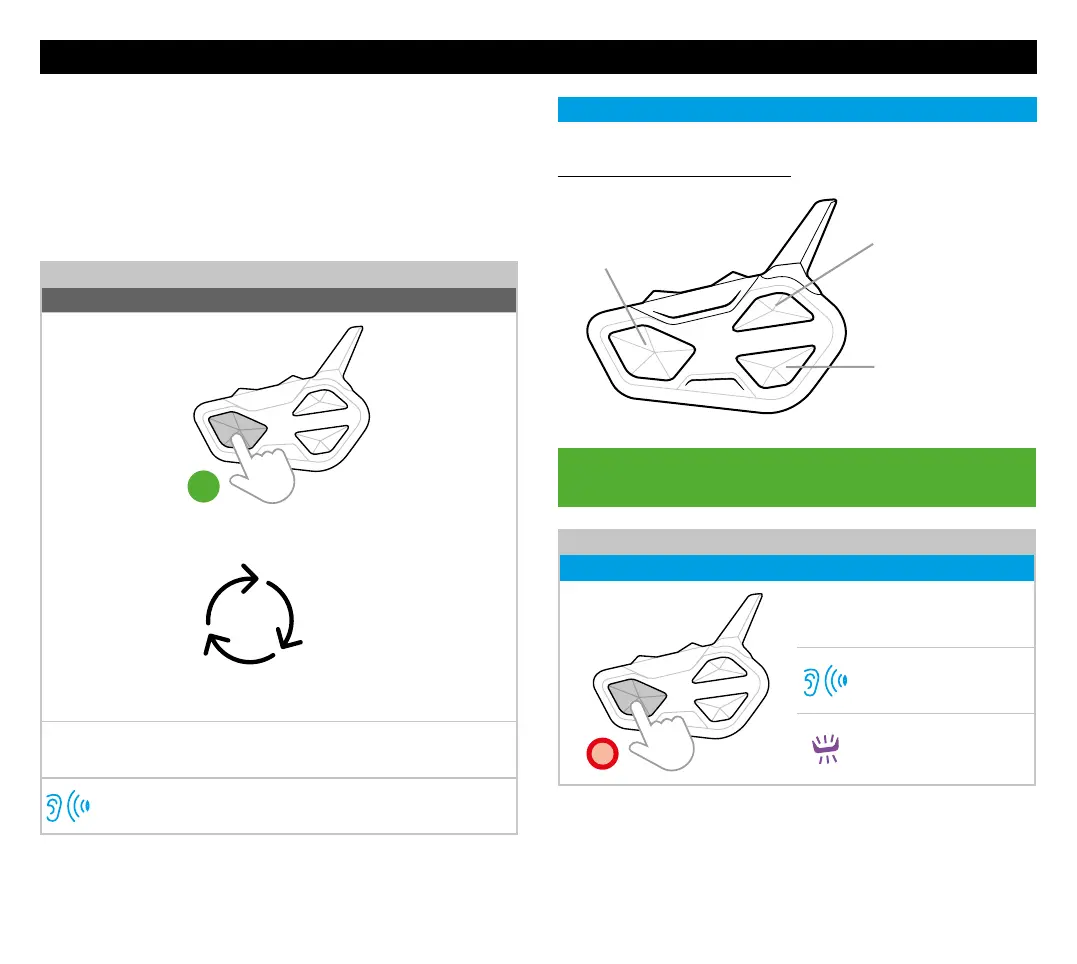
Press for 3 seconds to change mode or keep pressed to scroll
quickly
Operating mode status
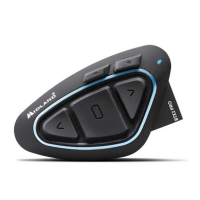
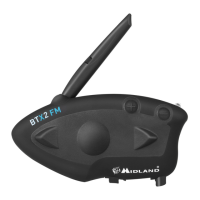
Note: By pressing briefly Vol + and Vol - together, BTR1 Advanced
communicates the selected operating mode.
INTERCOM MODE
FUNCTIONS DESCRIPTION
Control button - Rider 1
(Passenger or favourite rider)
(Midland/OBI/Universal
Intercom)
Up button - Rider 2:
(Midland/OBI/Uni-
versal Intercom)
Down button - Rider 3:
(Midland/OBI/Universal
Intercom)
OPEN/CLOSE INTERCOM MANUALLY
Status: Intercom mode
x1
Press once the button used for
the Midland/OBI pairing
Beep
Flashes
Note: to communicate with Rider 2-3 repeat the procedure by pressing Up
(Rider 2) / Down (Rider 3).
SHORTCUT: in Intercom mode press twice the buttons for
the phone functionalities.
Press once the keys to activate:


 To Next Page