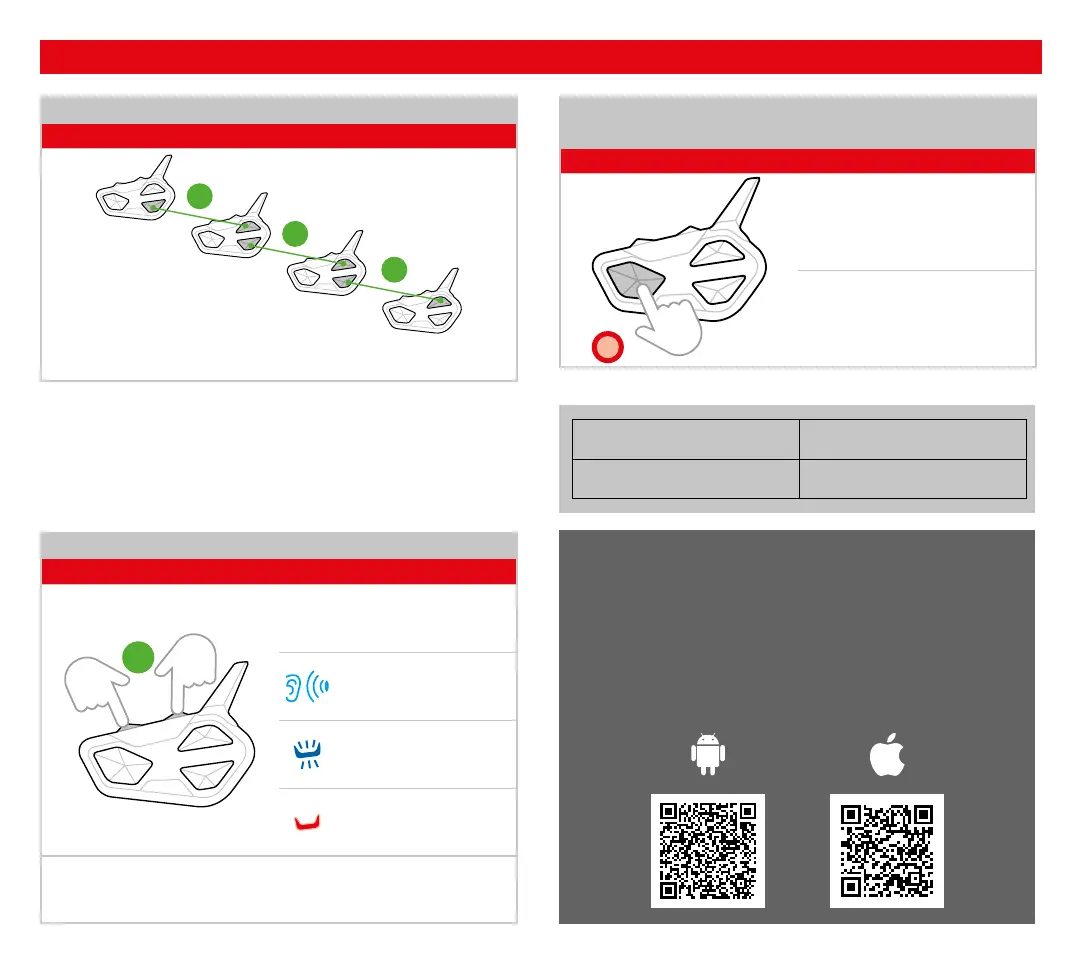
PAIRING 4 UNITS IN CONFERENCE
Status: Settings (steady red led)
3”
3”
3”
Note: the Conference allows the simultaneous communication amongs
Midland units. Units must be paired in a “chain” configuration.
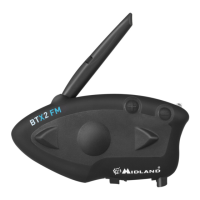
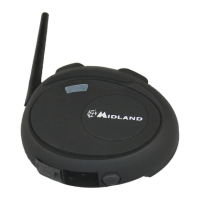
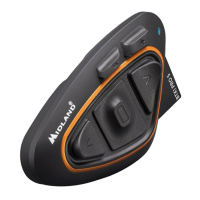
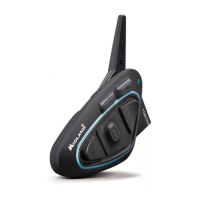
Down Button of Unit 1 with Up Button of Unit 2
Down Button of Unit 2 with Up Button of Unit 3
Down Button of Unit 3 with Up Button of Unit 4
PAIRINGS
BLUETOOTH PAIRINGS RESET
Status: Settings (steady red led)
3”
Press together for 3 seconds
Beep
Confirmation (1 sec.)
Steady
Exit the Settings mode (Press the Control button twice)
EXIT SETTINGS MODE
INTERRUPT PAIRING
Status: Settings (steady red led)
x2
Press twice
Blinking changes
Go to our website midlandeurope.com,
download the complete manual and the
BT Updater software.
Customize your intercom and discover all the
functions with the Midland Connect.
Download it here:
Frequency (GHz) Max power (mW)
2.402 - 2.480 100
1
4
2
3



 To Next Page