M
__
o_de_I_E_R_3_10
_____________
'fb
~I
DLAN
o
Using the Weather Radio
About NOAAINWS
The National Oceanic Atmospheric Administration and the National
Weather Service operates a system
of
weather and hazard alert
broadcasts covering most
of
the United States. Typical broadcasts
are within reception distance
of
25-50 miles
of
the weather
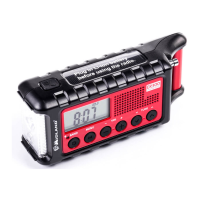
station. Fully extend the telescopic antenna and rotate until
reception is clear. The
ER31
0 can receive broadcasts up to 50
miles from the weather station depending on your location and
conditions
of
weather, terrain, etc. If reception is not good, try a
different location to find a spot
of
improved reception. If indoors,
placement near a window usually improves reception. If a weather
broadcast cannot be heard on any
of
the 7 channels, contact your
local NOAAINWS office and verify the closest station is on air.
Their web site is http://www.nws.noaa.gov/nwr/.
Selecting a Weather Channel
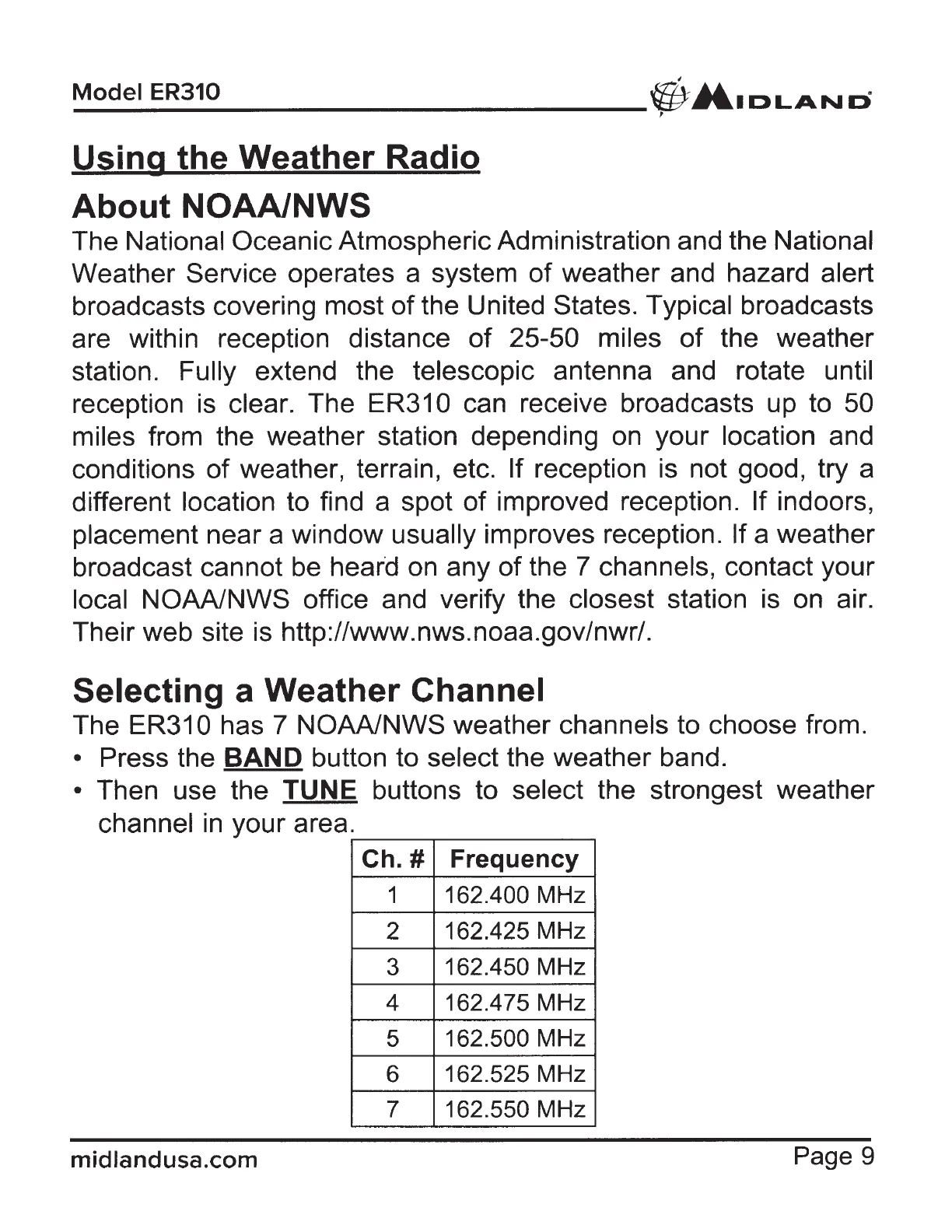
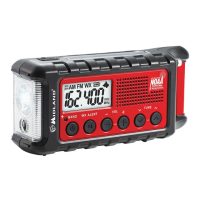
The ER310 has 7 NOAAINWS weather channels to choose from.
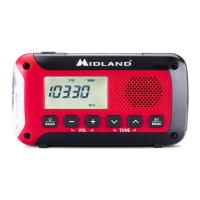
• Press the BAND button to select the weather band.
• Then use the TUNE buttons to select the strongest weather
channel
in
your area.
Ch. # Frequency
1
162.400 MHz
2
162.425 MHz
3
162.450 MHz
4 162.475 MHz
5
162.500 MHz
6
162.525 MHz
7 162.550 MHz
midlandusa.com
Page 9









 To Next Page