EasyManua.ls Logo

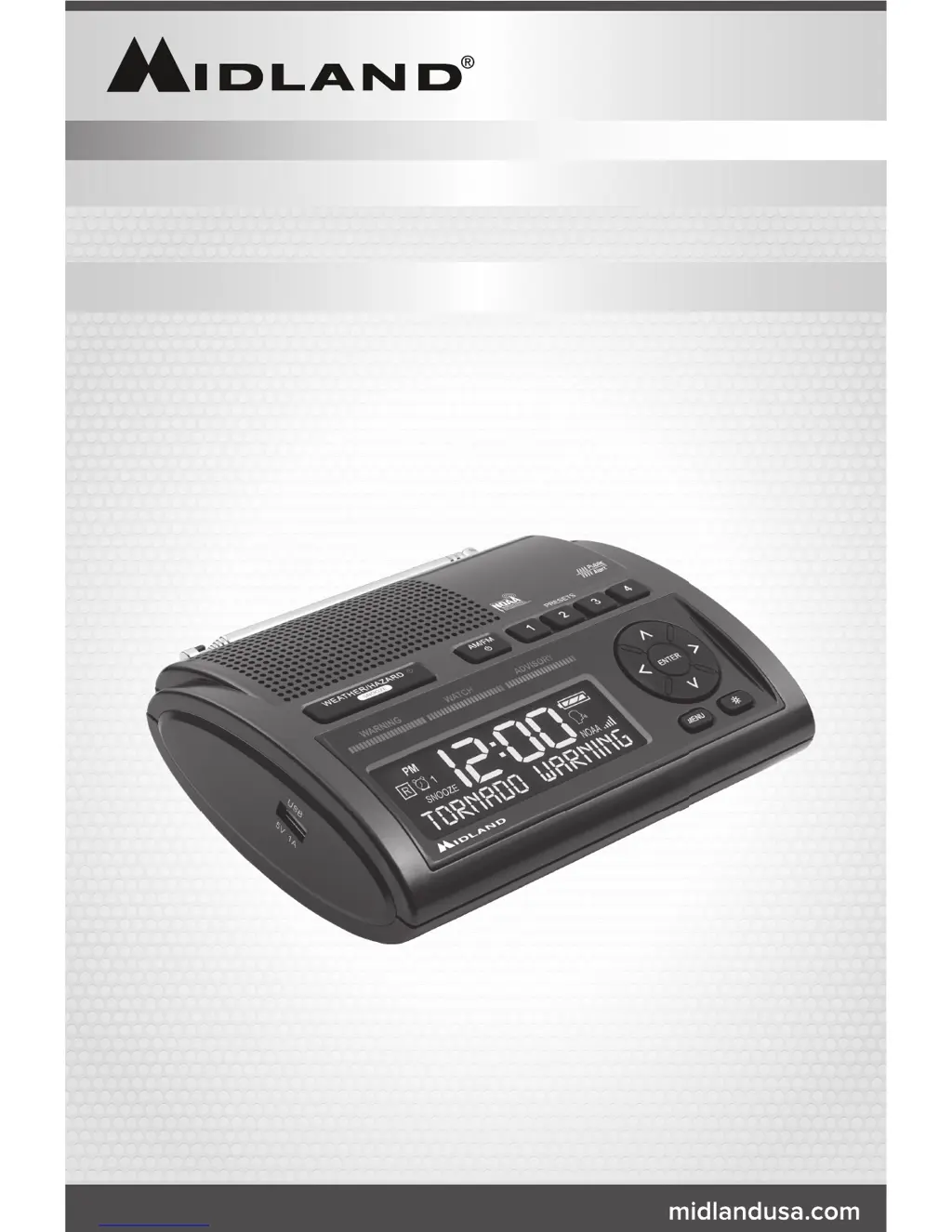
Midland WR400 - User Manual

Midland WR400
20 pages
Print Icon
To Next Page IconTo Next Page
Loading...
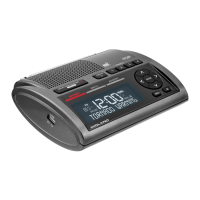
ALL HAZARDS WEATHER ALERT RADIO
WR400

Other manuals for Midland WR400

Questions and Answers

  • O
    olopezJul 27, 2025
    What to do if my Midland Weather Radio is not responding to NWS weather alert broadcasts?
    • F
      fostermatthewJul 27, 2025
      First, verify that you have programmed the correct S.A.M.E. County Code(s) into your Midland Weather Radio. It's also a good idea to check with the NWS (National Weather Service) to confirm that the broadcast tower is currently active and transmitting alerts.
  • J
    Jamie RamirezJul 31, 2025
    How to troubleshoot a Midland Weather Radio with no power?
    • T
      Timothy ThomasAug 1, 2025
      If your Midland Weather Radio has no power, ensure the AC Power Adapter is securely plugged into both the DC jack on the back of the weather radio and the wall outlet. Also, make sure batteries are installed in case the AC power fails.
  • S
    Shawn TaylorAug 6, 2025
    Why is my Midland WR400 Weather Radio not responding to NWS weather alerts?
    • C
      Chelsea GilbertAug 6, 2025
      Your Midland Weather Radio might not be responding to NWS weather alert broadcasts because the S.A.M.E. County Codes programmed may be incorrect. You should check that you have programmed in the correct S.A.M.E. County Code(s). Also, verify with the NWS that the tower is broadcasting.
  • T
    Terry ShortAug 11, 2025
    Why is there no weather broadcast when I press the WEATHER/SNOOZE button on my Midland Weather Radio?
    • M
      Michael HarrisAug 11, 2025
      If you're not getting a weather broadcast on your Midland Weather Radio, start by making sure the telescoping antenna is fully extended. If you're using an external antenna, check that it's properly connected. Also, ensure that the radio is set to the correct NWS weather channel for your specific area. Contact the NWS to confirm they are currently broadcasting. Proximity to a window may help if you're in a metal structure. You might need an external antenna if you're in a weak signal area.
  • M
    Michael ScottAug 15, 2025
    What to do if my Midland WR400 has no weather broadcast?
    • B
      Brett HernandezAug 16, 2025
      If your Midland Weather Radio isn't picking up weather broadcasts when you press the WEATHER/SNOOZE button, ensure the telescoping antenna is fully extended. If using an external antenna, make sure it's properly connected. Verify that the radio is set to the correct NWS weather channel for your area. Contact NWS to confirm they are broadcasting. If you're in a metal structure, try moving closer to a window. If the signal is weak, you might need an external antenna.
  • J
    Jessica RayAug 20, 2025
    How to fix a Midland WR400 Weather Radio with no sound?
    • R
      Rebecca WebbAug 21, 2025
      If your Midland Weather Radio has no sound, check the VOLUME control to be sure the volume is turned up to an audible level.

Summary

Quick Start Guide

Weather Channel Frequencies

List of NOAA weather radio channels and their corresponding frequencies.

Product Information

Icons on the Display

Explanation of icons displayed on the WR400's LCD screen.

Controls and Functions Overview

Top Panel Controls

Identifies buttons and features on the top surface of the radio.

Side and Back Panel Controls

Details controls and ports located on the sides and back of the radio.

Initial Setup and Configuration

Setting Time and Alarms

Instructions for setting the device's time and configuring alarm functions.

Configuring Weather Radio Settings

Steps to set the weather channel and operate the weather radio.

Setting Location and Alert Preferences

Guidance on setting your geographical location and choosing alert types.

Entering S.A.M.E. County Codes

Procedure for manually entering S.A.M.E. county codes for localized alerts.

Alert Management and System Tests

Selectable Alert Options

How to customize which alert events trigger an audible notification.

Alert Testing and Reviewing

Procedures for testing the alert siren and reviewing past alerts.

NWS Broadcast Information

Details on NWS test signals, reception warnings, and AM/FM radio.

AM;FM Radio Operation

Tuning and Presets

Instructions for tuning AM/FM stations and setting presets.

Radio Reception and System Codes

Information on reception quality, NOAA, NWS, and S.A.M.E. county codes.

Selectable Alert Reference Chart

Customization and Features

Button Beeps and Backlight

Adjusting button beep sounds and LCD backlight brightness.

USB Charge Port Functionality

Information on using the USB port for charging external devices.

Limited Warranty

Troubleshooting Guide

Service and Support

Returning for Service

Instructions and contact information for returning the product for repair or service.

Other Midland Products

Overview of other product categories offered by Midland.

Available Accessories

Regulatory Compliance Statements

S.A.M.E. County Code Record

User Notes

Midland WR400 Specifications

General IconGeneral
BrandMidland
ModelWR400
TypeWeather Radio
Channels7 NOAA Channels
DisplayLCD
BacklightYes
ClockYes
AlarmYes
Power SourceAC Adapter
Battery TypeAA
AlertsSAME (Specific Area Message Encoding)

Related product manuals