7 – Maintenance & Troubleshooting
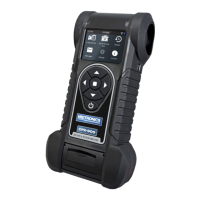
CPX-900
Replacing The Internal Batteries
1. Turn the analyzer face down.
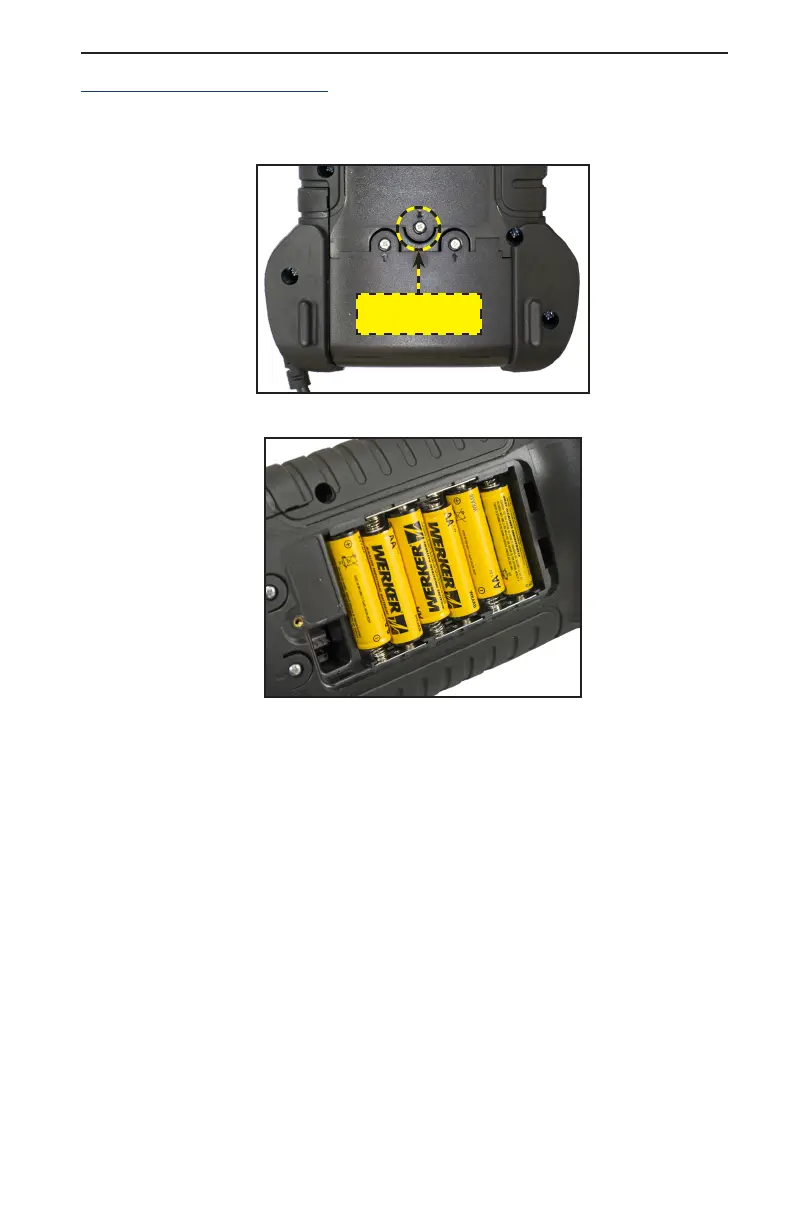
2. Use a Phillips screwdriver to remove the screw securing the door to the battery compartment.
Battery
Cover Screw
3. Lift the door at the tab and place it aside.
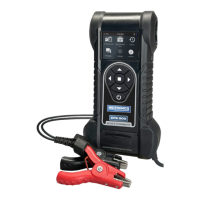
4. Remove the discharged batteries.
5. Insert new batteries as shown. Make sure the positive and negative terminals are positioned
correctly.
6. Reposition the door on the battery compartment.
7. Reinsert and tighten the screw.




 To Next Page