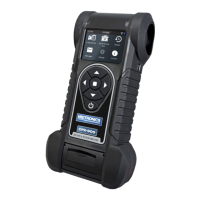
1 – Introduction CPX-900
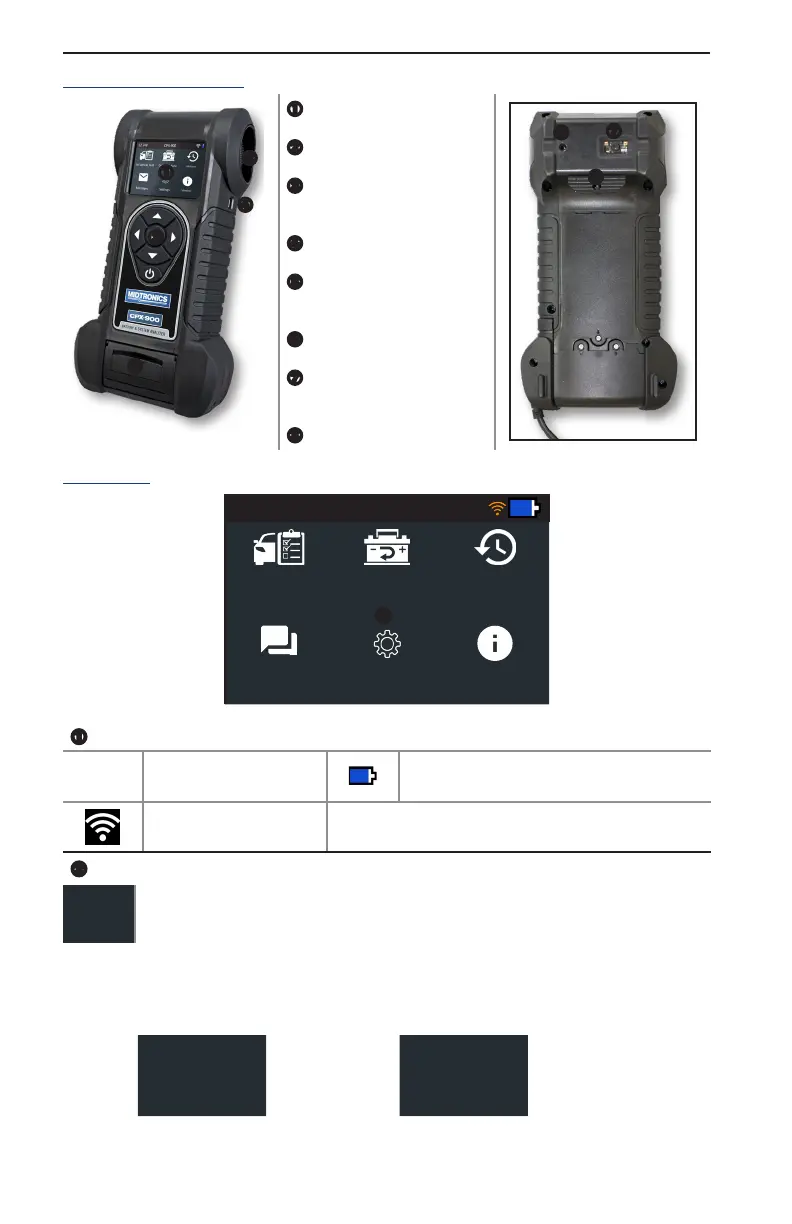
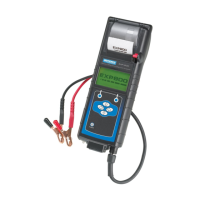
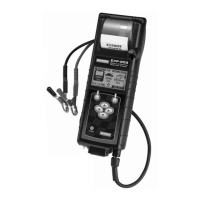
Controls & Connections
Display Screen
Cooling Vent
Arrow Keys & Power But-
ton
Mini-USB Port
Thermal Printer
(optional)
Temperature Sensor
VIN Barcode Scanner
(optional)
Clamp Tabs
Main Menu
12.74V CPX-900
In Vehicle Test
Out of Vehicle
Test
History
Messages
Sengs
Version
Menu Bar
12.74V
Battery Voltage
(if connected)
Controller internal battery status
WiFi signal strength
Main Menu Selection Area
When displayed, the Screen Arrows show which ARROW key on the keypad to press to
display other icons or screens. When displayed under a list of options, the Screen Arrows
show which keypad arrow to press to highlight a character or item in a list.
Additional Screens
The dots at the bottom or side of a menu or results screen indicate additional screens are available,
Screen 1
Screen 2
Screen 3
Press or
Screen 1
Press or
Screen 2




 To Next Page