www.midtronics.com
1 – Introduction & Overview
xMB-9640
13
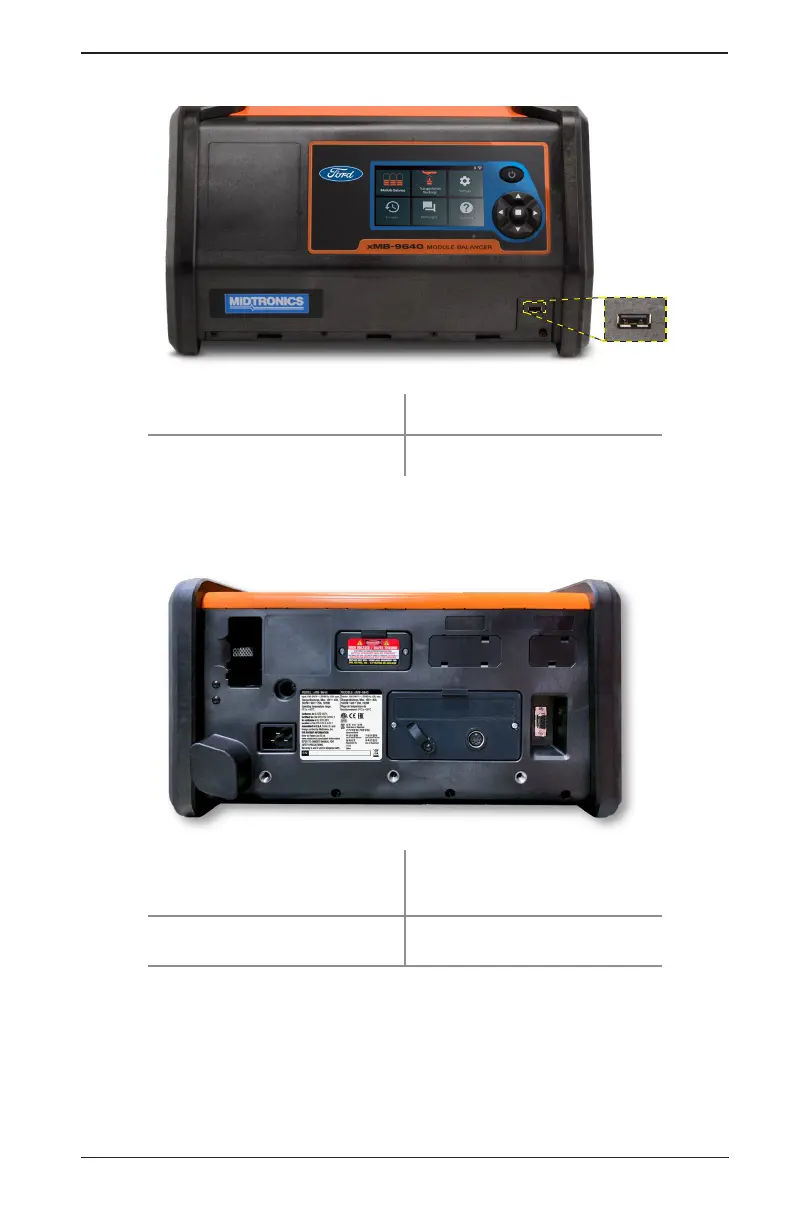
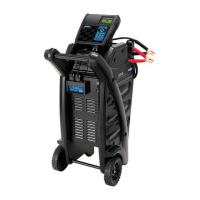
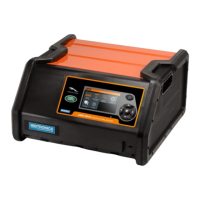
Front View
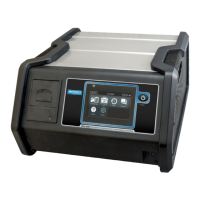
Touch Screen Display Screen Power Button
USB Port 5-button Directional Input Pad
NOTENOTE: It is normal for the xMB-9640 cooling fans to continue running after the screen is turned o
Rear View
HV Common Cable Connection LV Common Cable Connection
Fuse Door Cover Power Cord Socket


 To Next Page