Midtronics Inc. 7000 Monroe Street Willowbrook, IL 60527
16
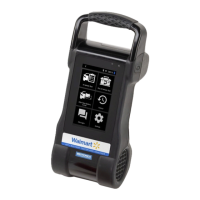
2 – Module Balance xMB-9640
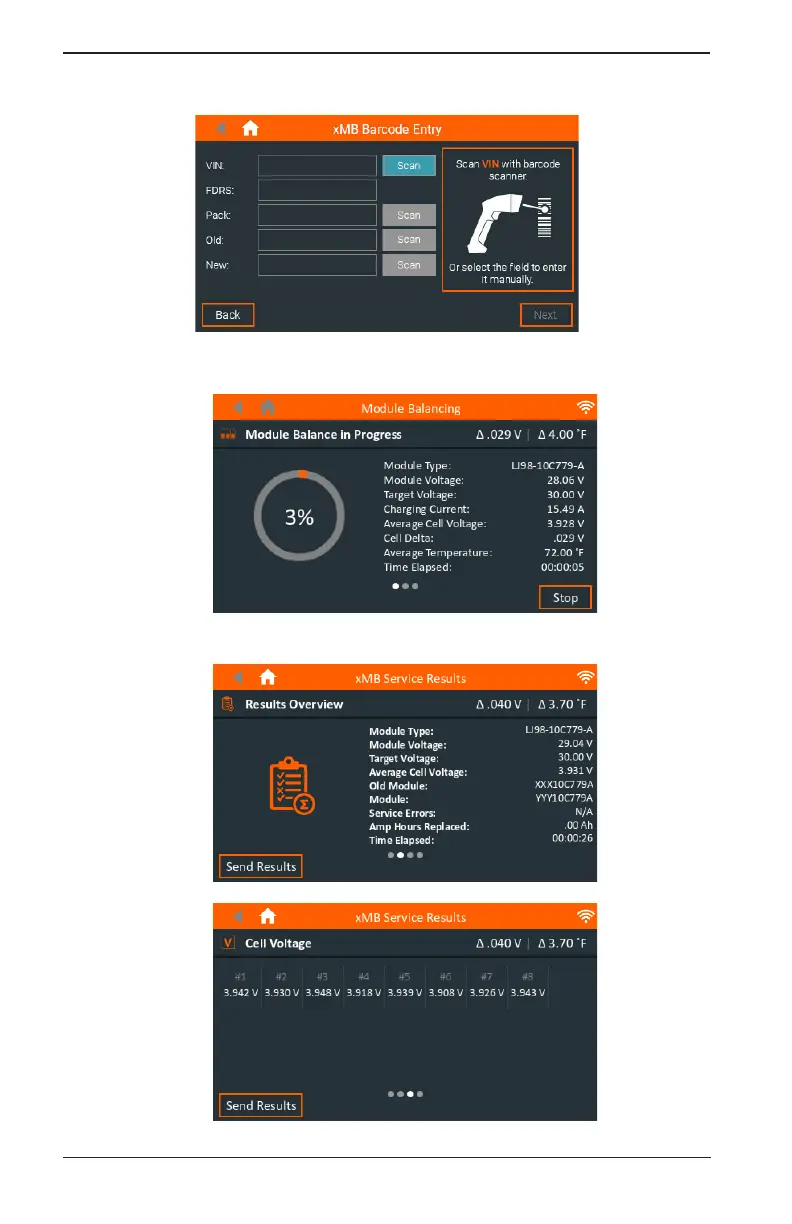
3. Use on screen guide to enter vehicle information, make connections to module, and start
balance.
4. Verify Module Type and target voltage, and press Next. Once the module is detected and veri-
ed, press Next to start the balance procedure. Press Stop to exit.
5. The results are displayed on the xMB screen.


 To Next Page