COIN AUDITS
The Coin Audits menu permits the operator to assess the currency collection. This report screen presents
revenue quantities and other important game statistics.
Highlight Coin Audits by using any joystick to select the option; then press any control panel button to
activate this choice. A menu screen is shown below.
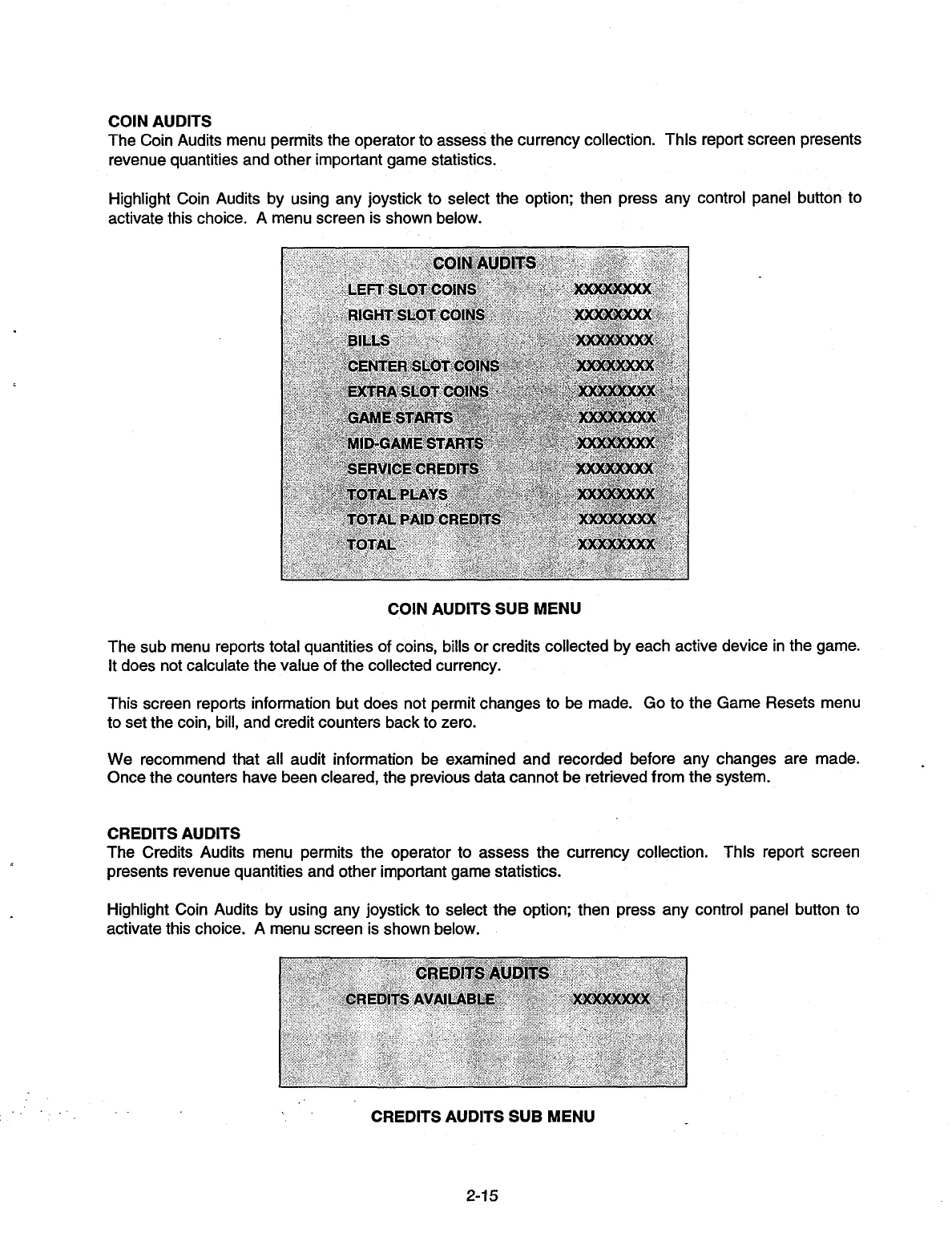
COIN AUDITS SUB MENU
The sub menu reports total quantities of coins, bills or credits collected by each active device in the game.
It does not calculate the value of the collected currency.
This screen reports information but does not permit changes to be made. Go to the Game Resets menu
to set the coin, bill, and credit counters back to zero.
We recommend that all audit information be examined and recorded before any changes are made.
Once the counters have been cleared, the previous data cannot be retrieved from the system.
CREDITS AUDITS
The Credits Audits menu permits the operator to assess the currency collection. This report screen
presents revenue quantities and other important game statistics.
Highlight Coin Audits by using any joystick to select the option; then press any control panel button to
activate this choice. A menu screen is shown below.
CREDITS AUDITS SUB MENU
-
2-15


 To Next Page