Switching on
28
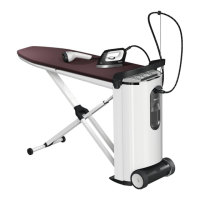
Switching on the steam ironing
system
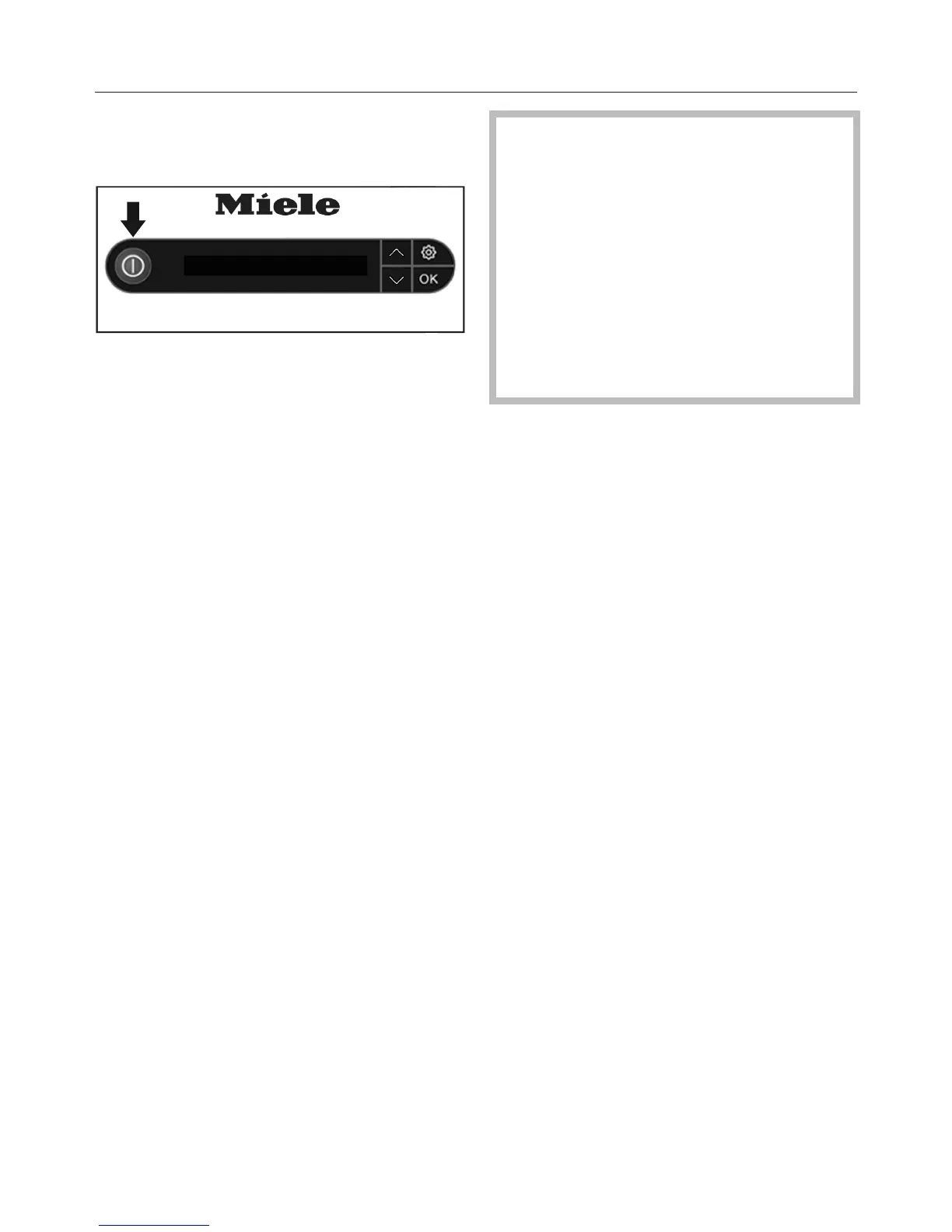
Press the button on the control
panel of the tower to switch on the
steam ironing system.
The button lights up and the
Welcome screen appears for several
seconds in the display.
If the iron was not connected to the
steam connection before switching it
on, the message is displayed. In this
case, the steam hose must be attached
to the steam connection (see
“Connection”).
If the steam button on the iron is
locked when the steam ironing system
is switched on, Release stm. button
will appear in the display. If this is the
case, first unlock the steam button by
pushing the slider on the iron forwards
(see “Ironing”).
The message Heating-up phase then
appears on the display. The steam
ironing system starts to heat up. During
the heat-up phase, some steam may be
discharged from the iron.
As soon as the steam ironing system is
ready and steam is available, the
message Ready for use will be
displayed.
Depending on the operating duration,
immediately after switching the
steam ironing system on, the
automatic rinse function can be
started (see “Automatic rinsing”) or
you may start the descaling process
(see “Descaling”).
The steam ironing system is not
available for ironing while the rinse
and descaling processes are
running.


 To Next Page