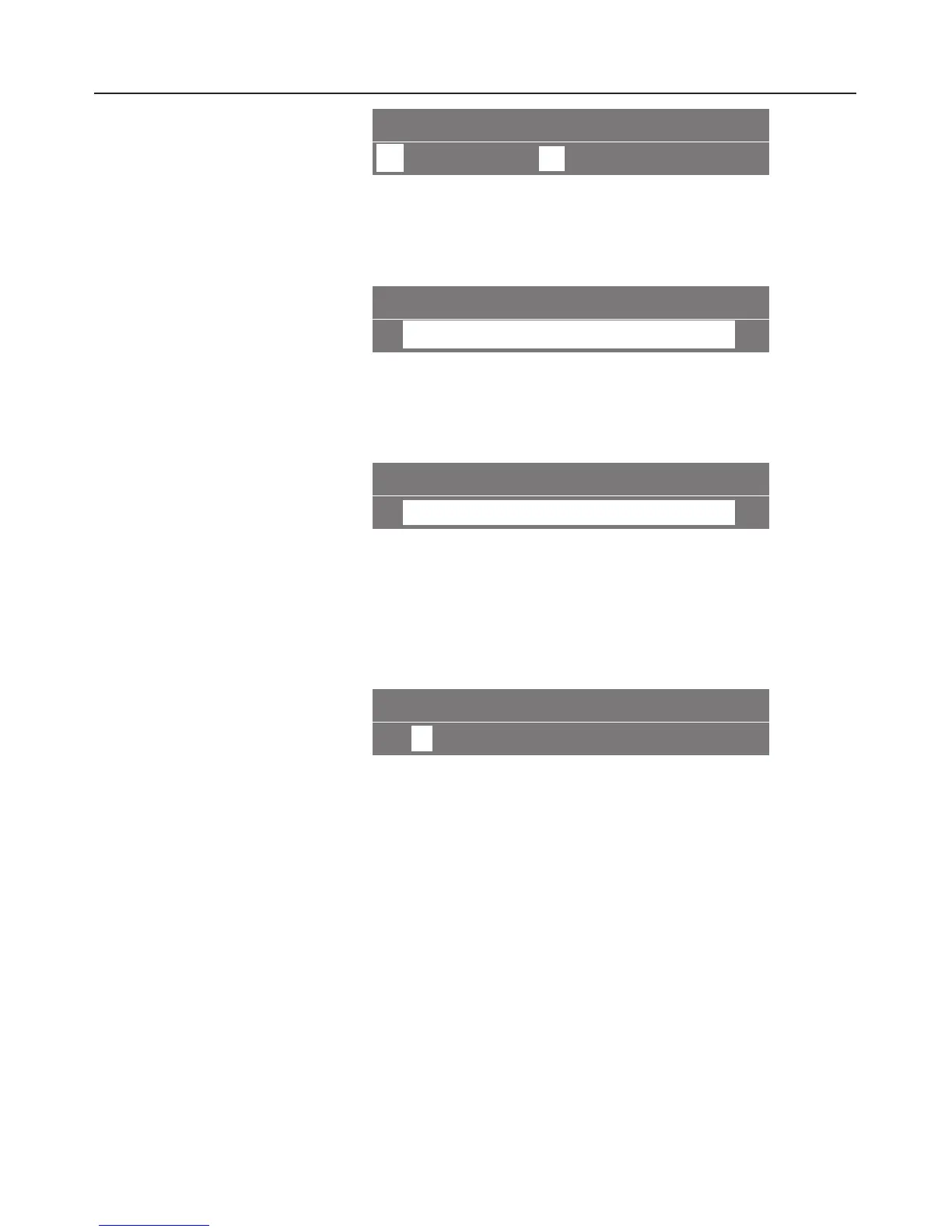
TYPE ARPEGGIO
K
1234
5
A
^
Turn the dial to the chamber you want and then press it to
confirm your selection.
Allocating different types
CHAMBER 5
ARPEGGIO B
~
^
Turn the dial to a different type and press it to allocate the
type chosen to this chamber.
Entering a new type
CHAMBER 5
save as
~
^ Turn the right-hand dial to "Save as" if no type has yet been
entered or if you want to enter a type which has not yet
been saved (or if you want to enter your own particular
name for the type).
^ Press the right-hand dial.
CHAMBER 5 ...........
A
BCDEFGHI ~
The alphabet will appear. When you turn the dial further to
the right, the remainder of the alphabet will appear,
followed by the numbers 0 to 9.
To enter text:
^
Turn the right-hand dial to the first character and then press
it to confirm your selection.
The character selected will appear in the top line.
^
Now select the next character and continue until you have
entered the name you want.
Saving different types of coffee
30



 To Next Page