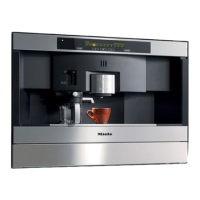
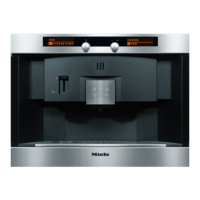
Portion size for the different user profiles
In addition to the standard profile, you can also set specific
portion sizes for the four other user profiles.
PROFILE
K 12345L o
n
G k C
^
Turn the left-hand dial until you reach the "Profile" menu.
USER TEST
n
-> <- 1
2
34
^
Turn the right-hand dial until the required user name is
reached, and then press the dial.
The n symbol will appear in the top right-hand
side of the left-hand display to show that a user
profile has been selected.
Proceed now as for setting portion sizes in the standard
profile.
All settings and water quantities will now apply for that user.
Setting the portion sizes
49



 To Next Page