The drink you want will then run out of the spout.
If you select a double espresso or coffee, two portions will be
dispensed one after the other.
Cancelling preparation
^
Press the right-hand dial.
Preparation will be halted.
Espresso or coffee for a specific user profile
If you have set the machine up for a specific user profile you
must first select the user required and then the type of drink.
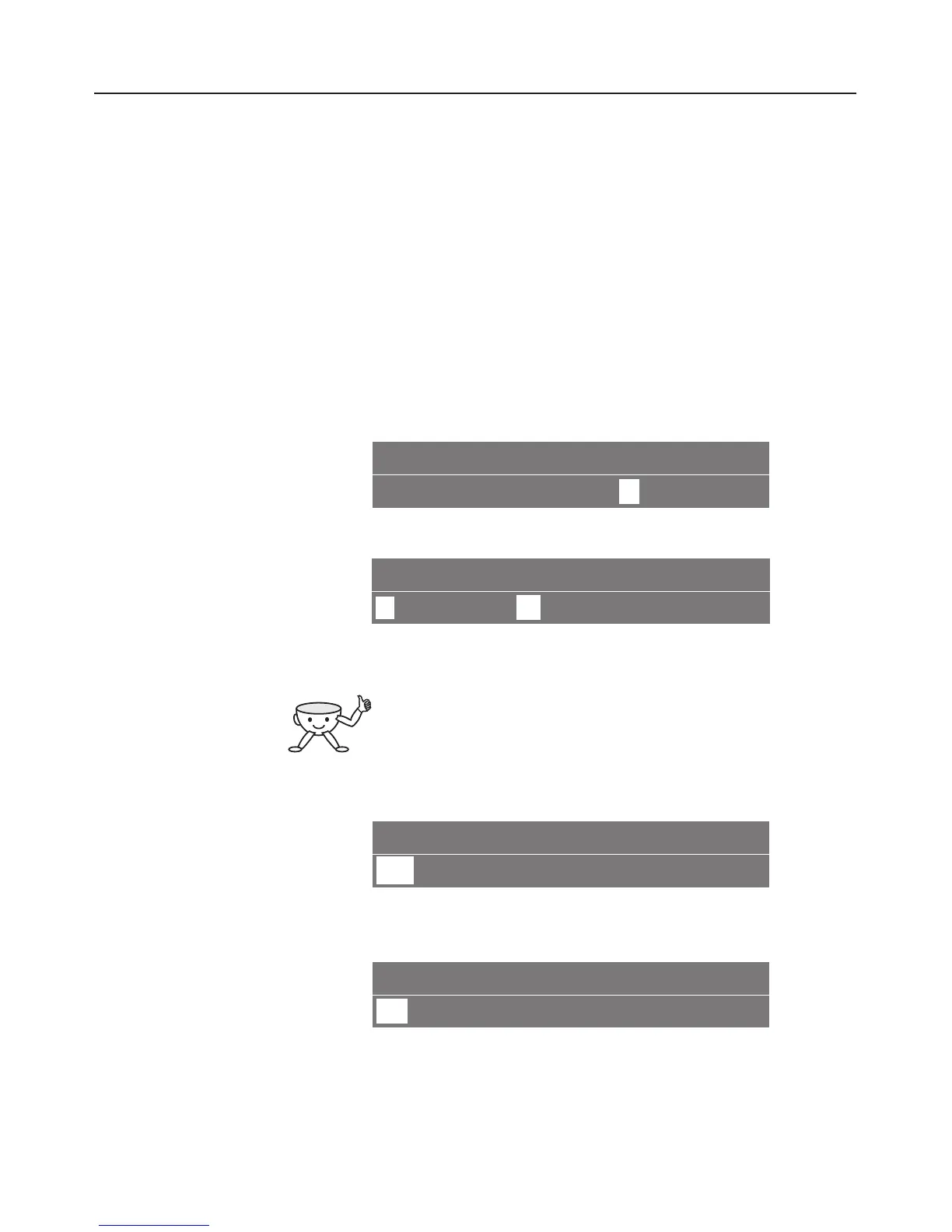
PROFILE
K 12345L
o
n
G k C
^ Turn the left-hand dial until you reach the "Profile" menu.
USER TEST
n
-><- 1
2
34
^ Turn the right-hand dial until the required user name is
reached and then press the dial.
The n symbol will appear in the top right hand
side of the left-hand display to show that a user
profile has been selected.
^
Place a cup under the spout.
COSI n
K 1
2345L
onG k C
^
Turn the left-hand dial until you reach the type of coffee you
want.
ESPRESSO
q
rst
^
Turn the right-hand dial to the required size of coffee and
then press the dial.
The drink you want will then run out of the spout.
Making coffee
40



 To Next Page