Setting the user name
To cater for different tastes and preferences, you can enter up
to 4 individual user profiles and also allocate different portion
sizes to them (see "Setting the portion sizes").
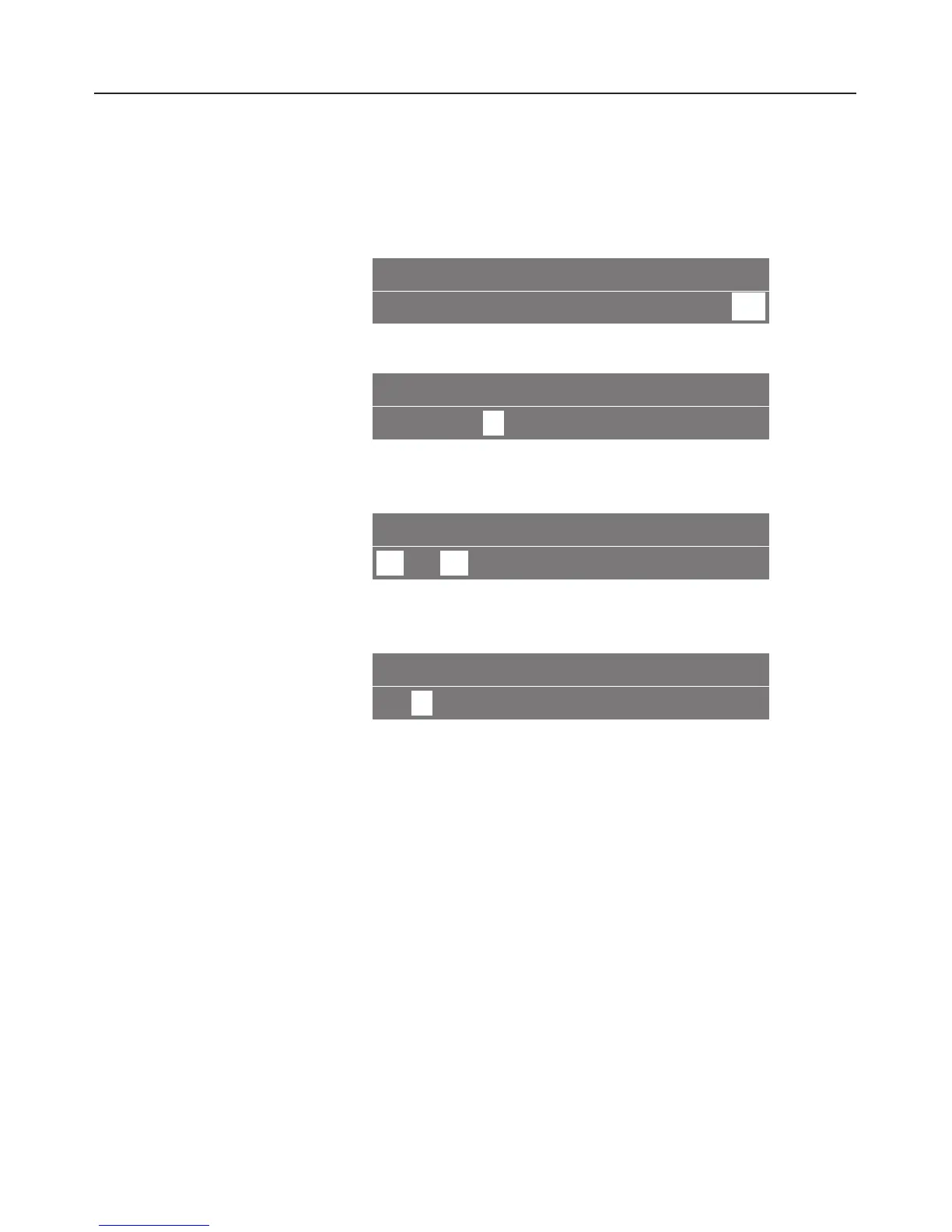
SETTINGS F
K 12345L onG k
C
^
Turn the left-hand dial until you reach the "Settings" menu.
USER NAME
FYK
n
I IJZ
^
Turn the right-hand dial until the "User name" symbol is
highlighted and then press the dial.
USER 2
n
1
2
34 A
^ Turn the right-hand dial to the number you want and press
the dial to enter the user’s name.
USER NAME ...........
A
BCDEFGHI ~
The alphabet will appear. When you turn the dial further to
the right, the remainder of the alphabet will appear,
followed by the numbers 0 to 9.
To enter text:
^
Turn the right-hand dial to the first letter or a number, and
then press it to confirm your selection.
The letter selected will appear in the top line.
^
Now select the next letter and continue until you have
entered the name you want.
Setting up user profiles
32



 To Next Page