Altering the grease filter operating
hours counter
The operating hours counter for the
grease filter is set at 30 hours. The time
set can be lengthened or shortened:
you can choose 20, 30, 40 or 50 hours.
You can set the operating hours
counter to suit the type of cooking you
do.
–
Select a short time if you roast or fry
a lot.
–
If you use very little fat for cooking,
select a longer time.
– If you only cook occasionally, we
recommend that you still select a
short time, because grease which
has built up gradually over a long
period of time will harden on the
grease filter and make cleaning more
difficult.
^
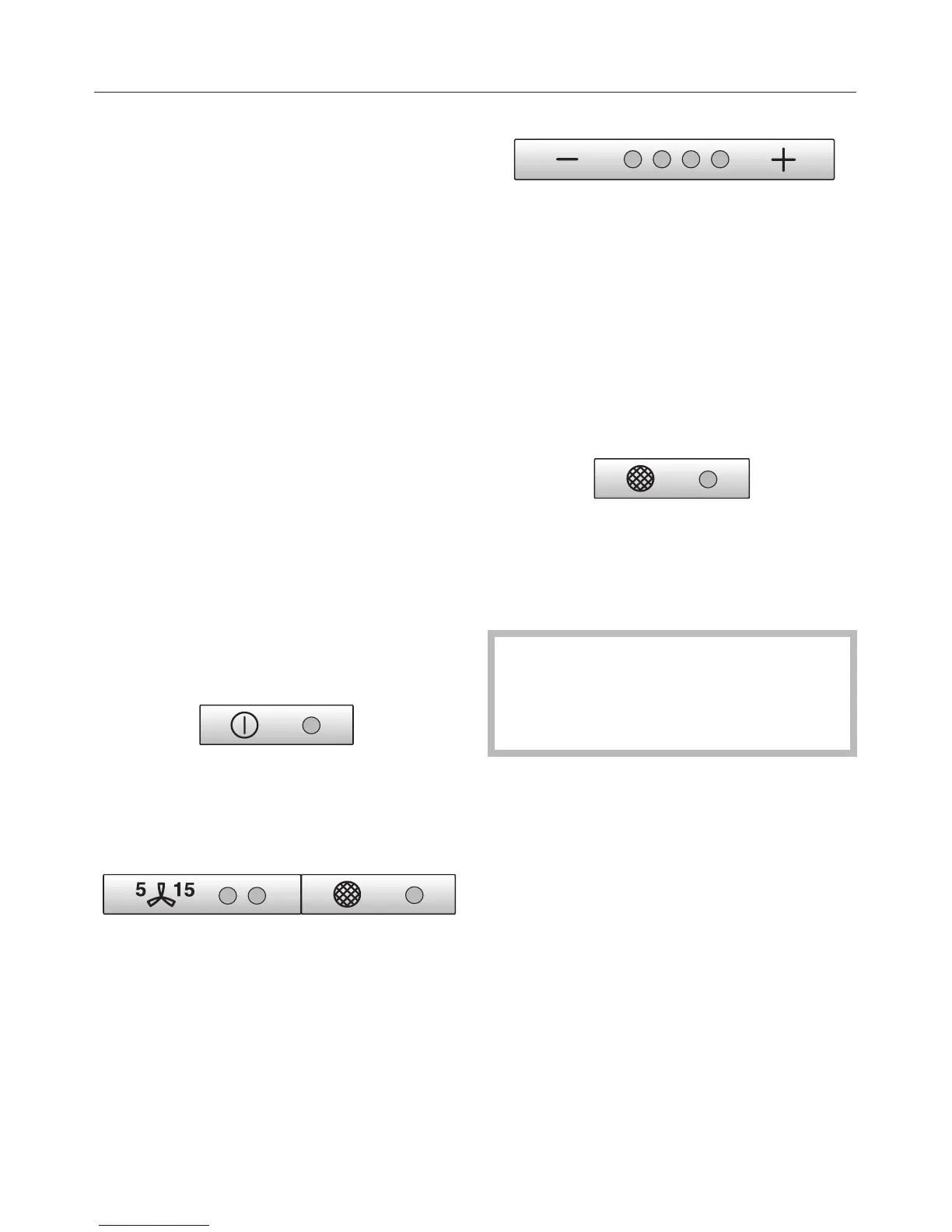
Press the On/Off touch control to
switch the fan off.
^
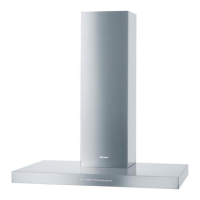
Press the run-on option touch control
and the grease filter touch control at
the same time.
The indicator lamp for the grease filter
touch control and one of the – / + touch
control lamps will flash.
The – / + control lamps show the time
which has been set:
1st lamp from the left = 20 hours
2nd lamp from the left = 30 hours
3rd lamp from the left = 40 hours
4th lamp from the left = 50 hours
^
Use the – / + touch controls to select
the desired time.
^ Confirm the selection by pressing the
grease filter touch control.
All the indicator lamps will go out.
If you do not confirm your selection
within 4 minutes, the rangehood will
automatically revert to the original
setting.
Operation
19



 To Next Page