Switching on and selecting a
programme
You will hear a humming sound when
the appliance is switched on, during
operation or after the appliance has
been switched off.
This sound does not indicate a
malfunction or fault with the
appliance. It happens when the water
is pumped in and out.
^
Close the appliance door.
^
Switch the appliance on with the
On/Off button.
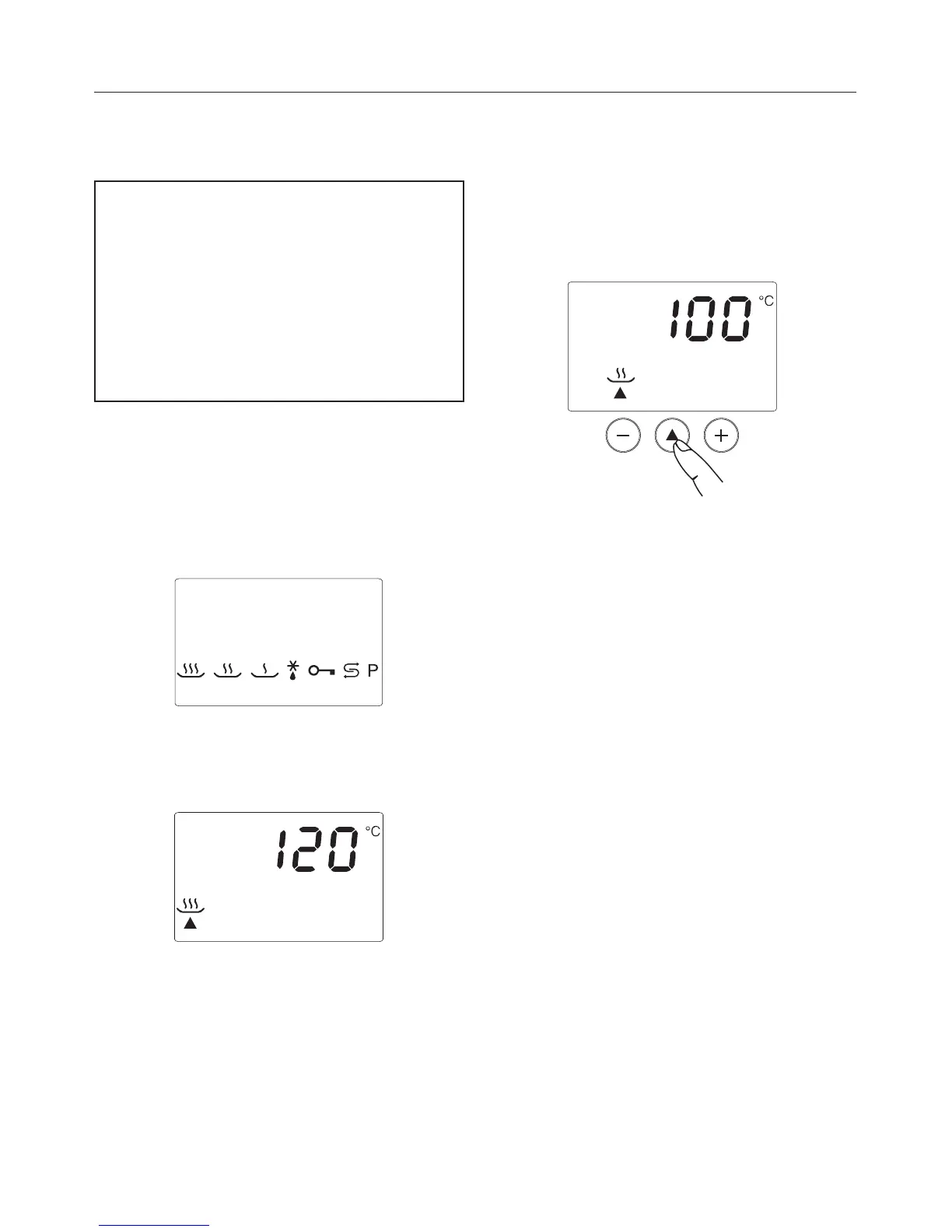
The following will show in the
programme and temperature display:
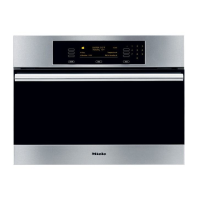
After a few seconds, the display will
change automatically to the Steam with
pressure programme °.
If you want to use a different
programme, press the programme
button - repeatedly until the
programme you want shows in the
display, e.g. Steam without pressure
P.
Altering the recommended
temperature
The recommended temperature can be
altered in 5 °C increments within a
certain range. See Programme chart for
details. Should you wish to adjust the
temperature in 1 °C steps, you will need
to alter the factory default setting (see
"Programming").
^
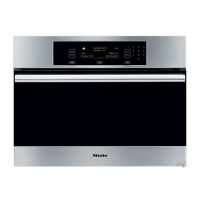
Use the + or - temperature buttons to
set the required temperature.
You can adjust the temperature at any
time, even if a programme has already
started.
Operation
18



 To Next Page