You can change the default settings of
the programme options (see chart).
Proceed as follows:
^
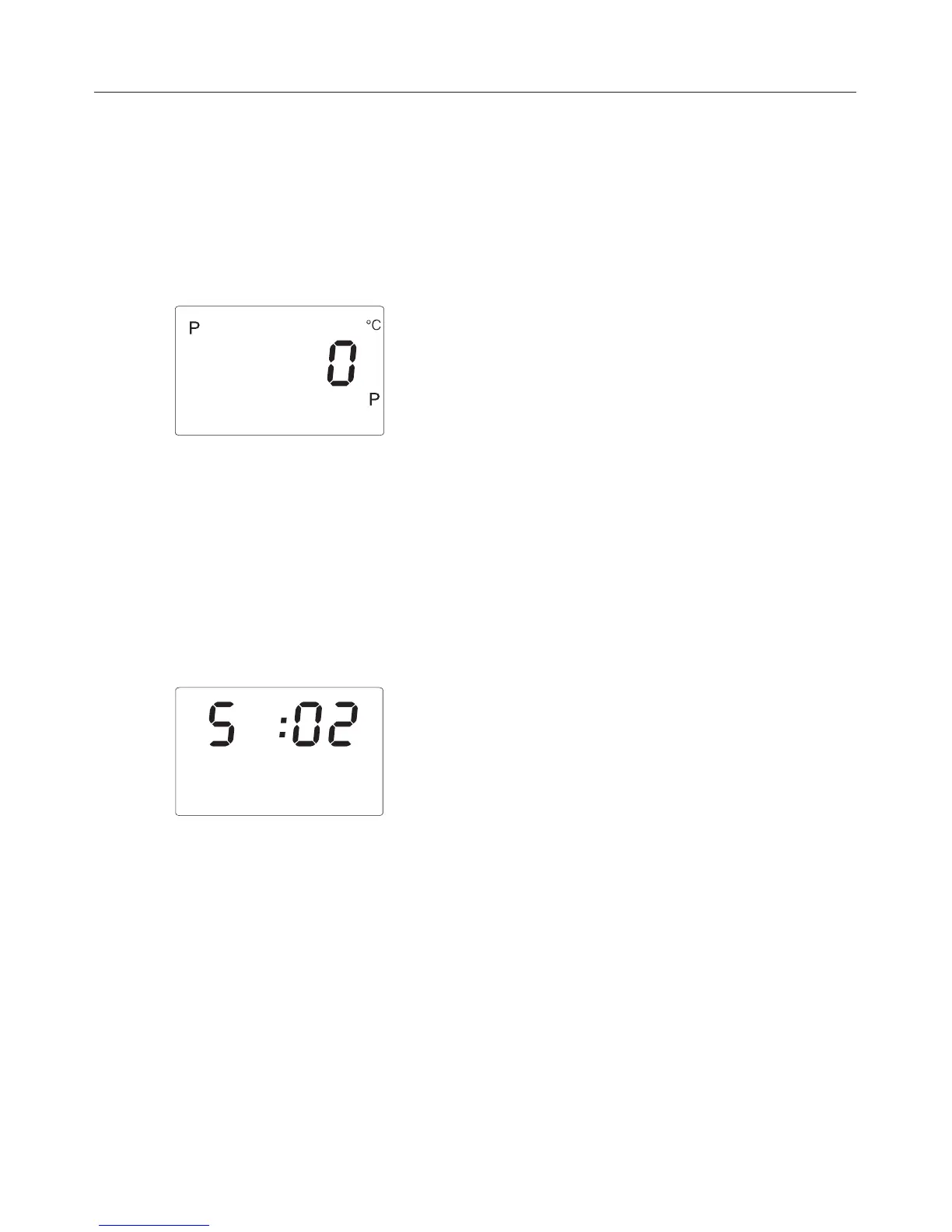
Use the programme button - to
select programme P.
^
Press the + temperature button
repeatedly until the programme
option you want appears in the
programme/temperature display
(1 for P1, 2 for P2, etc).
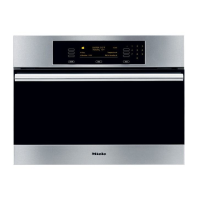
^ Press the + or - time button
repeatedly until the status you want
appears in the time display, e.g. 02.
^
Press the programme button -.
The setting you have selected is now
stored in the memory.
The appliance can now be switched off
or used as required.
Programming
50



 To Next Page