Initial commissioning
32
Before using for the first time
The oven must not be operated
until it has been correctly installed in
the cabinet carcase.
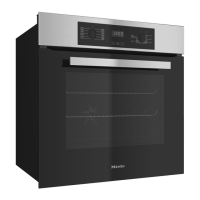
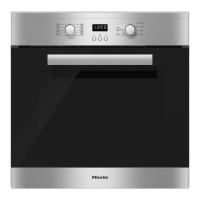
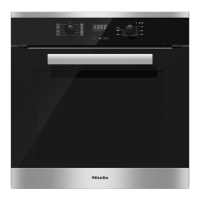
Press and release the function and
temperature selectors if they are
retracted.
The time of day can only be changed
when the function selector is at Off.
Set the time of day.
Setting the time of day for the
first time
The time of day is shown in 24 hour
clock format.
After connecting the oven to the
electricity supply, will flash on the
display.
The time of day is set in segments: first
the hours, then the minutes.
Confirm with OK.
will light up and will flash.
While the symbol is flashing,
confirm with OK.
The hours will flash.
Use or to set the hours.
Confirm with OK.
The hours are saved and the minutes
will flash.
Use or to set the minutes.
Confirm with OK.
The time of day is now saved.
The time of day can be displayed in
12hour format by setting in the
settings menu to status(see "Clock/
timer – Changing settings").


 To Next Page