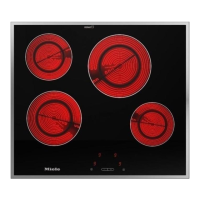
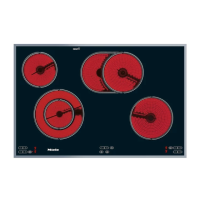
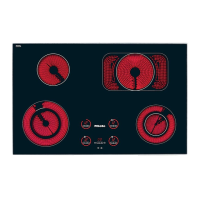
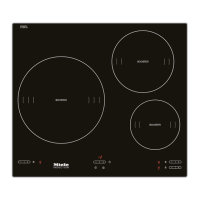
You can change the standard settings
of your hob.
^
With the hob switched off, touch the
hob ON/OFF sensor s and the safety
lock sensor $ or the sensor for the
outer circle of the double
circle/extended zones ? as
required, until P (Programme), S
(Status) and a number appear in the
cooking zone display. This shows the
current setting.
To set the programme:
^
Touch the front left hob sensor.
The relevant number will begin to flash.
^ Touch the + or - sensors to set the
required programme.
To set the status:
^
Touch the front right hob sensor.
The relevant number will begin to flash.
^
Touch the + or - sensor to set the
required status.
To store the new settings in memory,
touch the hob ON/OFF sensor s until
the displays go out.
If you do not wish to store the settings
in memory, touch the safety lock sensor
$ or the sensor for the outer circle of
the double circle/extended cooking
zones ? until the displays go out.
Programme Status* Setting
P0 Demonstration mode and factory
default settings
S 0 Demonstration mode on
S1 Demonstration mode off
S 9 Factory default settings
reinstated
P1 Keypad tone when a sensor is
touched
S 0 Off
S1 On
* The factory default settings are shown in bold.
Programming
30



 To Next Page