Hours
Touch the required number on the selection scale to set the
hours.
Half hours can be selected by touching the area between two
numbers.
Example: You want to set the timer to 2 hours 30 minutes.
^
Switch the cooktop on.
^
Touch the "m" sensor.
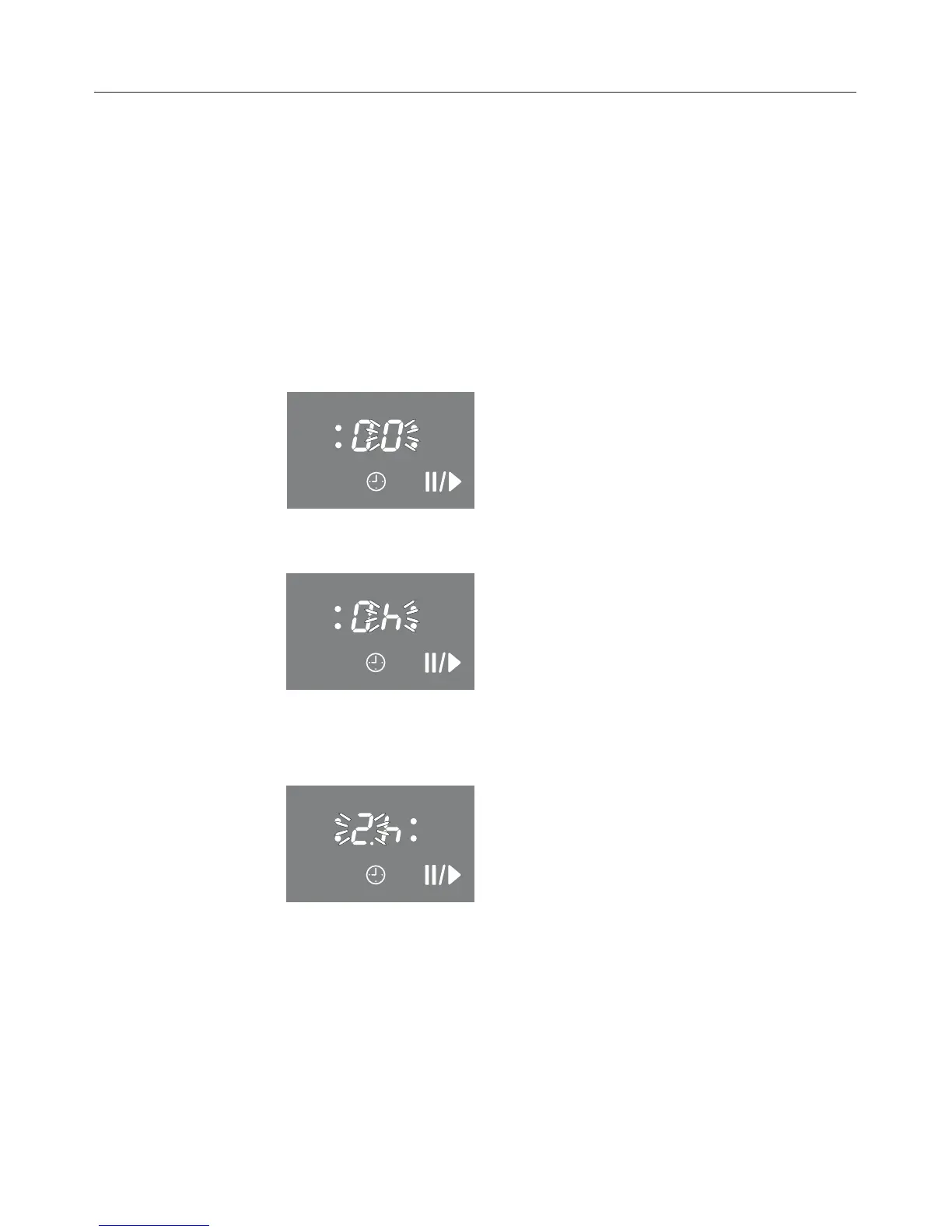
"00" appears in the display, "0" flashes on the right.
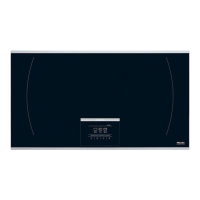
^ Touch the h sensor to set the display to hours.
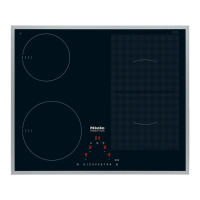
^ Touch the area between two and three and wait until the
timer display lights up continuously. The minute minder
starts to count down.
Timer
33


 To Next Page