Minute minder
Setting the minute minder
Minutes
Example: You want to set the minute minder to 15 minutes.
^
Switch the cooktop on.
^
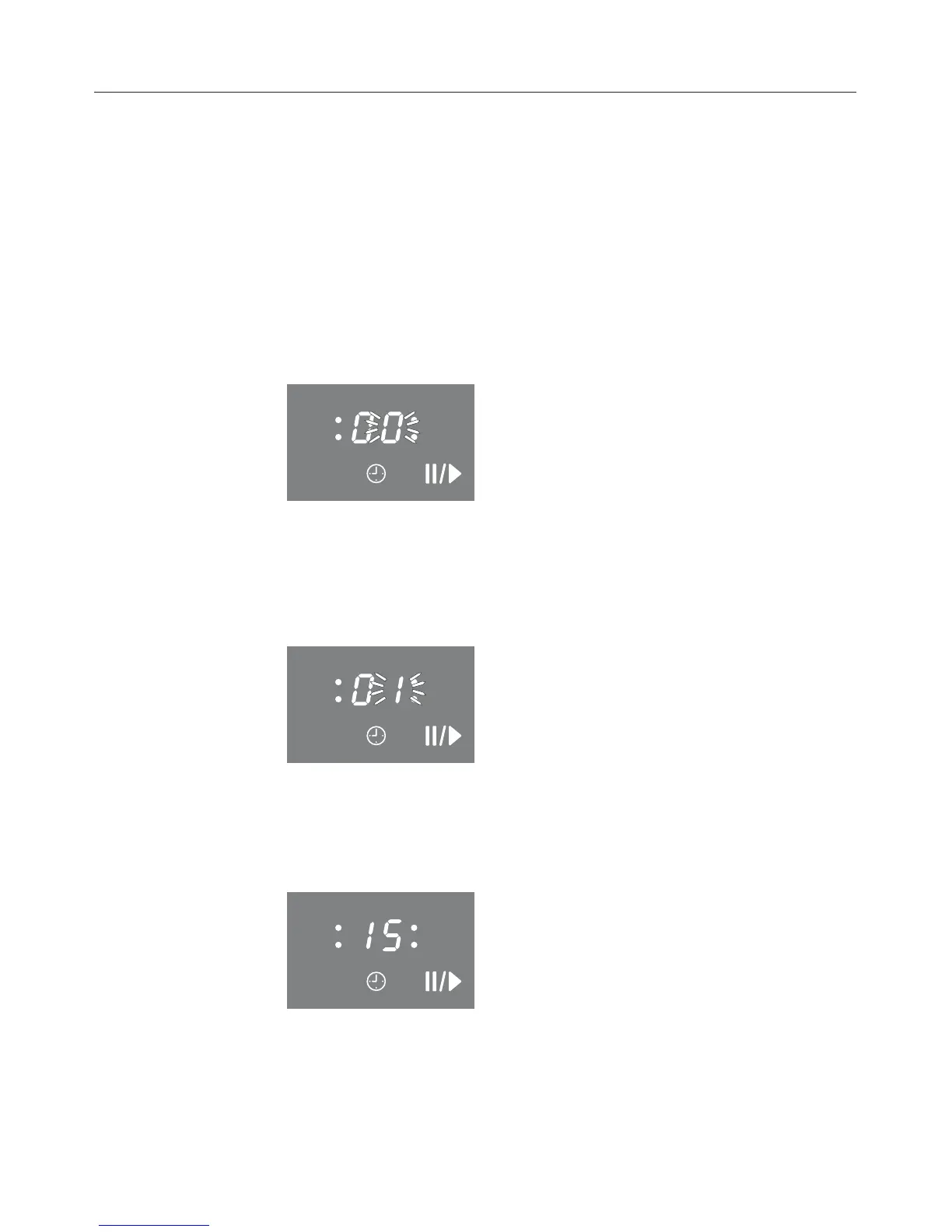
Touch the "m" sensor.
"00" appears in the display, "0" flashes on the right.
First the tens digit is set then the units digit.
^ Touch a number on the selection scale to set the tens digit
(here: 1).
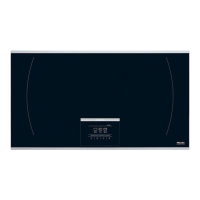
The timer display changes, "1" flashes on the right.
^
Touch a number on the selection scale to set the units digit
(here: 5).
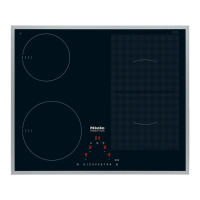
The timer display changes, 1 moves to the left and "5"
appears on the right.
The minute minder starts to count down.
Timer
32


 To Next Page