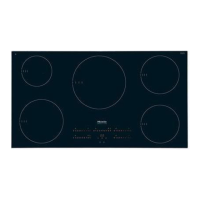
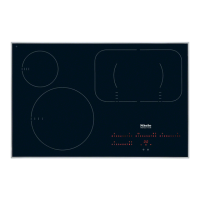
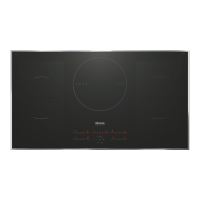
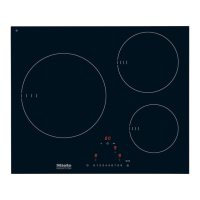
You can change the default settings of the programme
options (see chart). Several settings can be altered in
succession.
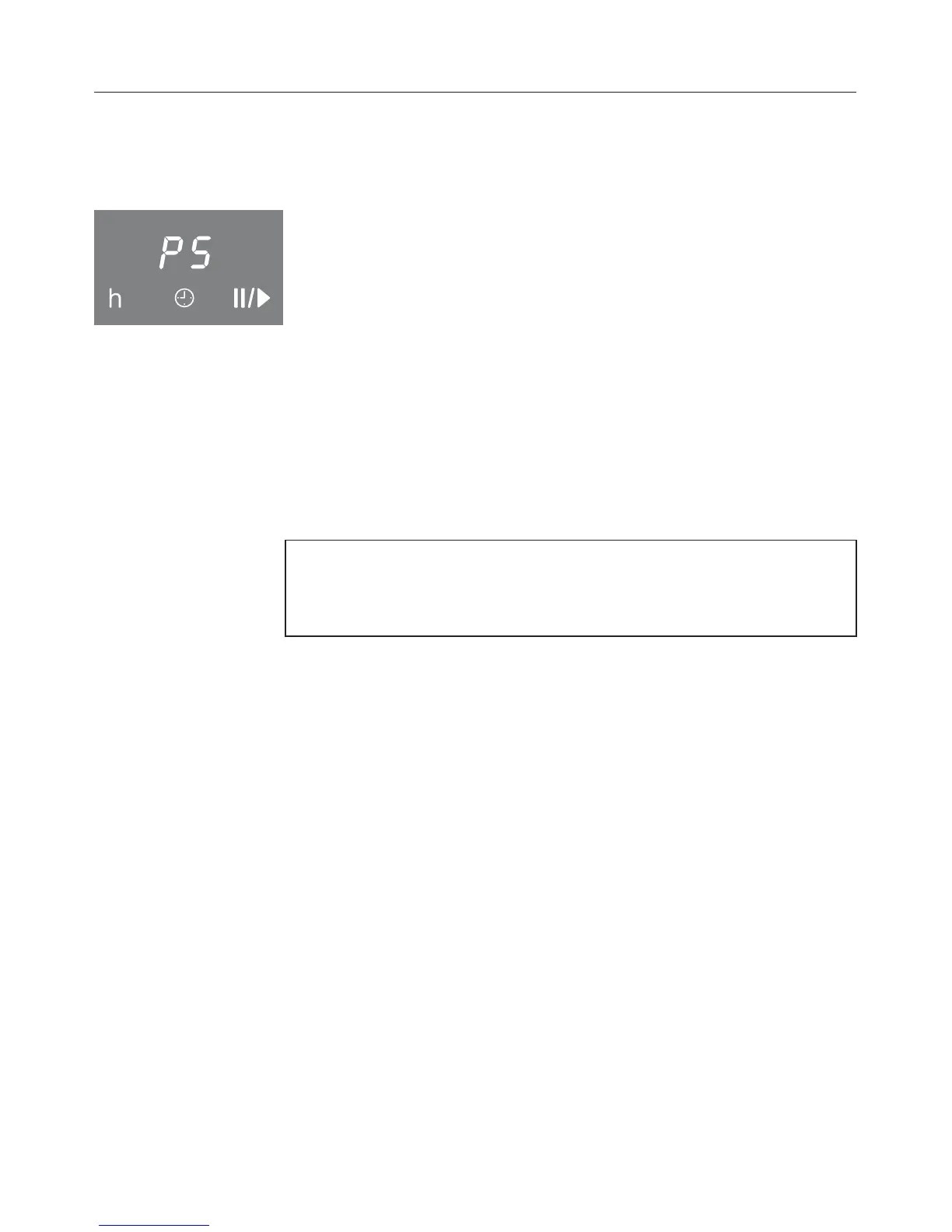
After calling up the programming, P (programme) and S
(status) appear in the timer display; in all cooktops with three
cooking zones another selection scale will light up in the rear
left.
The programme is displayed in the front left and rear left
cooking zones . Example:
Programme 03 = front left 0, rear left 3
Programme 14 = front left 1, rear left 4
The status is displayed in the front right cooking zone display.
After leaving programming, an automatic reset is carried out.
It is finished when an indicator lamp briefly lights up over the
s sensor.
Do not switch the cooktop on before reset has finished,
otherwise a fault message will appear and the reset will be
carried out again.
Calling up programming
^ While the cooktop is switched off, touch the sensors s and
$ at the same time until the indicator light for the safety
lock flashes.
To set the programme
^
To set the units digit, touch the sensor for the rear left
cooking zone and then the appropriate number on the
control panel.
^
To set the tens digit, touch the sensor for the front left
cooking zone and then the appropriate number on the
control panel.
To set the status
^
Touch the sensor of the front right cooking zone and then
the appropriate number on the control panel.
Programming
44


 To Next Page