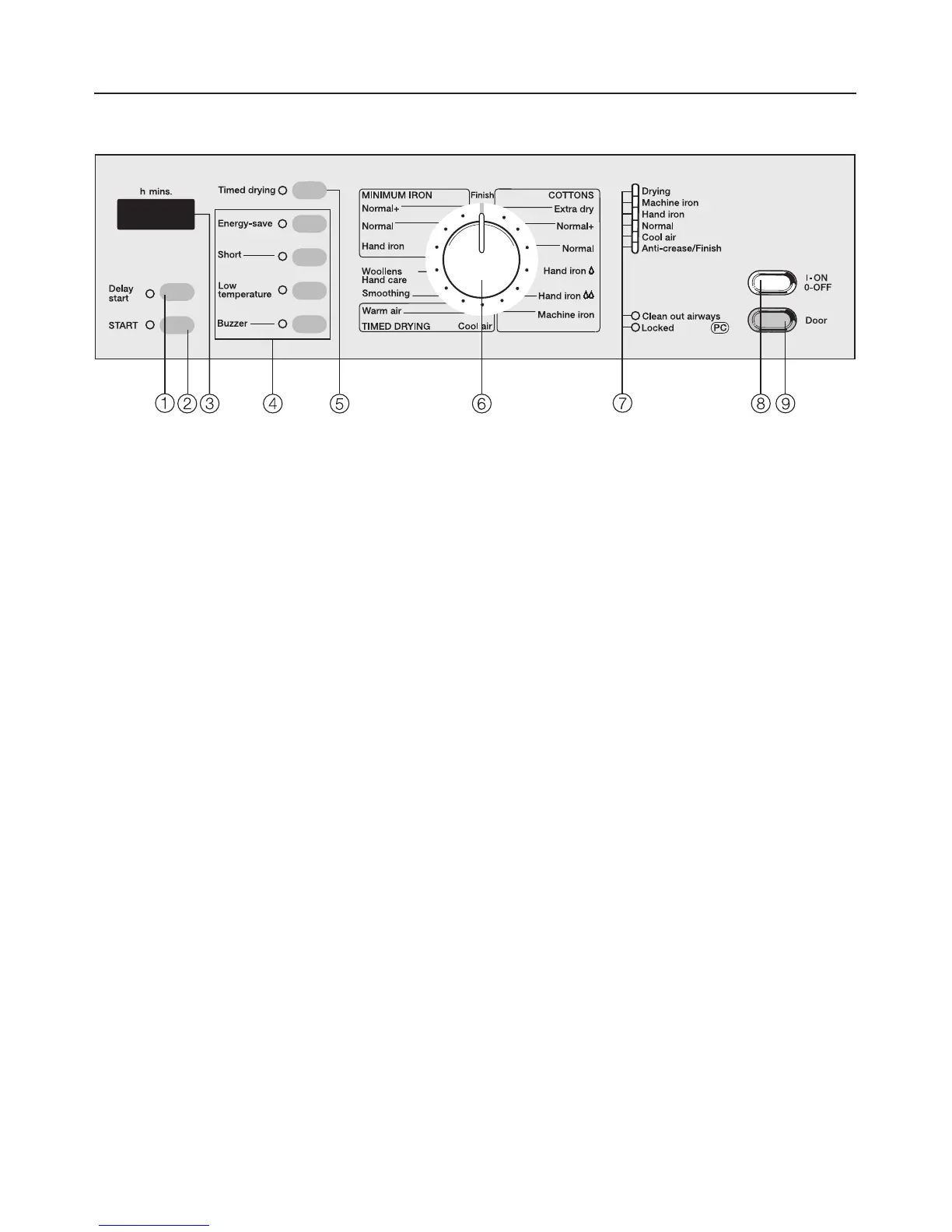
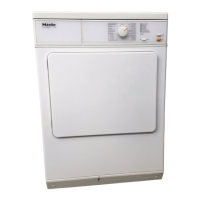
Control panel / Features
a Delay Start button
The start of a programme can be
delayed by up to 24 hours.
b START button
Press the START button to start a
programme.
The indicator lamp will flash to indi-
cate that a programme can be
started. It lights up constantly once
the programme has started.
c Display
The display fulfills several functions.
See next page for details.
d Additional option buttons
Indicator lamps:
on = option selected
off = option not selected
See "How to dry correctly - selecting
additional options" for details on
these options.
e Timed drying button
To select the time required for timed
drying with hot or cold air (max. 2
hours).
f Programme selector
The programme selector can be
turned clockwise or anti-clockwise.
The light ring around the programme
selector comes on during a pro-
gramme and goes out a few minutes
after it has ended to save energy. It
will go out a few minutes after switch-
ing on the dryer if a programme has
not been selected or if the
programme selected is not started.
g Programme sequence indicator
lamps: show the drying stage
reached;
Check lamps: see "Problem solving
guide" for details.
h I-On/0-Off button
For switching the appliance on and
off or to interrupt a programme.
i Door button
To open the door / cancel a
programme.
Pressing this button will open the
door even when the appliance is
switched off at the mains.
To save energy, the interior drum
lighting will go out after a while if the
dyer is switched on and the door is
left open.
Guide to the appliance
8



 To Next Page