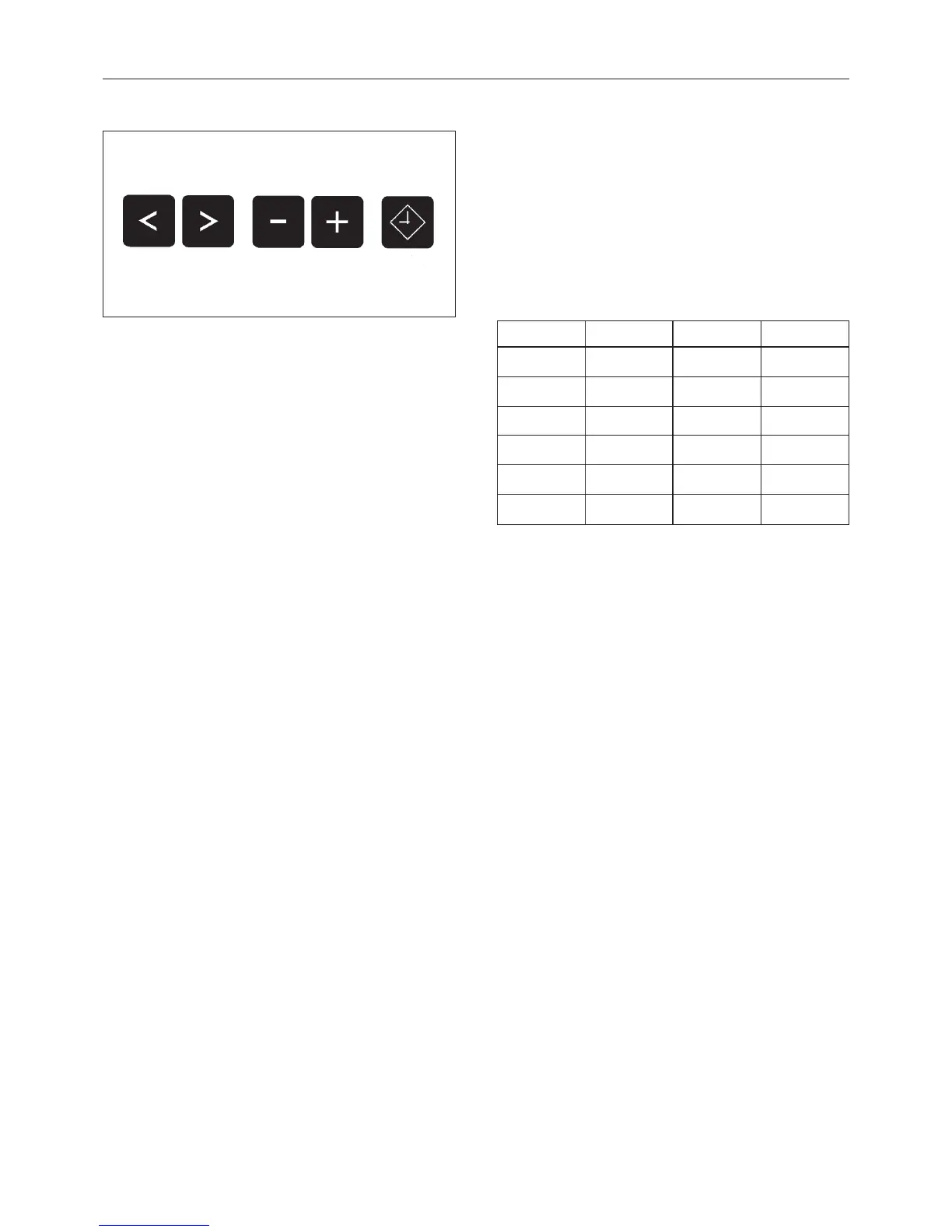
Cursor, input and Delay Start buttons
1 2 Cursor
The cursor buttons are used to pass
backwards or forwards into the input fields
or into the next display, (this appears as > <
flashing in the display).
Once the program begins, you can move
forward or backward in the display to view
the cycles. Press and hold on the button to
run quickly through the display screens.
3 4 Minus / Plus
The "Minus / Plus" buttons allow you to
modify an input field. Press continuously on
the button runs quickly through the display
screens.
W Delay start
The display indicates that a start time should
be selected. If the button is pressed again
the "Delay start" option is cancelled.
If the button is pressed after the start of a
program the current time of day and date
are shown.
Optical interface
Data transfer to and from the machine’s
controls and a PC can take place using the
proper software. The optic interface 9 on
the machine’s control panel provides the
connection point.
Conversion of °C to °F
°C °F °C °F
10 50 70 158
20 68 80 176
30 86 90 194
40 104 100 212
50 122 110 230
60 140 120 248
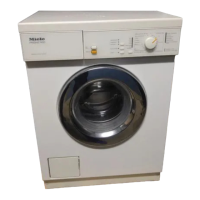
Guide to the washer
13



 To Next Page