Select a program
^
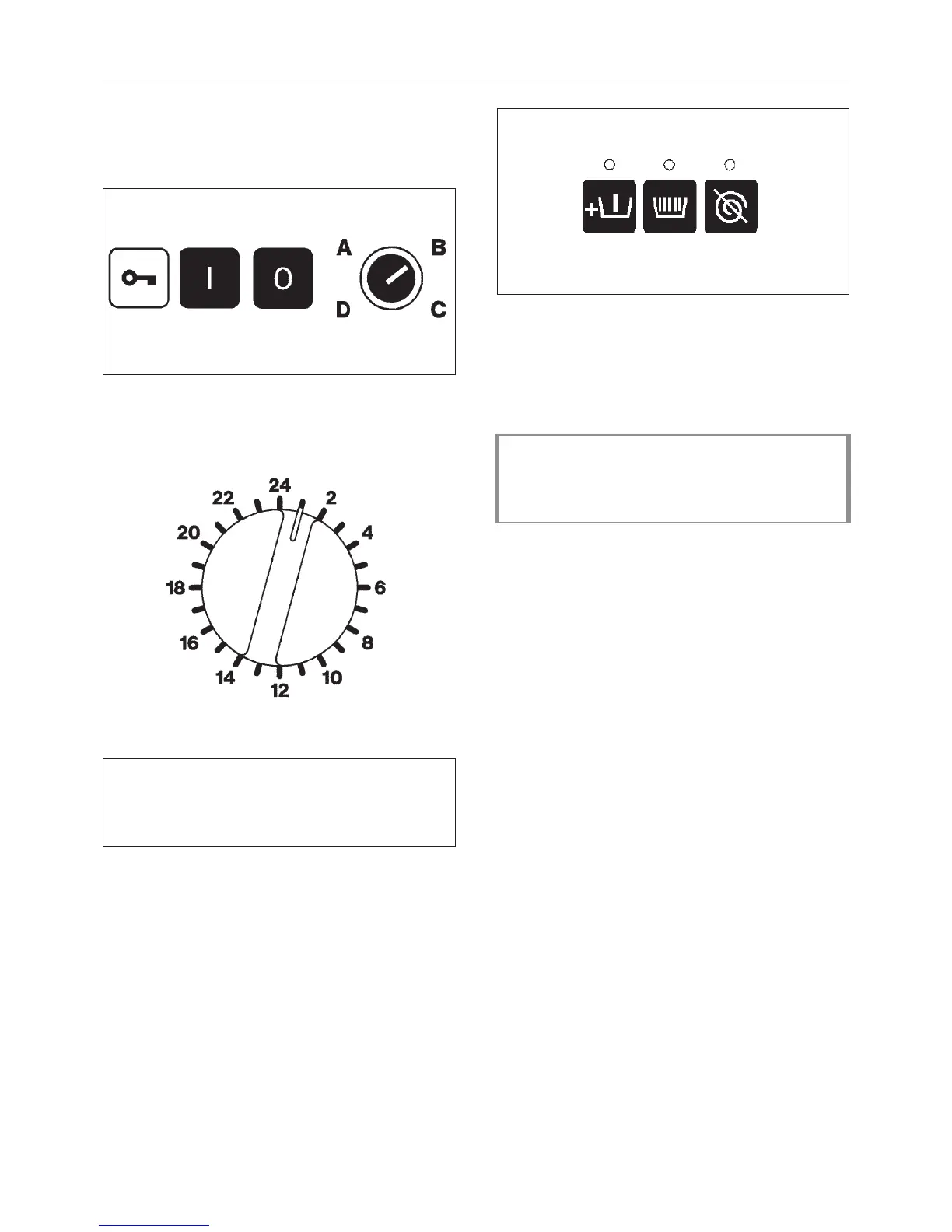
Turn the access key to position B
"Operation".
^
Press the Y "Power on" button.
^
Select a program (e.g. Program 11
Cottons).
The following will appear in the display:
PROGRAMME 11 COTTONS
>95 °C< Main wash 1
Rinses 3 1000 RPM
^
Use the T "Prewash" button to select a
"Prewash" if required. The indicator above
the T button will light.
When "Prewash" is selected the following
appears in the display:
PROGRAMME 11 COTTONS
40° C Prewash 1
90 °C Main wash1
Rinse 3 1200 RPM
Operation
17
?
?



 To Next Page