- 09 -
SN State Display Operation
1 Of f Light of f
1. Hav e a long pressing of the
key f or 3 seconds, and release it
when a beep is heard.
2. Turn of f the machine power
switch.
2 On Light on
1. If the power switch is turned on,
press the key .
2. If the power switch is not turned
on, turn on the power switch to
start the machine.
3 Clean Blue light normally on
Press the key on the f ront
cov er of the machine
to start
cleaning.
4
Search f or
recharge
Blue light f lashing
Press the key on the f ront
cov er of the machine to start
recharging.
5 Charging Blue breathing light
The machine is being charged on
the charging dock.
6 Full charge Blue light normally on The machine is f ully charged.
7 Error report
Two red lights
f lashing
Machine abnormality or f ault
8 Sleep Light of f
It goes into the s
leep mode af ter
being in standby mode f or f iv e
minutes.
4.1.3 Operation guide f or key indicating light
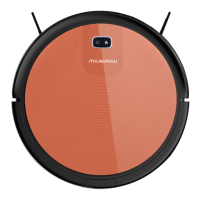
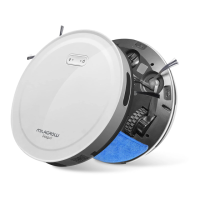
BlackCat 21/RedHawk 21



 To Next Page