- 10 -
4.2 Charging method
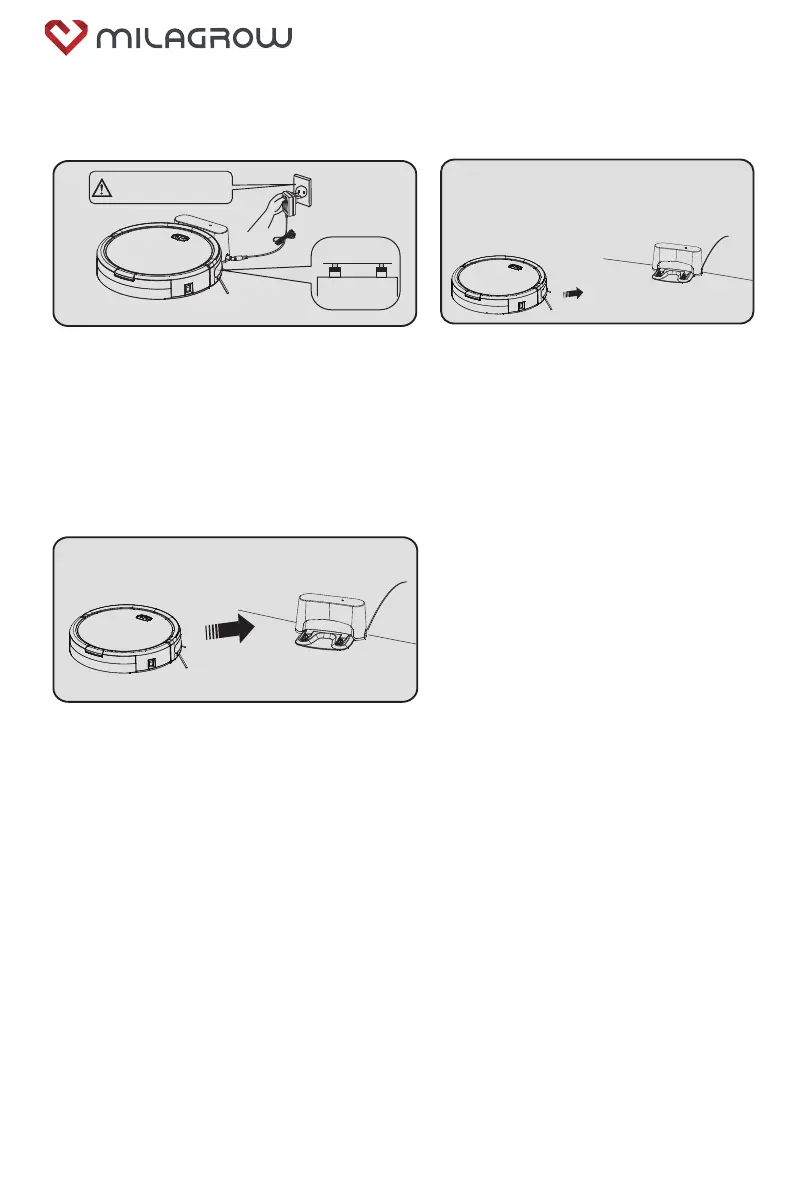
4.2.1 Manual charging:
4.2.1
High voltage! Please dry your
hands before operation for fear
of electrical shock!
1. Use the charging dock for charging:
First connect the power adapter with the charging
dock, then connect with the power supply; put the
vacuum cleaner on the charging dock to charge (The
blue light of the recharge key flashes during charging,
and the blue light is normally on after the battery is
fully charged).
2. Charging by APP control:
Connect APP and robot, then press "charge"
on APP. Robot will find the charge station
within the valid range and charging automati-
cally.
4.2.2 Automatic charging:
Automatic charging:
In case of low battery during the operation of
the machine, the blue light of the recharge key
will flash, and the machine will enter the
recharge mode.
4.3 Use of APP (Tuya Smart)
Refer to App Operation guide, while machine is in standby mode, press the dock button and
hold for at least 4 seconds, the indicator under the very button will flash (Blue/Red), means
machine entered into WIFI connection mode.
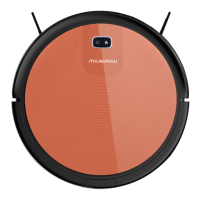
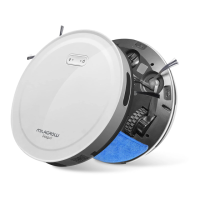
BlackCat 21/RedHawk 21



 To Next Page