The buzzer will be triggering together with indicator if the device is
registered to network.
The button will report low power alarms according to this interval when the
battery is lower than 10%.
Change the password for ToolBox App to write this device.
3.5 Maintenance
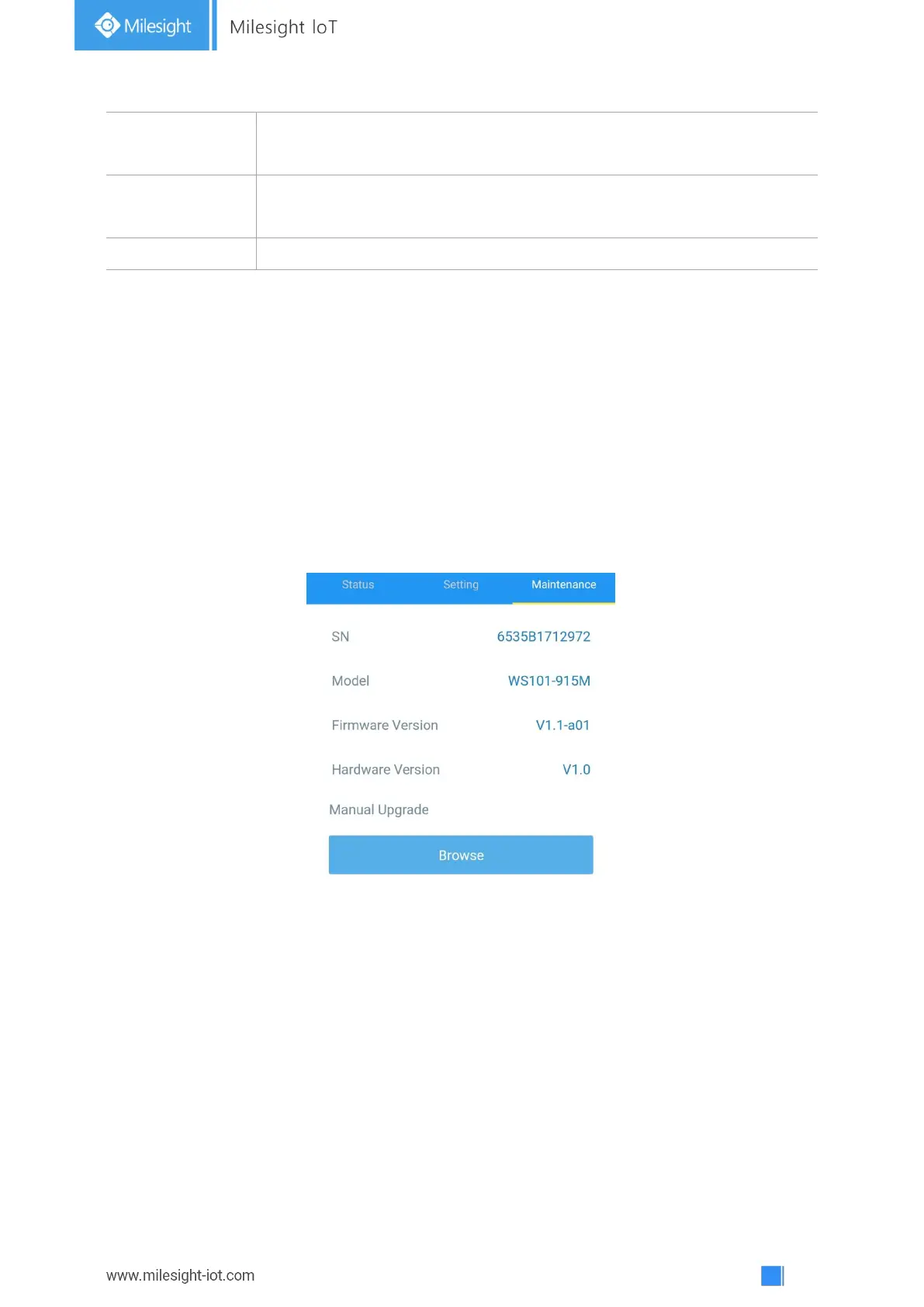
3.5.1 Upgrade
1. Download firmware from Milesight website to your smartphone.
2. Open ToolBox App and click “Browse” to import firmware and upgrade the device.
Note:
1) Operation on ToolBox is not supported during upgrade.
2) Only Android version ToolBox supports the upgrade feature.
3.5.2 Backup
WS101 supports configuration backup for easy and quick device configuration in bulk. Backup is
allowed only for devices with the same model and LoRa frequency band.
1. Go to “Template” page on the App and save current settings as a template. You can also edit
the template file.
2. Select one template file that saved in the smartphone and click “Write”, then attach it to
another device to write configuration.



 To Next Page