EasyManua.ls Logo

Milesight LoRaWAN WS101 - Button Message

Milesight LoRaWAN WS101
14 pages
Print Icon
To Next Page IconTo Next Page
To Previous Page IconTo Previous Page
Loading...
13
Example:
5.2 Button Message
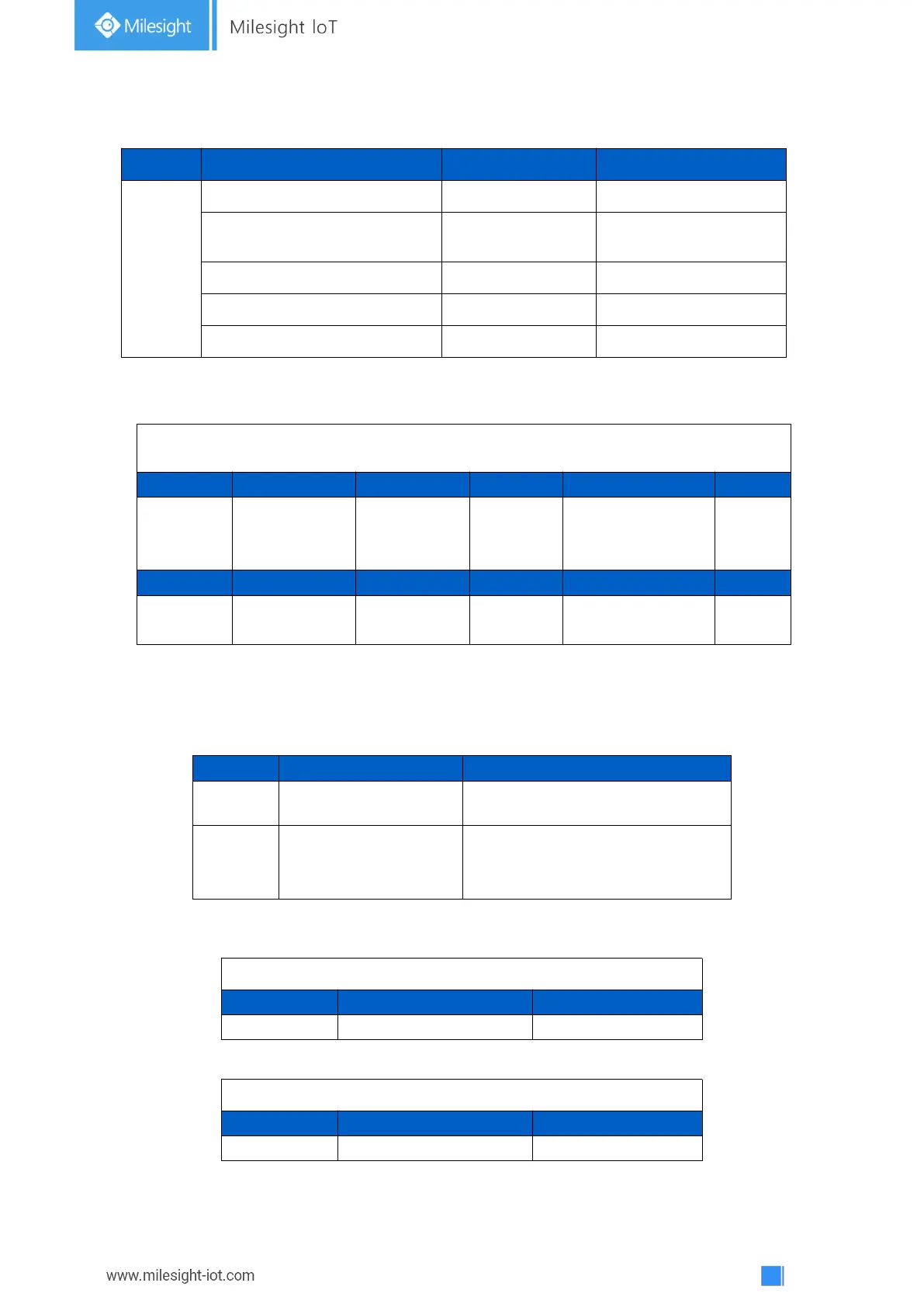
WS101 reports battery level according to reporting interval (1080 mins by default) and button
message when button is pressed.
Example:
Channel
Type
Data Example
Description
ff
01(Protocol Version)
01
V1
08
Device SN
61 27 a2 17 41 32
Device SN is
6127a2174132
09 (Hardware Version)
01 40
V1.4
0a (Software Version)
01 14
V1.14
0f(Device Type)
00
Class A
ff 09 01 00 ff 0a 01 02 ff 0f 00
Channel
Type
Value
Channel
Type
Value
ff
09
(Hardware
version)
0100 (V1.0)
ff
0a
(Software version)
0102
(V1.2)
Channel
Type
Value
ff
0f
(Device Type)
00
(Class A)
Channel
Type
Description
01
75(Battery Level)
UINT8, Unit: %
ff
2e(Button Message)
01: Mode 1(short press)
02: Mode 2 (long press)
03: Mode 3 (double press)
01 75 64
Channel
Type
Value
01
75 (Battery)
64 => 100%
ff 2e 01
Channel
Type
Value
ff
2e(Button Message)
01 => short press

Related product manuals