1-40, 60: Enabling Channel 1 to Channel 40 and Channel 60
All: Enabling all channels
Null: Indicates that all channels are disabled
Note:
For -868M model, default frequency is EU868;
For -915M model, default frequency is AU915.
3.4 General Settings
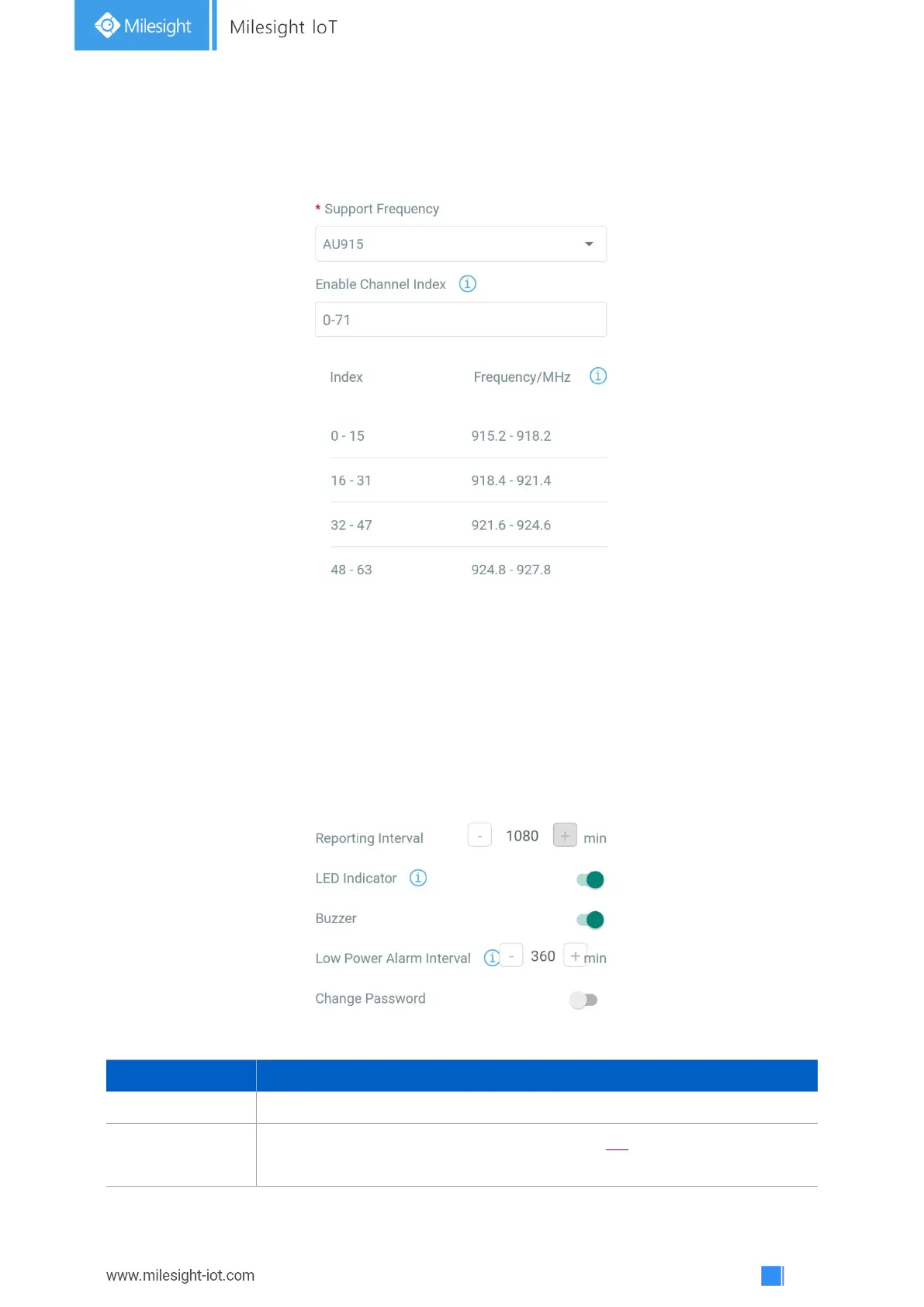
Go to Device->Setting->General Settings of ToolBox App to change the reporting interval, etc.
Reporting interval of battery level to network server. Default: 1080min
Enable or disable the light indicating in chapter 2.4.
Note: The indicator of reset button is not allowed to disable.



 To Next Page