Quick Start Guide
www.milesight.com
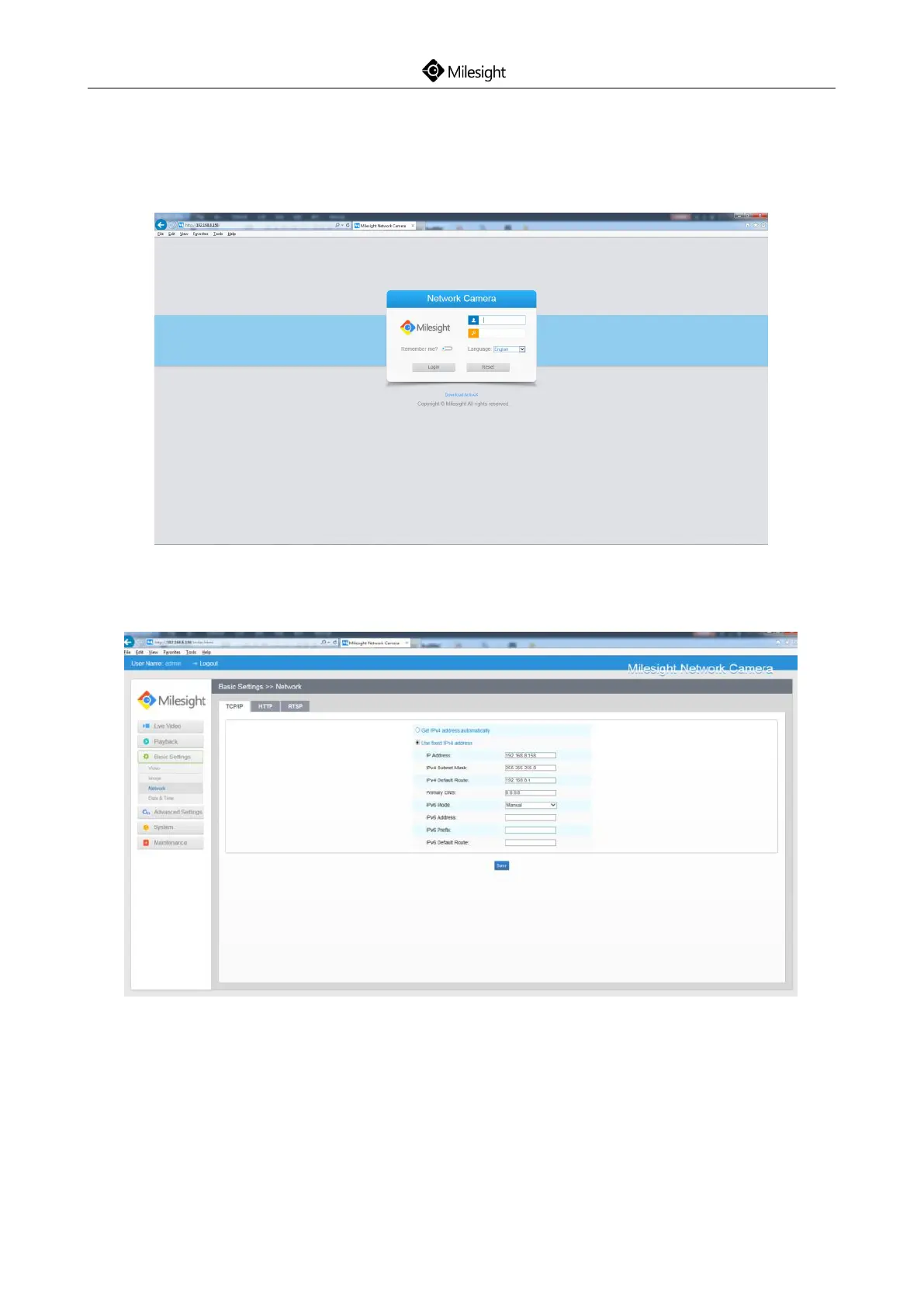
Step2: Start the browser. In the address bar, enter the default IP address of the camera:
http://192.168.5.190;
Step3: Enter the user name and password when the LOGIN page appears;
Default user name: admin
Default password: ms1234
Figure 8-10
Step4: After login, please select “Configuration”→“Basic Settings”→ “Network”→ “TCP/IP”. The
Network Settings page appears (Shown as following Figure);
Figure 8-11
Step5: Change the IP address or other network values. Then click “Save” button;
Step6: The change of default IP address is completed.











 To Next Page