MILESTONE
USER MANUAL
ETHOS EZ User manual MA073-006 Terminal chapter Page - 41 -
Printer and Memory Cards
Printer
Only MLS-Milestone tested and released HP printers can be used. A list of printer
models is available on demand.
EEPROM
Internal storage area (32 KB): Data are kept also in case of black-out. EEPROM is reserved
for history trail and system settings.
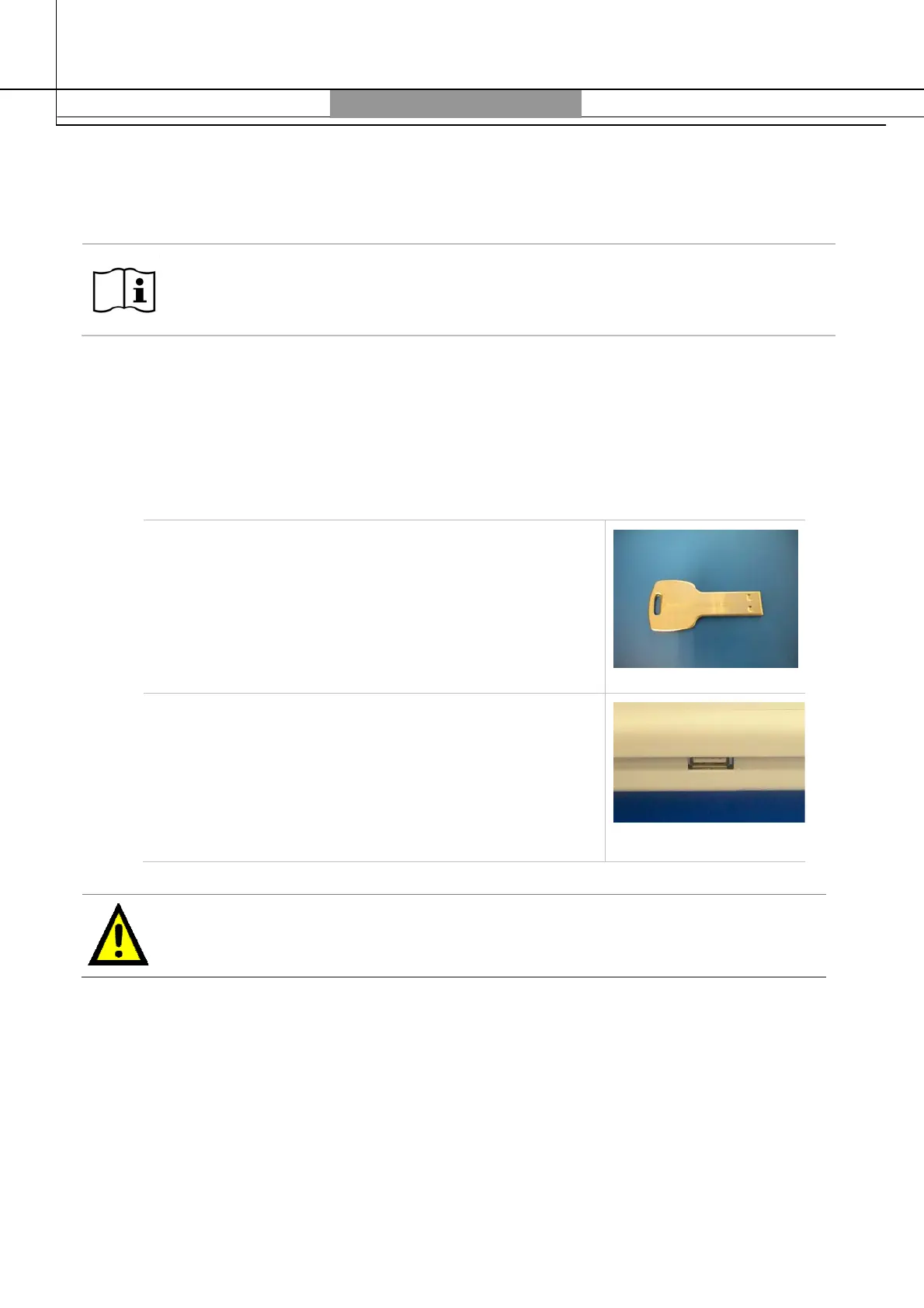
USB pen drive
Mobile Storage area:
USB pen drive is used to store
methods, sample reports, and process runs. It is used
also for signature; in the terminal the USB pen drive
follows the A:\ path.
Storage capacity
: the terminal is delivered with a USB pen
drive with min. 2 GB. All memory size can be used. Since
the files are very small, a few MB are enough.
How to insert USB pen drive: the port for the USB pen
drive is located on the back of the terminal.
How to remove USB pen drive: remove it from the
port.
Do not remove the USB pen drive during writing or reading, as otherwise the
formatting could be “damaged” and the saved files lost. Writing and reading are
indicated on the screen with a sand glass.



 To Next Page