MILESTONE
USER MANUAL
ETHOS EZ User manual MA073-006 Terminal chapter Page - 43 -
End Program / Logout
Touching the
Logout
icon the Login-window will be opened.
Now you can switch off the system or another person can log in.
Switching off the microwave unit, also the Terminal will be turned
off.
Desktop
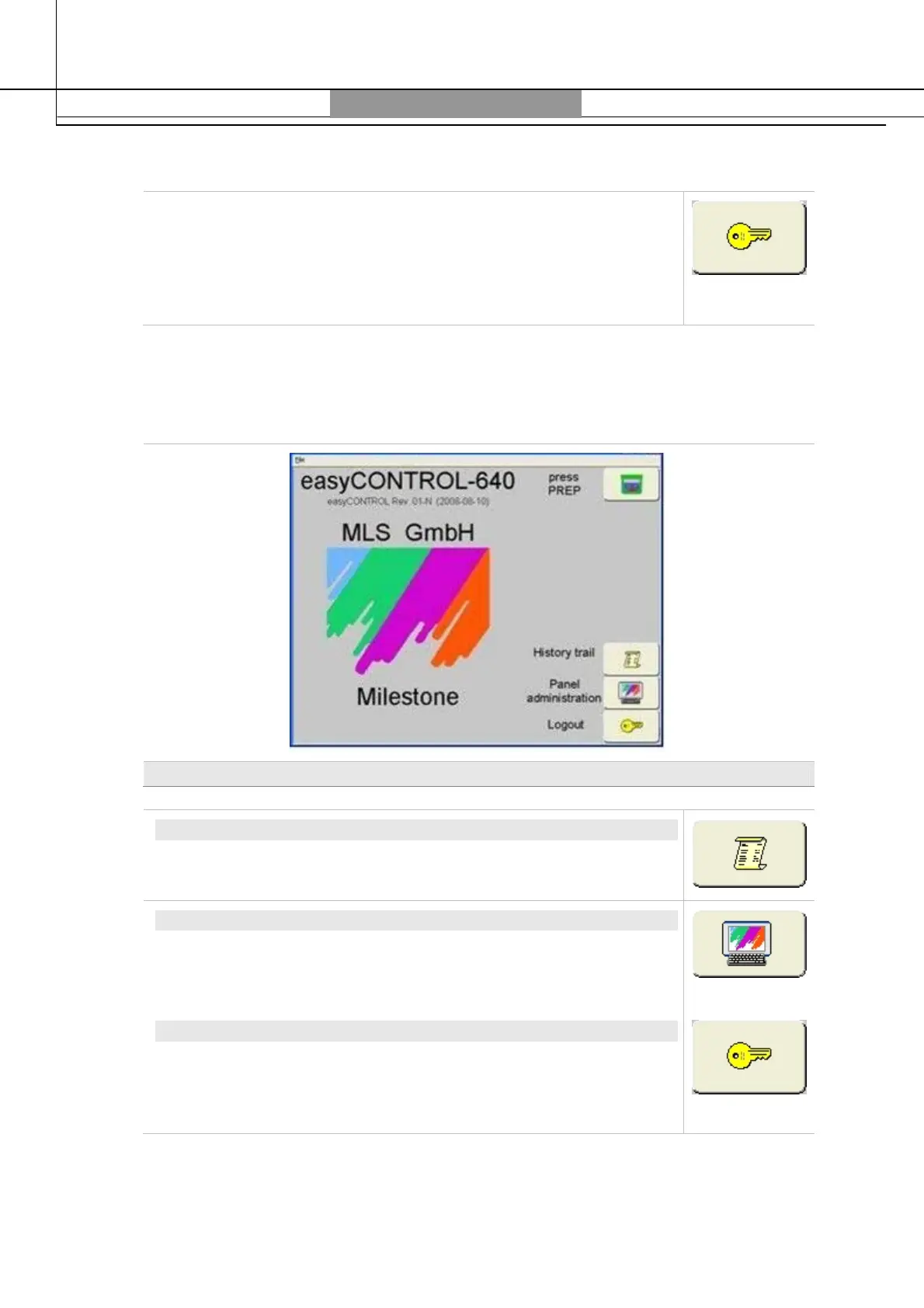
After Login the start page of the easyCONTROL is opened. Touch the icons to enter the
control program or the software administration panel.
Start Screen
HISTORY TRAIL
All changes in the system are automatically documented in the
history trail, for example. Login, Logout etc.
PANEL ADMINISTRATION
The panel administration area is dedicated to the basic
adjustments/settings and to the user administration. The basic
settings are for the most part reserved to Service.
LOGOUT
With Logout you quit the system. The Login window appears when
the next user can log in with his own password.



 To Next Page