MILESTONE
USER MANUAL
ETHOS EZ User manual MA073-006 Terminal chapter Page - 49 -
Open/Save/Delete Methods
Methods can be saved and stored for repeated use.
OPEN METHODS
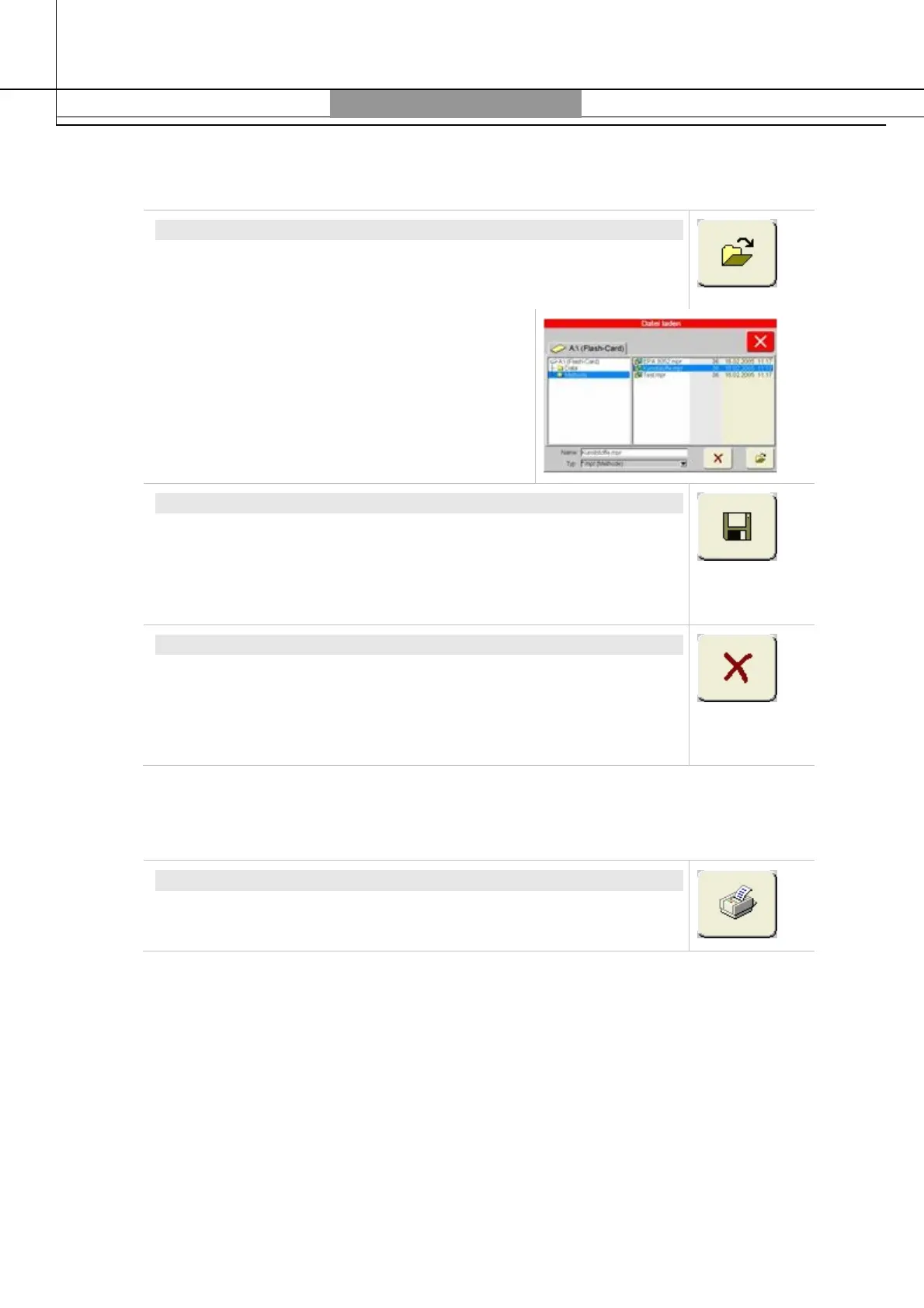
A window will appear to open a method saved on the Flash Card.
Select the desired method from the list. The
name will show in the
Name
field. Touch on
Open
and the selected method will be loaded in
the working memory, and then the window will
be closed.
SAVE METHODS
Indicate under
Name
the name of the method. The ending
.mpr
will
be automatically added to the name.
Touching the Save icon the current method will be saved and the
window closed. Always save methods under listing
A:\Methods
.
DELETE METHODS
Select from the list the method to be deleted. The name of the
method will show in the
Name
field.
Touch the X (Delete) icon and – after request to reconfirm – the
method will be deleted. A deleted method is lost forever.
PRINT-OUT OF METHODS
PRINT-OUT OF METHODS
The method is printed out together with the diagram of the process
run. For printing methods switch to the
Graphic
menu section.



 To Next Page