MILESTONE
USER MANUAL
ETHOS EZ User manual MA073-006 Terminal chapter Page - 51 -
within the preset limit value, the software starts again the
microwave irradiation.
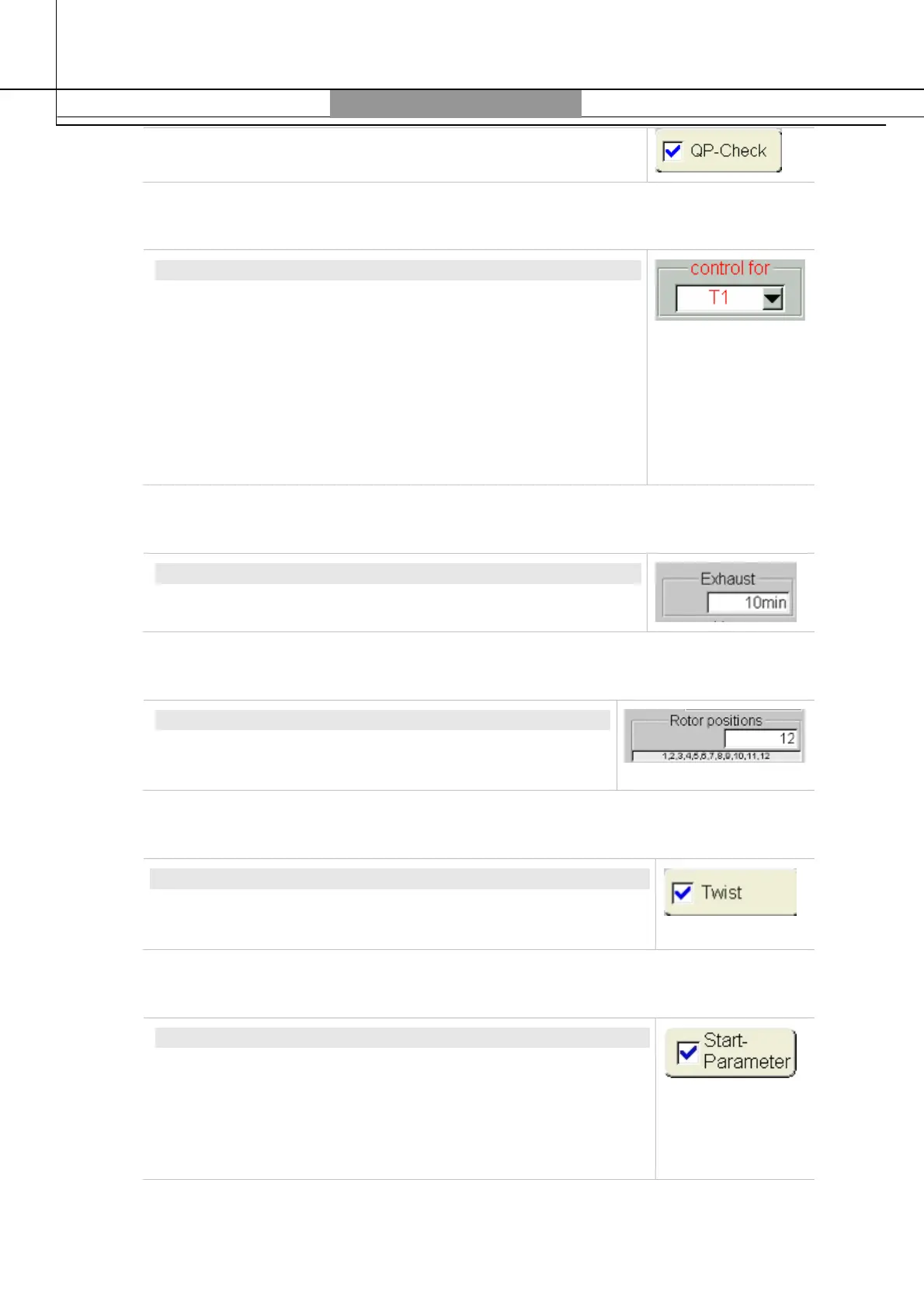
Control for
CONTROL FOR
The “Control for” drop-down menu, allows the selection of
different controls such as T1, T2, P.
T1 is the internal temperature read by fiber optic.
T2 is the external temperature read by infrared sensor (IRTC
sensor).
P is the Pressure read by the APC55 (automatic pressure control
module).
The selected parameter will be the main control during the
microwave program.
Exhaust
Exhaust
Set the cooling time after the microwave program.
Rotor positions
ROTOR POSITIONS
Optional (only if TempSURE is installed): select the total
number of rotor position.
Twist
TWIST
Optional (only if TempSURE is installed): select the total number
of rotor position.
Start Parameter
START PARAMETER
Check marking the function
Start-Parameter
the actually
measured values are used as start values for the wished curves
of T1, T2 and P parameters.
If the function is not active the start values will be 20 °C and 0
bar.



 To Next Page