MILESTONE
USER MANUAL
ETHOS EZ User manual MA073-006 Terminal chapter Page - 53 -
If a zero (0) value is set for a parameter (e.g. 0°C) this parameter will be considered
undefined.
Program Input
Color Code All grey-colored fields are protected and cannot be overwritten. The
white ones can be written on. A yellow background indicates an
activated field.
Input method Values can be entered either pulling the lines in the diagram (touch
the double arrow and pull into the desired position), or entering
numbers.
A field is activated by simple touch; touching twice (or three times in
rapid sequence) will open a numeric input window on the Touch-
screen, alternatively using a mouse.
Delete
program steps
A line can be deleted setting “zero” time.
The line disappears as soon as the user switches to another page or
section (for example clicking on Menu Parameter).
・ Do not quit unless you have saved the program first.
Input Enter the duration of the first program step in the
t
field. At this
point also the other fields are released for input and a new line is
automatically added.
Now fill out completely the first program step. If in the next line you
use the time, all other parameters are taken over from the first line.
Graphic Input
START PARAMETER
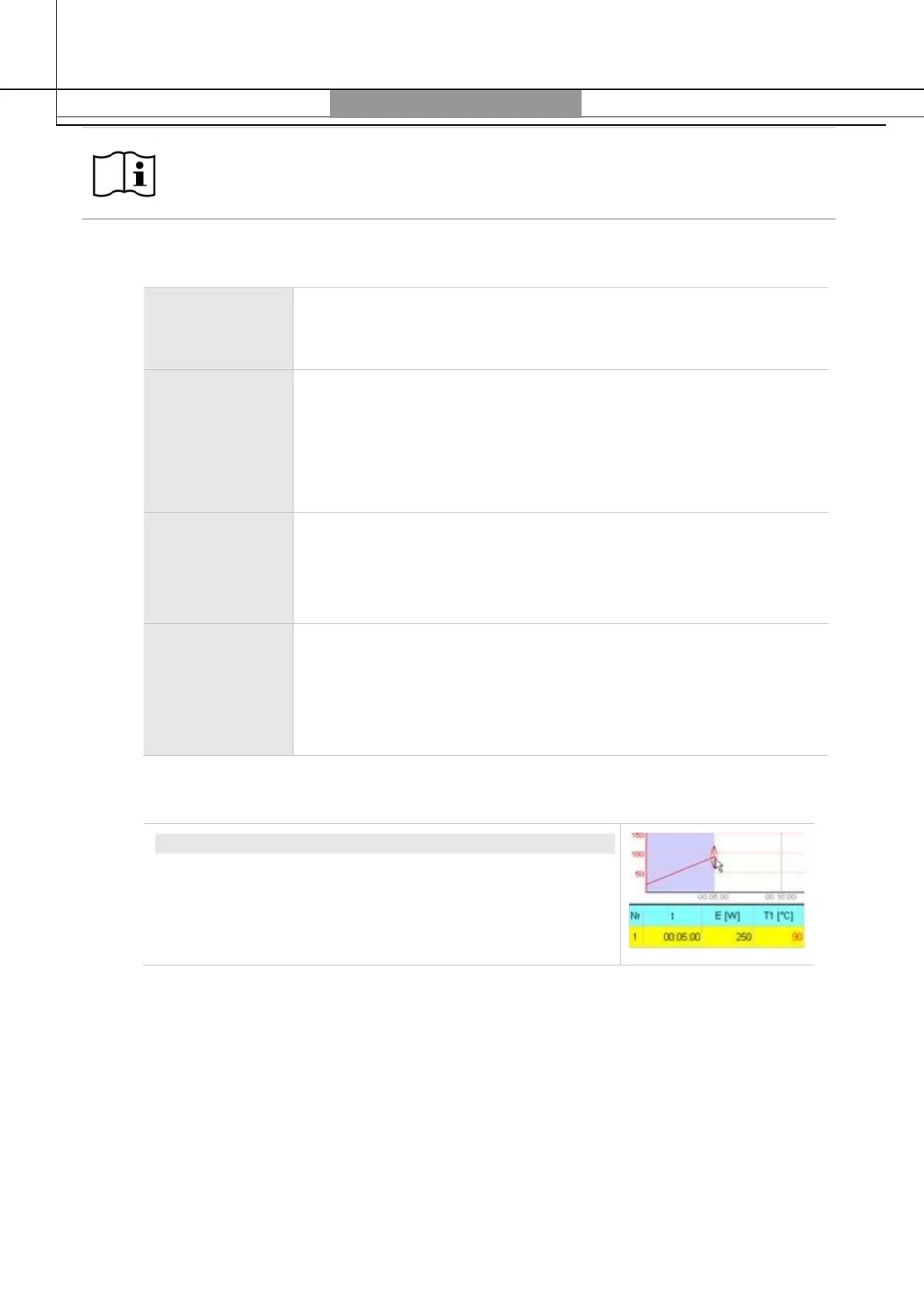
Program parameters can also be entered graphically.
Once a parameter has been chosen, the value can be
selected pulling the lines in the diagram (touch the double
arrow and draw it to the desired position).
Change/Extend Program
An existing program can be changed/extended at any time, also during process run (only for
administrator).
Power Control
Microwave power is regulated and adjusted according to T1 (internal temperature).
During program run the microwave power is adjusted to follow the profile (parameter curve)
of the internal temperature of the reactor/vessel.
If another parameter reaches the desired value or its limit, the microwave power is stopped
(brought down to zero) whether or not regulated according to such parameter.



 To Next Page