MILESTONE
USER MANUAL
ETHOS EZ User manual MA073-006 Terminal chapter Page - 54 -
If the set microwave value is too low, then the control parameter cannot follow the given
curve.
In case for a parameter a “0” zero desired value is entered, an error message will be
displayed and the program cannot start.
Description of Program Parameters
Nr. Program Step number (assigned by the software).
t =time Length of time of the program step. If you set the time at 0
(=zero) the line will be deleted.
E=Microwave
power
The maximum microwave power that can be irradiated in the
microwave cavity.
T1=Temperature
1
The maximum temperature 1 in °C that may be reached at the
end of the program step or adjusting power according to T1.
Setting 0°C (=zero) there is no regulation according to T1.
T2=Temperature
2
The maximum temperature 2 in °C that may be reached at the
end of the program step.
P=Pressure The maximum pressure in bar, that may be reached at the end
of the program step.
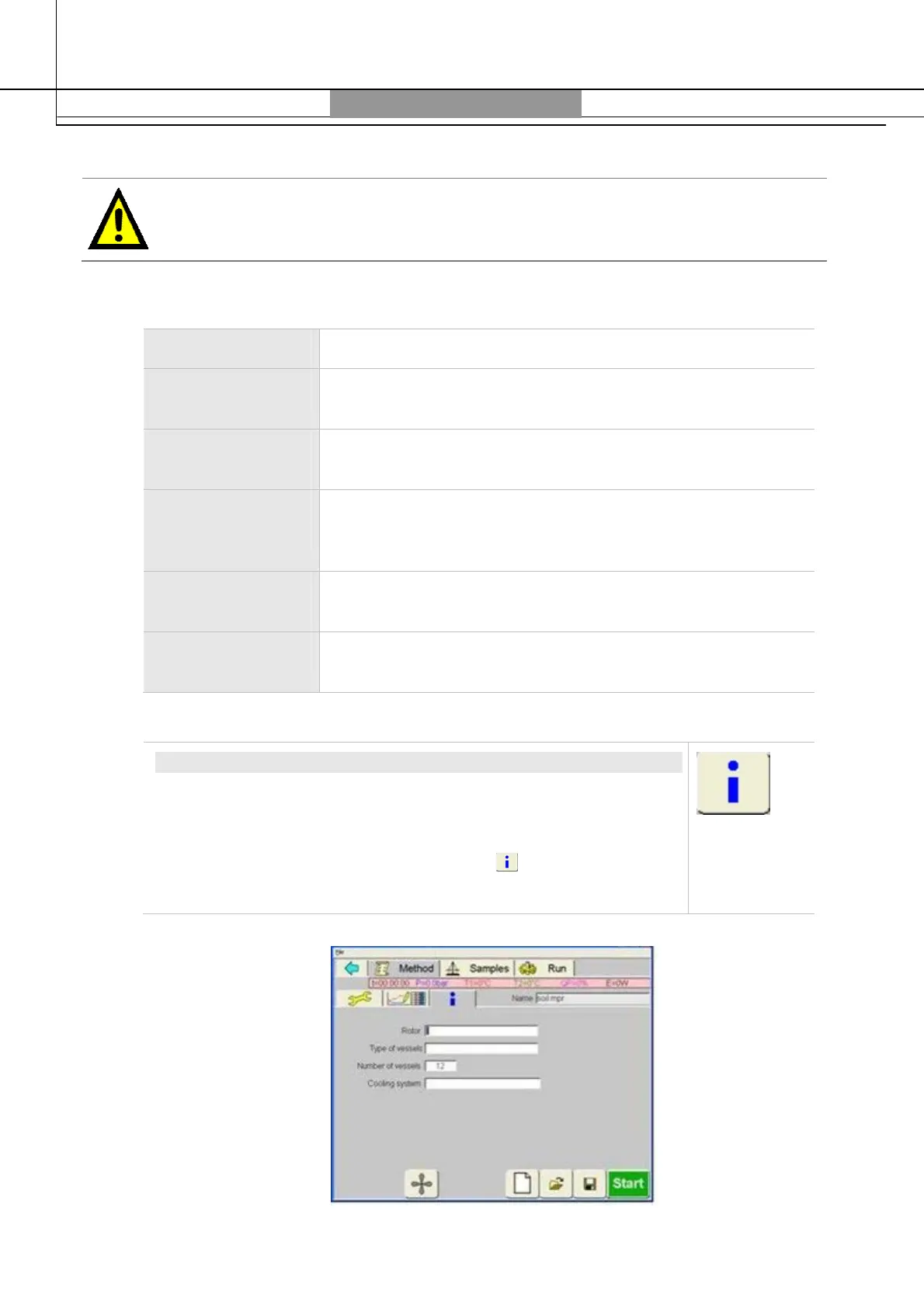
Info
INFO
This opens the
System-Data
window where user can enter the
system information.
Preliminary data derive from the settings entered under
Panel
Administration/Settings/System
information
.
System info is printed out together with the process run.



 To Next Page