MILESTONE
USER MANUAL
ETHOS EZ User manual MA073-006 Terminal chapter Page - 55 -
SAMPLE DATA REPORT (Table)
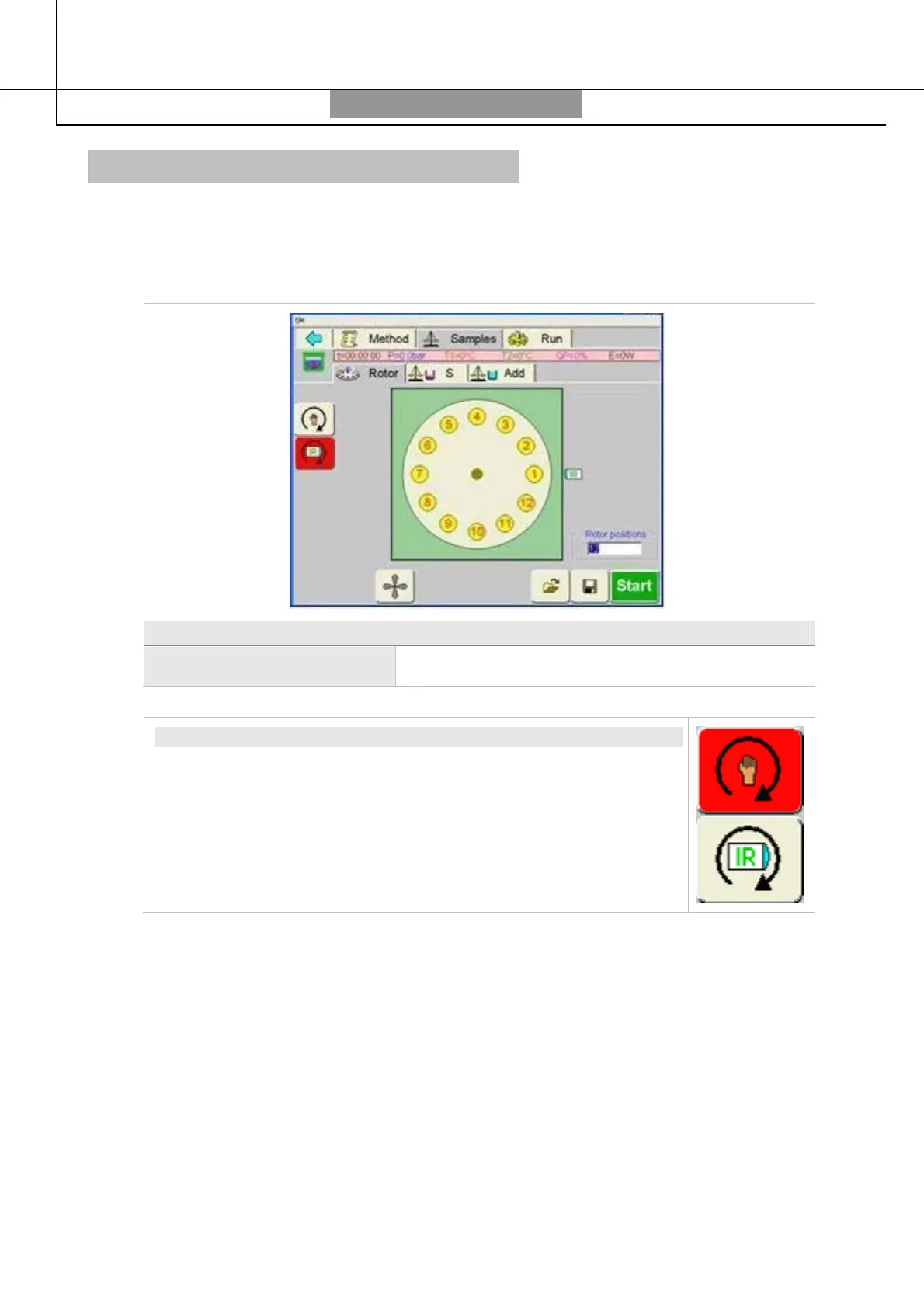
ROTOR PAGE
In the rotor page is shown the diagram of the rotor according to ist total positions:
Rotor
Rotor positions Set the number of positions of the rotor
VESSELS POSITIONING
Selecting the “hand” and pressing on the number of vessel, it will
move in front of the user.
Selecting the “IR” and pressing one the number of vessel, it will
move in front of the infrared sensor.
The section
Sample
includes the sample table. This is a table where all data of the samples are
entered. Up to 100 samples data can be entered.



 To Next Page