EasyManua.ls Logo

Miller Pro-Hobby Series - User Manual

Miller Pro-Hobby Series
20 pages
Print Icon
To Next Page IconTo Next Page
Loading...
®
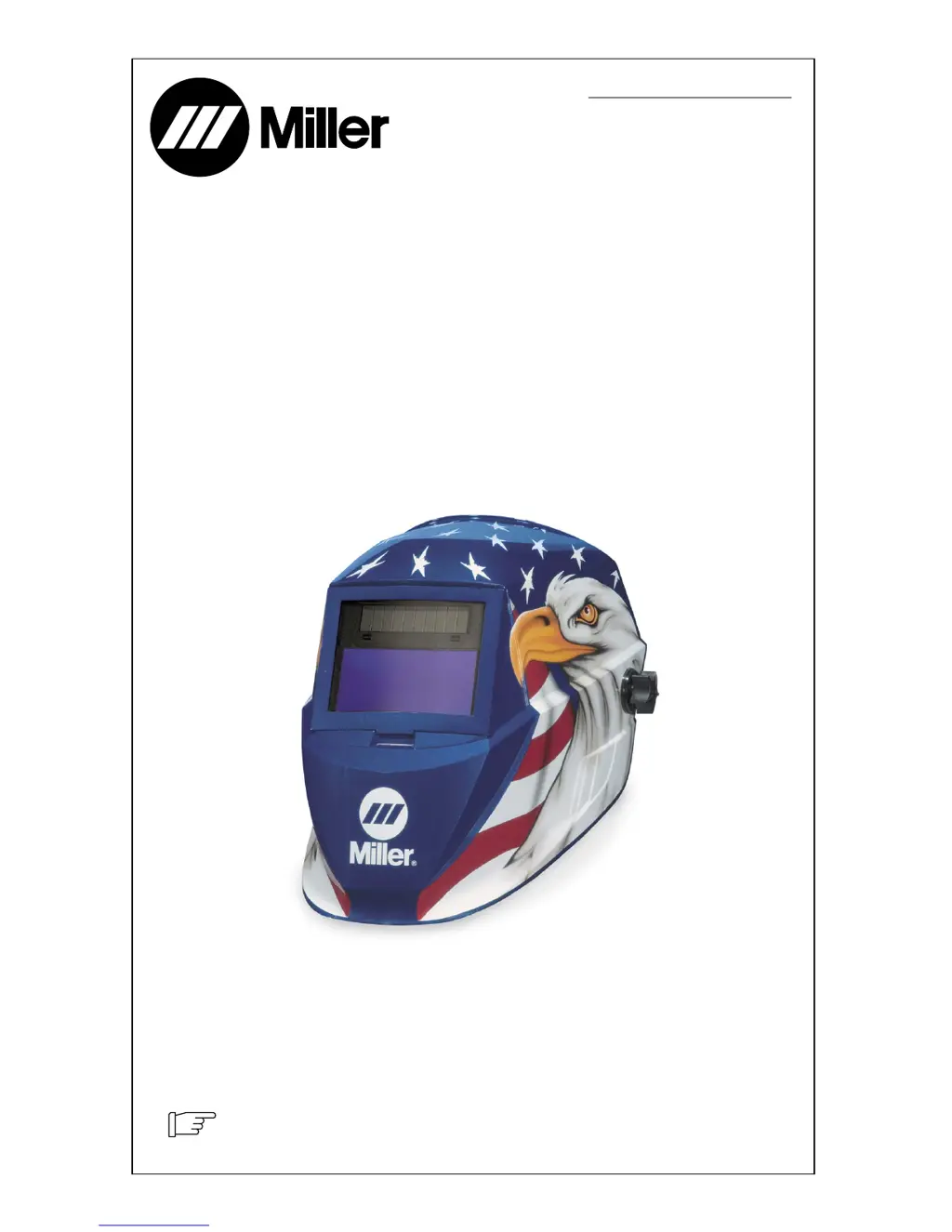
Auto-Darkening Helmets
Pro-HobbytSeries
OM-231 425-A
200610
To help us serve you better, go to www.MillerWelds.Com/Helmet/Reg/

Questions and Answers

  • A
    Aaron BeltranJul 27, 2025
    Why is my Miller Motorcycle Accessories auto lens switching or flickering?
    • B
      Brenda WagnerJul 27, 2025
      If your Miller Motorcycle Accessories lens darkens and lightens while welding, review the sensitivity setting and increase it if possible. Ensure the arc sensors aren't blocked from the arc light. Check the lens cover for dirt and spatter. Increasing the Lens Delay to the Fast position may also help.
  • H
    Heather HarrisAug 1, 2025
    Why are sections of my Miller Motorcycle Accessories auto-lens not going dark?
    • J
      Jose EspinozaAug 1, 2025
      If sections of your Miller Motorcycle Accessories auto-lens aren't darkening, creating distinct lines, stop welding immediately. This could be due to a crack, possibly from dropping the helmet or weld spatter. The lens may need replacement, but most cracked lenses aren't covered under warranty.
  • D
    Daniel SimmonsAug 6, 2025
    Why is there inconsistent shading in my Miller Motorcycle Accessories auto-lens?
    • A
      amysullivanAug 6, 2025
      Inconsistent or lighter shading on the outside edges and corners of your Miller Motorcycle Accessories auto-lens is normal, due to the angle of view effect. Auto-darkening lenses have an optimum viewing angle, and this effect is not a safety hazard. It may be more noticeable when using magnifying lenses.
  • K
    Kyle HendricksAug 11, 2025
    What to do if Miller Motorcycle Accessories auto lens is not switching and lens stays light when welding?
    • V
      vfisherAug 11, 2025
      If the auto lens on your Miller Motorcycle Accessories helmet isn't darkening during welding, immediately stop welding. For variable shade helmets, press the On button. For fixed-shade helmets, ensure the lens solar cell is charged by placing the helmet in direct sunlight for 20 minutes. If the power is on, check the sensitivity and adjust it accordingly. Also, clean the lens cover and sensors, ensuring they face the arc without obstructions. Angles exceeding 45 degrees may prevent arc light from reaching the sensors.
  • R
    Rachel BowmanAug 16, 2025
    What to do if Miller Motorcycle Accessories auto lens is not On?
    • K
      Kyle SmithAug 16, 2025
      If the auto lens on your Miller Motorcycle Accessories isn't turning on, and the lens doesn't darken when you press the On button, check the batteries. Make sure they're in good condition and installed correctly. Also, inspect the battery surfaces and contacts, and clean them if needed.
  • H
    Hunter RossAug 21, 2025
    What to do if Miller Motorcycle Accessories auto lens is not Switching and lens stays dark?
    • C
      Crystal PollardAug 21, 2025
      If your Miller Motorcycle Accessories lens stays dark after welding or when there's no arc, fine-tune the sensitivity by turning the control toward the “min” setting. In very bright conditions, you might need to reduce the surrounding light.

Summary

Safety Precautions

Symbol Usage

Explains the meaning of warning symbols used throughout the manual.

Hazards

Details potential hazards from arc rays, welding helmets, and noise.

Specifications

Operating Instructions

Helmet Controls

Identifies and describes the controls on the variable shade and fixed shade helmet models.

On Button and Low Battery Indicator

Explains how to turn the helmet on and interpret the low battery indicator.

Lens Delay Control

Details the function of the delay control for lens shade transition.

Variable Shade Control

Guides on adjusting the lens shade for different welding applications and arc currents.

Sensitivity Control

Instructions for adjusting the lens sensitivity to ambient light conditions.

Adjusting Headgear

Headgear Top Adjustment

Adjusts headgear depth for balance and stability on the head.

Headgear Tightness Adjustment

How to adjust the headgear for a secure and comfortable fit.

Distance Adjustment

Adjusts the distance between the face and the lens for optimal vision.

Angle Adjustment

Adjusts the forward tilt of the helmet for proper viewing angle.

Replacing Lens Covers

Replacing Outside Lens Cover

Step-by-step guide for removing and replacing the outside lens cover.

Replacing Inside Lens Cover

Instructions for removing and replacing the inside lens cover.

Replacing the Battery

Variable Shade Models

Details how to replace batteries in variable shade models.

Fixed Shade No. 10 Models

Explains power source for fixed shade models (solar cell).

Installing Optional Magnifying Lens

Maintenance

Troubleshooting

Parts List

Limited Warranty

Miller Pro-Hobby Series Specifications

General IconGeneral
BrandMiller
ModelPro-Hobby Series
CategoryMotorcycle Accessories
LanguageEnglish

Related product manuals