EasyManua.ls Logo

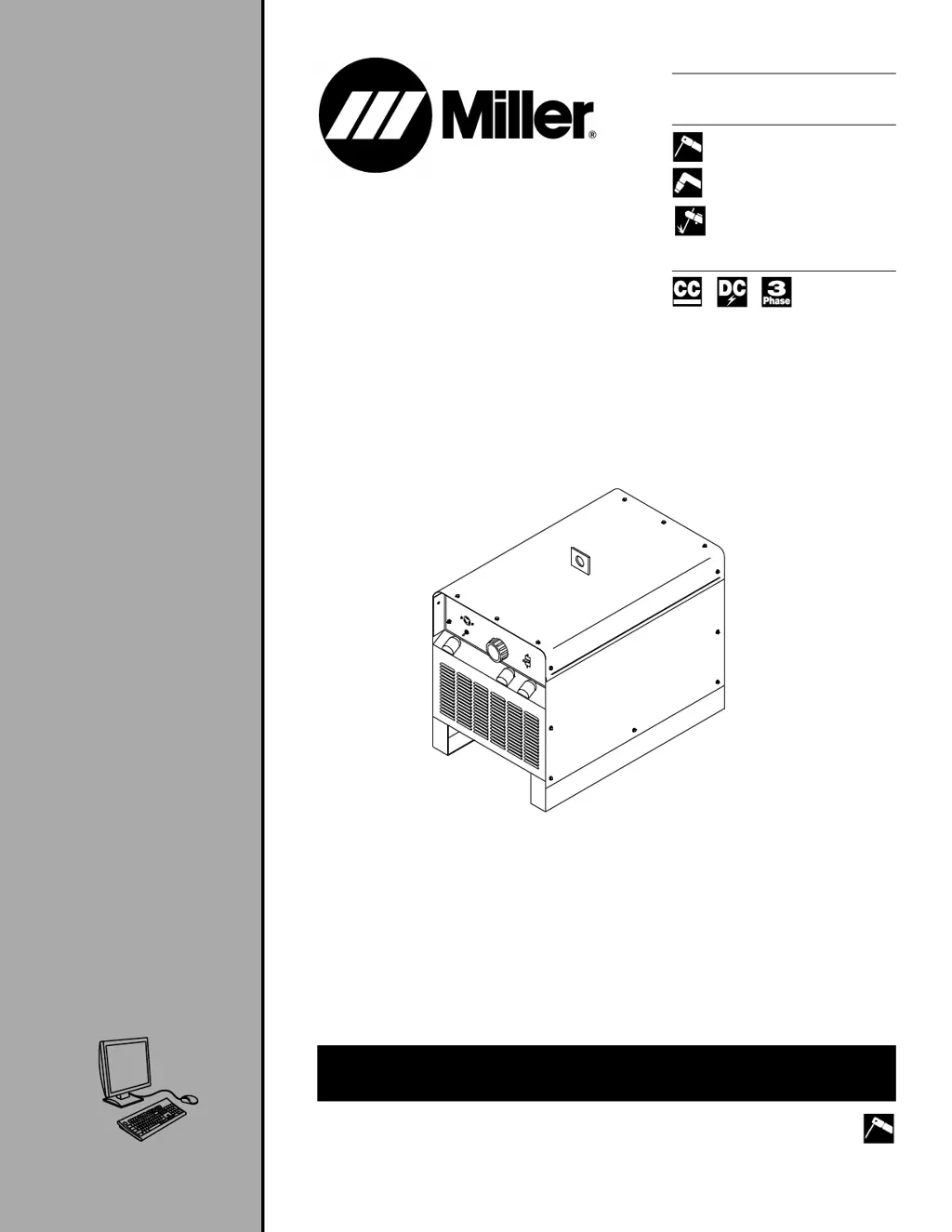
Miller SRH-444 - User Manual

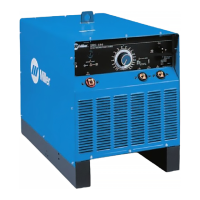
Miller SRH-444
36 pages
Print Icon
To Next Page IconTo Next Page
Loading...
OM-2230T 2008-09
Processes
Stick (SMAW) Welding
Air Plasma Cutting and Gouging
Air Carbon Arc (CAC-A) Cutting
and Gouging
Description
Arc Welding Power Source
SRH-444
Visit our website at
www.MillerWelds.com
OWNER'S MANUAL
File : Stick (SMAW) 

Questions and Answers

  • U
    uhayesAug 4, 2025
    How to fix Miller Welding System with no weld output and completely inoperative?
    • L
      Laurie ColeAug 4, 2025
      If your Miller Welding System has no weld output and is completely inoperative: * Ensure the line disconnect switch is in the On position. * Inspect and replace any blown line fuses or reset the circuit breaker. * Confirm that the input power connections are correctly made. * Verify the correct placement of the jumper link.
  • B
    Brian DavisAug 9, 2025
    Why Miller SRH-444 Welding System provides only low or minimum weld output?
    • K
      Kimberly NelsonAug 9, 2025
      If your Miller Welding System is only providing low or minimum weld output: 1. Check to ensure you have the correct line voltage. 2. Inspect and replace any open line fuses. 3. Clean and tighten all weld connections. 4. Ensure the Remote Amperage switch is in the correct position. 5. Select the correct size weld cables.
  • D
    Donald ReynoldsAug 14, 2025
    What to do if Miller SRH-444 Welding System has erratic or improper weld output?
    • S
      Steven QuinnAug 14, 2025
      If your Miller Welding System is producing erratic or improper weld output, you should first clean and tighten all weld connections. Then, ensure you are using the correct size and type of electrodes.
  • C
    Christopher SmithAug 18, 2025
    What to do if Miller SRH-444 Welding System has low weld amperage and amperage adjustment does not control amperage?
    • H
      harrisgeorgeAug 18, 2025
      If your Miller Welding System exhibits low weld amperage and the amperage adjustment is not working, reset the supplementary protector CB1.
  • J
    Jennifer WilliamsAug 23, 2025
    What to do if Miller SRH-444 has excessive line current or line fuses open repeatedly?
    • M
      Mitchell SimonAug 23, 2025
      To address excessive line current or repeatedly open line fuses in your Miller Welding System, first ensure that the input power connections are properly configured. Also, verify the correct positioning of the jumper link.
  • M
    Michael WaltersAug 29, 2025
    What to do if Miller Welding System fan is not operating and/or unit is overheating?
    • A
      Alan ButlerAug 29, 2025
      If the fan in your Miller Welding System is not working, and the unit is overheating, start by removing any obstructions that may be preventing the fan from moving. If the issue persists, inspect the fan motor and replace it if necessary.

Summary

From Miller to You

SECTION 1 - SAFETY PRECAUTIONS - READ BEFORE USING

1-1. Symbol Usage

Explains the meaning of warning symbols used in the manual.

1-2. Arc Welding Hazards

Details hazards associated with arc welding and protective measures.

1-3. Additional Symbols For Installation, Operation, And Maintenance

Covers additional symbols related to installation, operation, and maintenance hazards.

1-4. California Proposition 65 Warnings

Lists chemicals known to cause cancer or birth defects as per California law.

1-5. Principal Safety Standards

Lists key safety standards and organizations for welding and cutting.

1-6. EMF Information

Discusses electromagnetic fields and their potential effects and mitigation.

SECTION 3 - DEFINITIONS

3-1. Electric Shock And Airflow Label

Defines labels related to electric shock and airflow on the unit.

3-2. Nameplate Safety Symbols

Explains safety symbols found on the equipment nameplate.

3-3. Symbols And Definitions

Provides definitions for various symbols used in the manual.

SECTION 4 - INSTALLATION

4-1. Serial Number And Rating Label Location

Details where to find the serial number and rating information.

4-2. Specifications

Lists technical specifications like input voltage, amperage, and output.

4-3. Duty Cycle And Overheating

Explains duty cycle and the risks of overheating the unit.

4-4. Volt-Ampere Curves

Illustrates the unit's voltage and amperage output capabilities.

4-5. Selecting A Location

Provides guidance on choosing a suitable and safe location for the unit.

4-6. Dimensions and Weight

Details the physical dimensions and weight of the equipment.

4-7. Tipping

Warns about tipping hazards and how to prevent them.

4-8. Selecting And Preparing Weld Output Cables

Guides on choosing and preparing cables for weld output.

4-9. Selecting Weld Cable Sizes

Provides a chart for selecting appropriate weld cable sizes based on amperage and length.

4-10. Connecting To Weld Output Terminals

Details the correct procedure for connecting weld output cables.

4-11. Weld Output Terminals

Identifies and explains the positive and negative weld output terminals.

4-12. Remote Amperage Control Receptacle

Describes the receptacle for connecting a remote amperage control.

4-13. Electrical Service Guide

Provides electrical requirements, fuse ratings, and conductor sizing.

4-14. Connecting Input Power

Explains how to connect the unit to the input power supply.

SECTION 5 - OPERATION

5-1. Controls

Identifies and explains the function of the unit's controls.

5-2. Remote Amperage Switch

Details how to use the switch for selecting amperage control method.

SECTION 6 - MAINTENANCE

6-1. Routine Maintenance

Outlines routine maintenance tasks and their recommended frequency.

6-2. Overload Protection

Explains the function of the supplementary protector and how to reset it.

SECTION 7 - TROUBLESHOOTING

7-1. Troubleshooting

Lists common problems and their remedies for the unit.

SECTION 8 - ELECTRICAL DIAGRAM

SECTION 9 - PARTS LIST

TRUE BLUE WARRANTY

Limited Warranty Terms

Outlines the terms and conditions of the limited warranty.

Warranty Exclusions

Lists items and conditions not covered by the warranty.

Intended Use and Disclaimer

States the intended user base for Miller products.

Warranty Claim Procedures

Describes the exclusive remedies and procedures for warranty claims.

OWNERS RECORD

FOR SERVICE

Distributor and Service Agency Contact

Provides contact information for distributors and service agencies.

Miller SRH-444 Specifications

General IconGeneral
BrandMiller
ModelSRH-444
CategoryWelding System
LanguageEnglish

Related product manuals