EasyManua.ls Logo

Miller Syncrowave 351 - User Manual

Miller Syncrowave 351
42 pages
Print Icon
To Next Page IconTo Next Page
Loading...
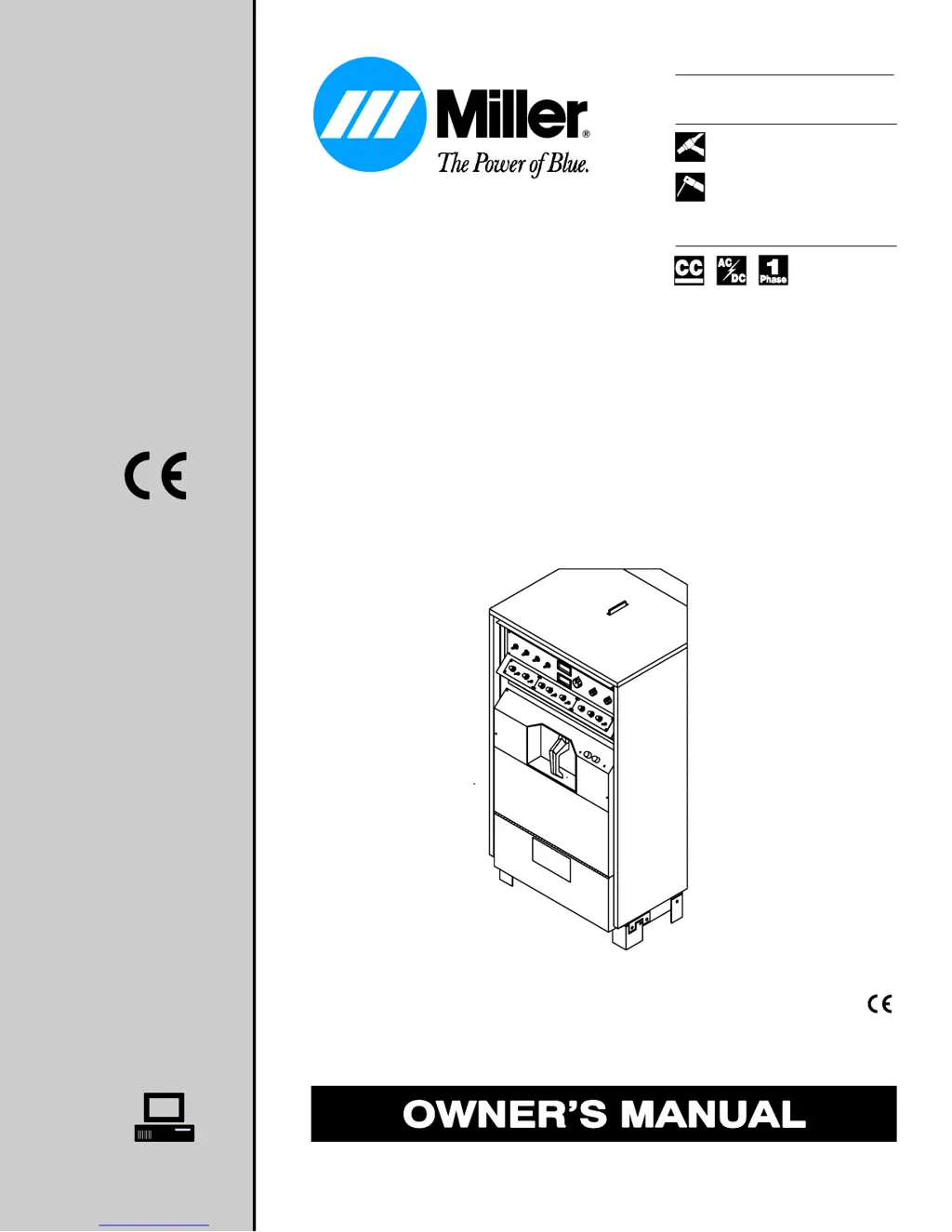
Syncrowave 351
Processes
Description
R
TIG (GTAW) Welding
Stick (SMAW) Welding
Arc Welding Power Source
OM-354 147819 G
December 1997
60 Hz, 50 Hz –
Visit our website at
www.MillerWelds.com

Questions and Answers

  • S
    Samantha JohnsonAug 14, 2025
    What to do if my Miller Syncrowave 351 Welding System's fan is not operating?
    • C
      carrollrobinAug 14, 2025
      Check for and remove any obstructions that may be blocking the fan's movement. If the fan still doesn't work, have a Factory Authorized Service Agent check the fan motor.
  • A
    aliciavalenciaAug 17, 2025
    What to do if Remote 14 receptacle RC1 is not working properly on my Miller Welding System?
    • L
      Laura HoustonAug 17, 2025
      Be sure the Amperage control switch and the Output switch are in the Remote 14 position.
  • B
    Benjamin BoothAug 21, 2025
    What to do if there's no output from duplex receptacle RC2 and no high frequency on my Miller Welding System?
    • M
      Melinda MathisAug 21, 2025
      Reset the circuit breaker CB1.
  • K
    Karen ChristianAug 25, 2025
    Why is there no weld output from my Miller Syncrowave 351 Welding System, but the unit is on?
    • J
      john26Aug 25, 2025
      Several factors could cause this. If you're using a remote control, ensure the Output switch is in the Remote 14 position and the remote is properly connected. If not using a remote, set the Output switch to the On position. The unit may have overheated; allow it to cool with the fans on. If these steps don't resolve the issue, a Factory Authorized Service Agent should inspect the control board PC1.
  • D
    dgoldenAug 27, 2025
    What to do if my Miller Syncrowave 351 Welding System has erratic weld output?
    • L
      Levi FullerAug 28, 2025
      First, ensure you are using the correct size and type of weld cable. Then, clean and tighten all weld connections. Verify the position of the Output Selector switch and, if using a remote control, check the Amperage Adjustment control position.
  • L
    Larry AustinAug 31, 2025
    How to troubleshoot lack of high frequency and difficulty starting GTAW arc in Miller Syncrowave 351?
    • K
      Kelsey MeyerAug 31, 2025
      To address this, try the following: reset circuit breaker CB1, select the proper size tungsten, check the High Frequency Intensity control setting, ensure the electrode holder cable isn't near grounded metal, inspect cables and the torch for damage (repair or replace if needed), check the spark gaps, and reduce the gas flow rate.
  • K
    Kari HarmonSep 3, 2025
    How to fix tungsten electrode oxidizing in Miller Syncrowave 351 Welding System?
    • S
      Stephanie ReidSep 3, 2025
      To prevent tungsten oxidation, shield the weld zone from drafts, increase postflow time, check and tighten all gas fittings, properly prepare the tungsten, and check for water in the torch, repairing it if necessary.
  • D
    donalddixonSep 7, 2025
    What to do if my Miller Syncrowave 351 provides only maximum or minimum weld output?
    • C
      cwarrenSep 7, 2025
      Check that the Amperage switch is in the correct position. If the problem persists, have a Factory Authorized Service Agent inspect the hall device HD1, filter board PC2, and control board PC1.
  • K
    Katie AllenSep 10, 2025
    What to do if my Miller Syncrowave 351 Welding System is completely inoperative and has no weld output?
    • J
      Jose AdkinsSep 10, 2025
      First, ensure the line disconnect switch is in the On position. Then, check and replace the line fuses if necessary. Verify proper input power connections and confirm the correct jumper link position.

Summary

Safety Precautions - Read Before Using

Symbol Usage

Explains the meaning of warning symbols used in the manual.

Arc Welding Hazards

Details potential hazards associated with arc welding processes.

Additional Symbols For Installation, Operation, And Maintenance

Covers additional safety symbols for setup, use, and upkeep procedures.

Principal Safety Standards

Lists the primary safety standards that should be followed.

Installation

Duty Cycle And Overheating

Explains duty cycle and the consequences of overheating the equipment.

Weld Output Terminals And Selecting Cable Sizes

Guides on connecting weld output terminals and selecting appropriate cable sizes.

Placing Jumper Links And Connecting Input Power

Details how to configure jumper links and connect the input power supply.

Operation

Standard Controls

Identifies and explains the standard controls and their functions on the welding machine.

Arc;Balance Control

Explains the Arc/Balance control for DC SMAW and AC output adjustments.

Maintenance & Troubleshooting

Routine Maintenance

Outlines the routine maintenance tasks to keep the equipment in good working order.

Troubleshooting

Offers solutions for common problems and troubleshooting procedures for the unit.

Miller Syncrowave 351 Specifications

General IconGeneral
Input Frequency50/60 Hz
AC Balance ControlYes
Open Circuit Voltage80 V
ProcessesTIG, Stick
Input Voltage208/230/460 V
Input Phase3
Rated Output300 A @ 32 VDC, 60% Duty Cycle

Related product manuals