GENERAL OPERATIONS 17
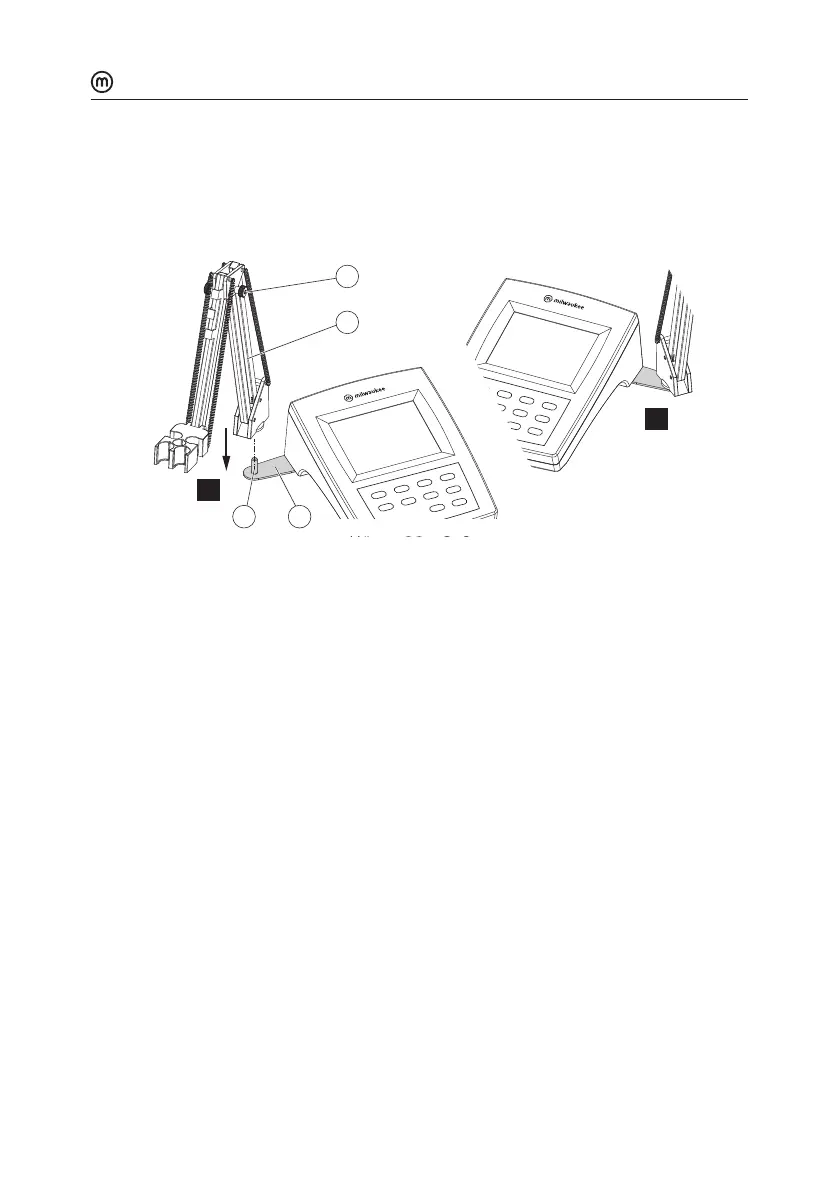
y Position the meter with the display facing up.
y Take the electrode holder (7) and insert it into the pin (5). The pin securely holds the
electrode holder in place.
y For increased arm rigidity, tighten the metal knobs (8) on both sides.
45
7
8
L
R
6.3. CONNECTING THE PROBES
6.3.1. MA917B/1 pH Probe
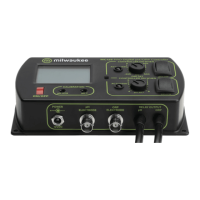
MA917B/1 is connected to the meter through a BNC connector (labeled pH/ORP).
With the meter o:
y Connect the probe to the BNC socket on the top right of the meter.
y Align and twist the plug into the socket.
y Place the probe into the holder and secure the cable in clips.
6.3.2. MA831R Temperature Probe
MA831R is connected to the meter through a RCA connector (labeled Temp.)
With the meter o:
y Connect the probe to the RCA socket on the top right of the meter.
y Push the plug into the socket.
y Place the probe into the holder and secure the cable in clips.



 To Next Page