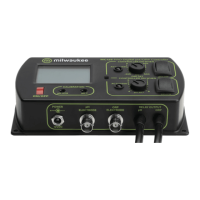
44 MW150 & MW151 Bench Meters
USB Export All
1. With the meter on, insert a USB flash drive into the micro USB port. If the flash drive
does not have a micro USB connector, use an adapter.
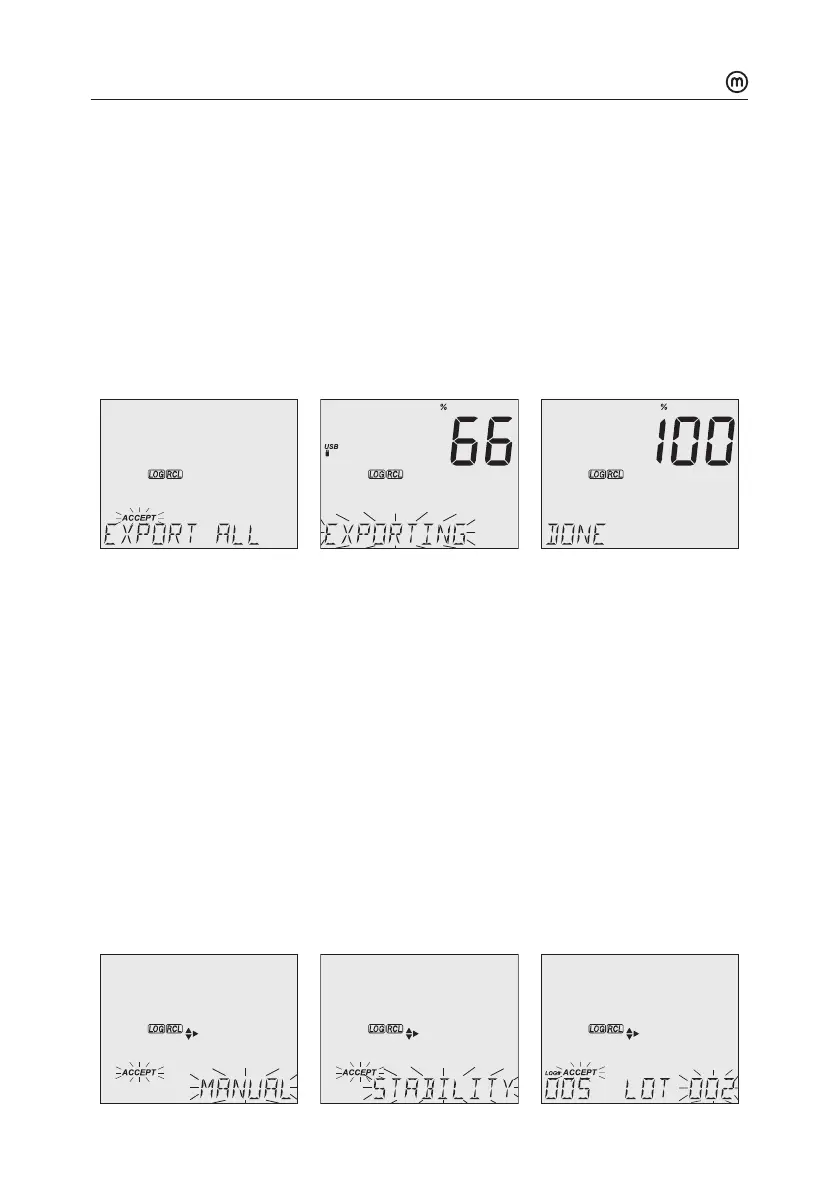
2. Press RCL then RANGE/ to select the “EXPORT ALL” option.
3. Press GLP/ACCEPT to confirm.
LCD displays “EXPORTING” and the percentage counter, followed by “DONE” when
export is completed. Display returns to the lot selection screen.
Note: The USB flash drive can be safely removed if the USB icon is not displayed.
Donot remove the USB drive during export.
Overwriting existing data:
1. When the LCD displays “OVR” with LOT### blinking (USB icon is displayed), an
identical named lot exists on the USB.
2. Press keys to select between YES, NO, YES ALL, NO ALL (ACCEPT tag blinking).
3. Press GLP/ACCEPT to confirm. Not confirming exits the export.
Display returns to lot selection screen.
USB Export Selected
Logged data can be transferred separately by lots.
1. Press RCL to access the logged data.
LCD displays “PLEASE WAIT” followed by “LOG RECALL” with ACCEPT tag blinking and
the number of stored logs.
2. Press GLP/ACCEPT to confirm.
3. Use keys to select the lot type (MANUAL, STABILITY or interval ###)



 To Next Page