Mimosa Client Help Content
Mimosa Clients Mounting & Grounding
Copyright © 2014 Mimosa Page 24
Connect Ethernet4.
a) Prepare the shielded CAT6 Cabling (not included), and apply a bead of dielectric silicone to Ethernet pins.
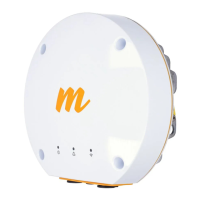
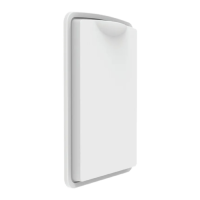
b) Remove the front plastic cover from the radio, connect the Ethernet cable, and then replace the cover.


 To Next Page