SESSION CONTROLS
VOLUME
The volume level affects both tones and the heartbeat together. There are 30
volume levels. To adjust the volume, press and release, or press and hold the
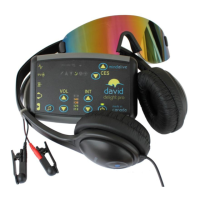
VOL or buttons. The graph will display the volume level. The volume
cannot be adjusted during Soft Off™.
INTENSITY
The intensity level affects the brightness of the
lights in the eyeset. There are 15 eyeset intensity
levels. To adjust the intensity, press and release,
or press and hold the INT or buttons. The
graph will display the intensity level. The
intensity cannot be adjusted during Soft Off™.
TONE SELECTION
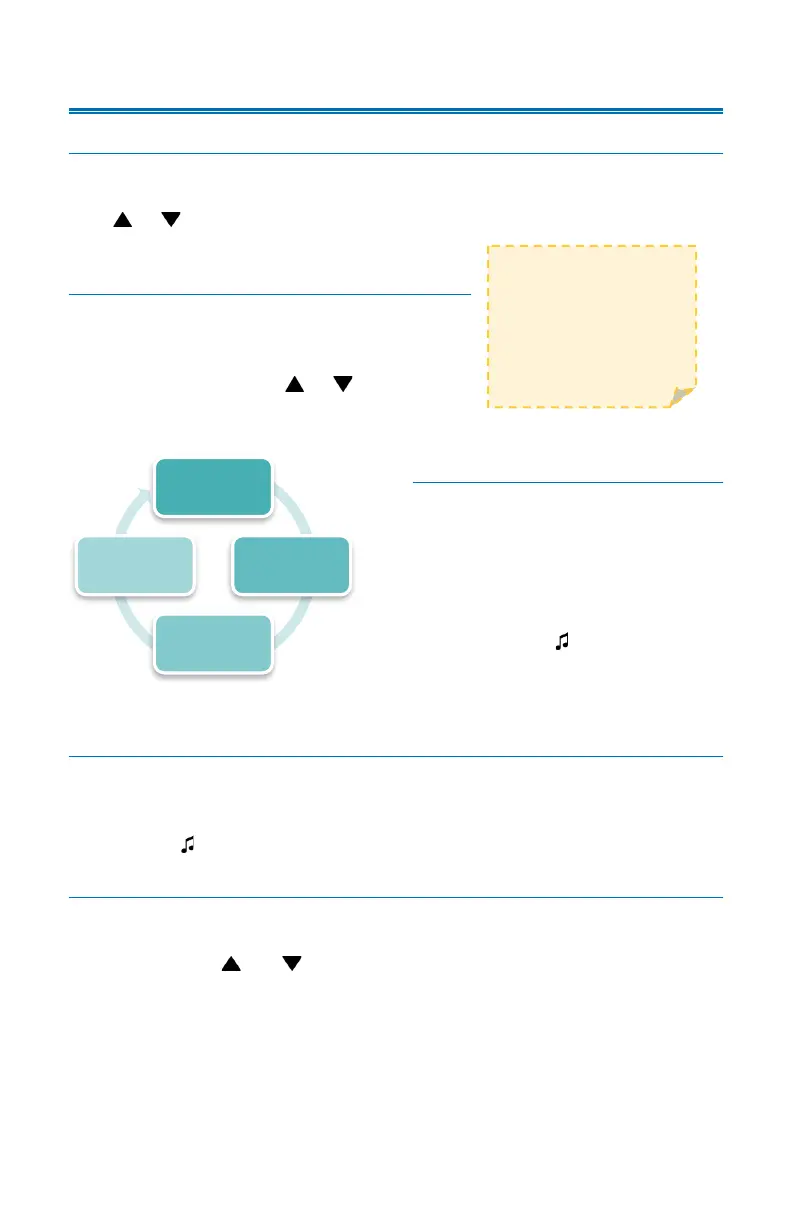
There are three (3) different tone
options available in the Delight Plus:
Pulse Tones, Binaural Beats, and
Stereo Monaural Beats. Tones may
also be turned off. All sessions start
with Pulse Tones. Press and release
the tone button ( ) to cycle through
the tone options.
HEARTBEAT SELECTION
All sessions start with the heartbeat on. The heartbeat can be used to help
modulate breathing for improved HRV (for more information on HRV go to:
https://mindalive.com/hrv/). To turn the heartbeat on/off, press and hold the
tone button ( ).
SAVING PREFERENCES
You can save your preferred volume, intensity, tone, and heartbeat settings for
each session. First adjust the volume, intensity, and tone settings. Press and
hold both the INT and buttons at the same time. The session group icon
will blink. You may continue the session or end it immediately and the Delight
Plus will save your preferred settings and use them the next time you run that
session.
PULSE
BINAURAL
MONAURAL
OFF



 To Next Page