Sound sync sessions use
randomization. The left and
right frequencies will vary
slightly from the target rate
to create a lucid mind-state.
SOUND SYNC SESSIONS
Each category includes a sound sync session which is great for relaxation and
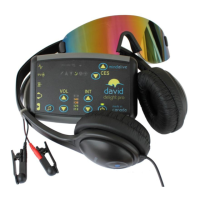
lucid dreaming effects. To start a sound sync session, connect your audio device
to the audio in jack ( ) with a 3.5 mm stereo patch cord (sold separately).
Turn on the Delight Plus, but do not select a session. Start the playback on the
audio device. After a short period (about 10 seconds) the Delight Plus will
detect the audio and enter sound sync mode. The graph will activate to indicate
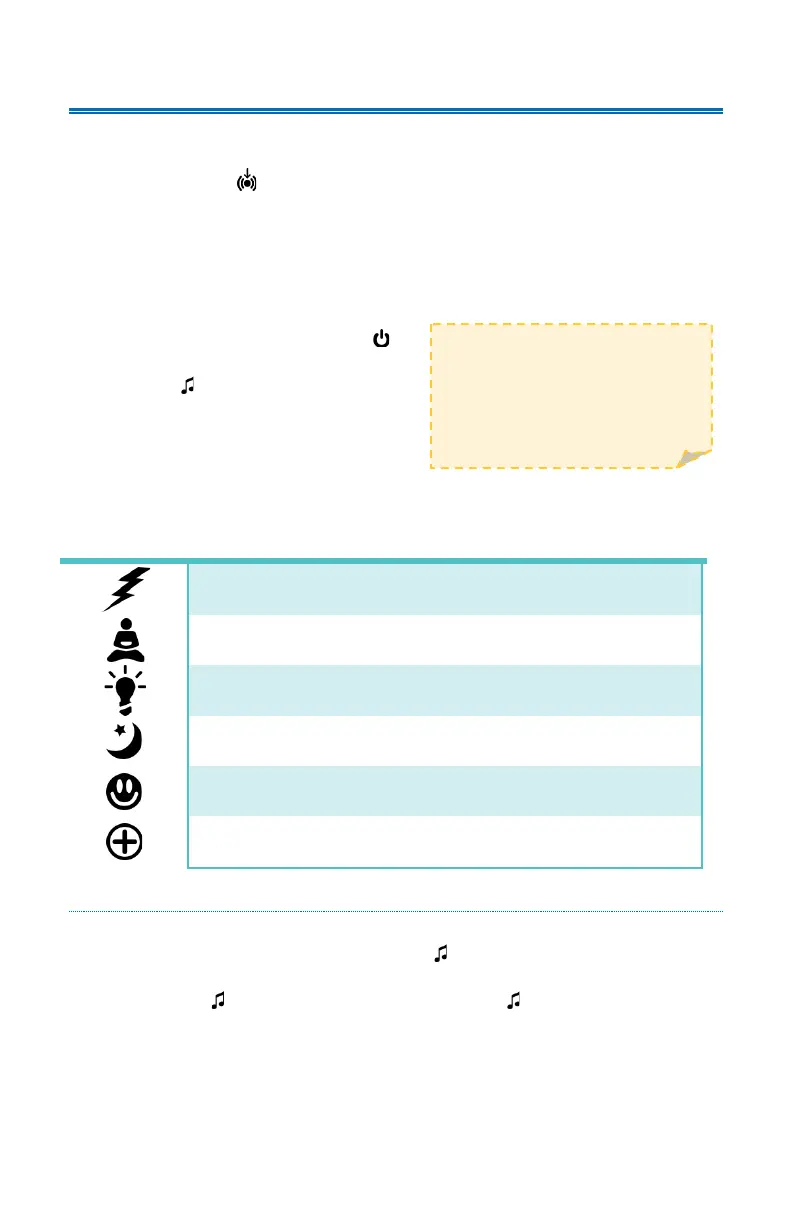
there is audio present and the session group icons will flicker, with the selected
icon lit solid.
Press and release the power button ( )
to cycle between group icons. Press the
tone button ( ) to start the selected
session.
A sound sync session will last for as long
as audio is playing. Once the audio ends,
the session will Soft Off™. If audio is detected again during the Soft Off™, the
lights will fade back up and the session will continue.
TONES AND HEARTBEAT
Tones and heartbeat may be turned on during any sound sync session. To turn
on tones, press and release the tone button ( ). The tones will cycle through
the available tone options (see page 2). To turn on the heartbeat, press and hold
the tone button ( ). Press and hold the Tone button ( ) again to turn the
heartbeat off.



 To Next Page