Astro is the simplest intervalometer and motion control device for
time-lapse photography. In this guidebook you will find everything
you need to know about using Astro. In addition, we will share a lot of
the things we have learned about time-lapse while making this project.
Let’s get started with the basics.
Astro works as a remote to control DSLR cameras. Based on the
settings that you program, it will trigger your camera at specific
intervals and make small movements between photos. It has a
standard 2.5 mm jack, and connects to your camera through the
cable included in your package.
ASTRO USER MANUAL
4
Despite its simple appearance, Astro is a complex device. Please
handle it with care. Do not expose to liquid, excessive moisture or
rain. Do not drop, crush or hit. Do not tamper or disassemble.
Read this user manual carefully before using Astro.
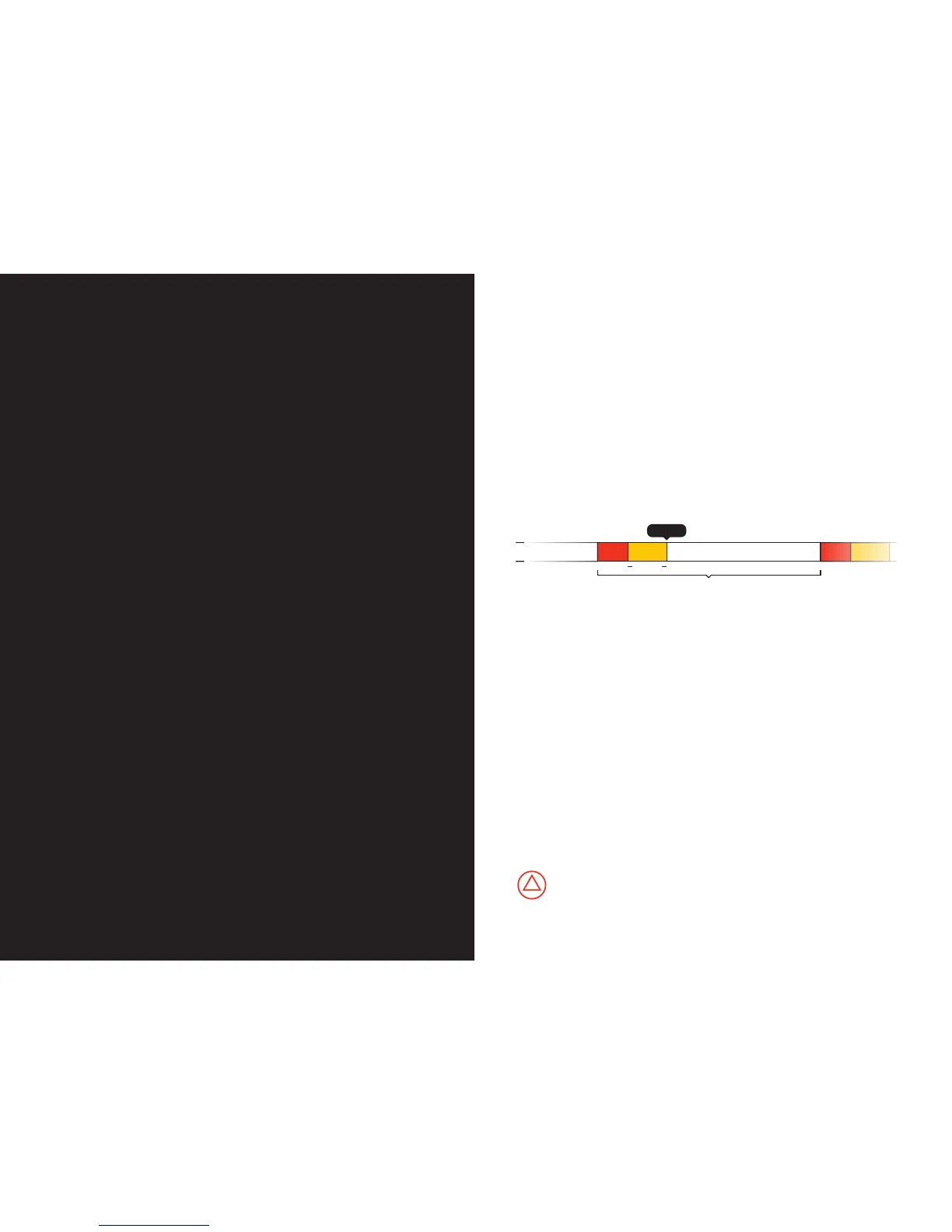
Interval
Move Settle Idle (maximum shutter duration)
Trigger
100ms
Once Astro is done taking pictures, you can upload all of the
images to your computer and assemble them into a time-lapse
video. To assemble your videos you can use one of the many
free software alternatives, such as iMovie for Mac, or Windows
Movie Maker for PC. For greater control, we recommend using
more advanced software like Adobe Lightroom, LR Timelapse,
and Adobe After Effects.
Technical Details:
Power source: 2 AA batteries (not included)
Maximum speed: 6 deg/second in panorama mode
Maximum load when panning: 22 lb / 10 Kg (centered weight)
Maximum load when tilting: 6.6 lb / 3 Kg (centered weight)
Operating Temperature: 32 to 104° F / 0 to 40° C



 To Next Page