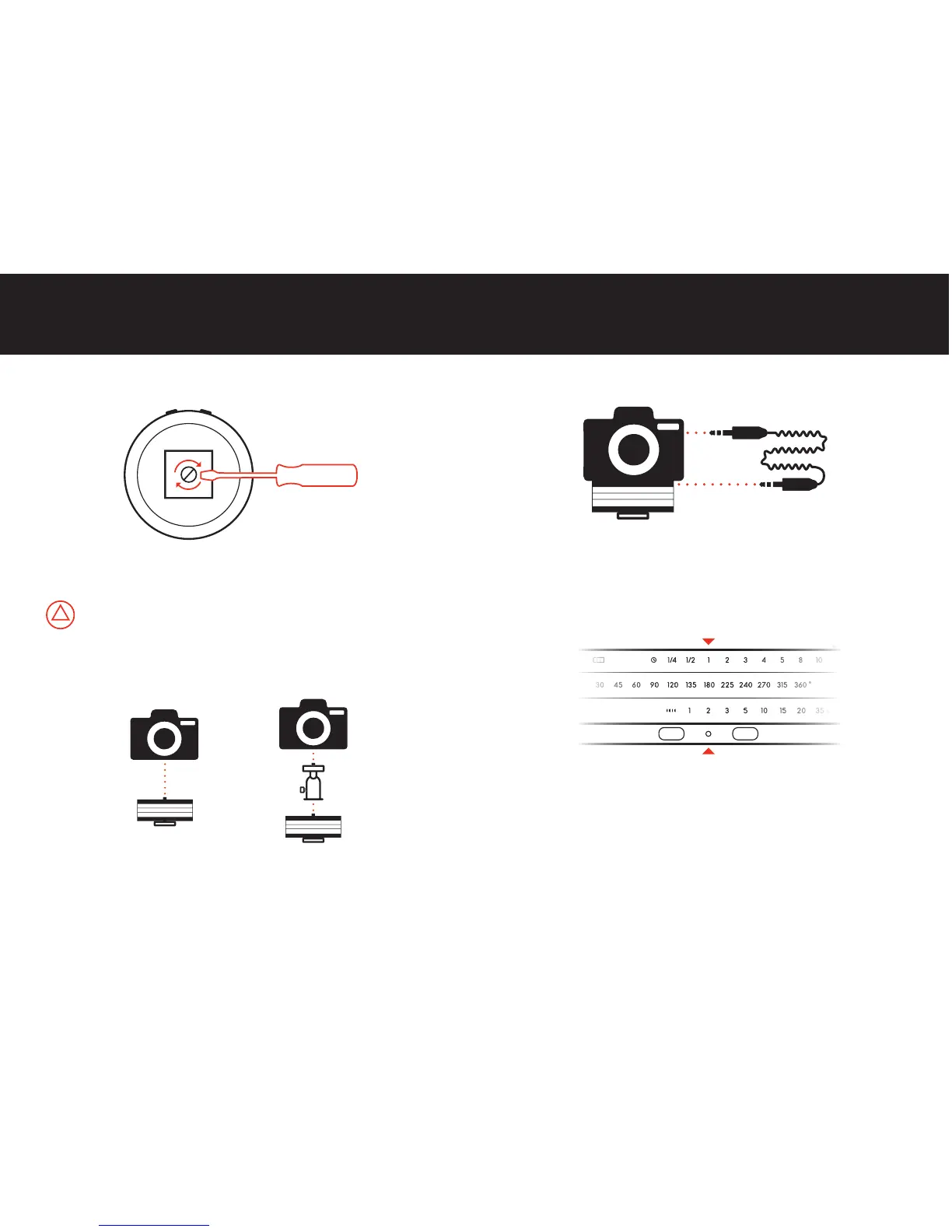
3 Connect Camera
4 Set Up a Program
5 Start/Cancel a Program
Connect Astro to your camera using the Camera Cable.
Align the three Input Rings with the Status LED to select the
desired settings.
Press one of the two Start Buttons to start running the program
in the desired direction (CW or CCW). To cancel a program, press
either one of the buttons for five seconds until the LED turns red.
Set the camera to Manual Focus. Auto Focus delays can cause interval
discrepancies or failure to shoot.
10
GETTING STARTED
1 Attach Tripod Plate
2 Mount Camera
Hold Astro upside down and attach a tripod plate. Tighten until
plate is firmly in place.
Screw Astro directly to your camera or to a ballhead.
Do not attach Astro directly to your tripod. Always use a tripod plate and
always attach/detach by using a screwdriver or coin. Twisting or forcing
Astro's bottom plate will cause permanent damage to internal components.
9
Using a ballhead offers more flexibility when composing shots and aligning the
camera. Attaching a ballhead might require a 1/4 to 3/8 thread adapter.



 To Next Page